How to Set Up Approval Workflows in 15 Minutes (Not 6 Months)
Picture this: You've just discovered that your company needs better approval tracking. Maybe an invoice slipped through without sign-off, or a vendor contract got approved by someone who shouldn't have that authority. So you start researching approval workflow software.
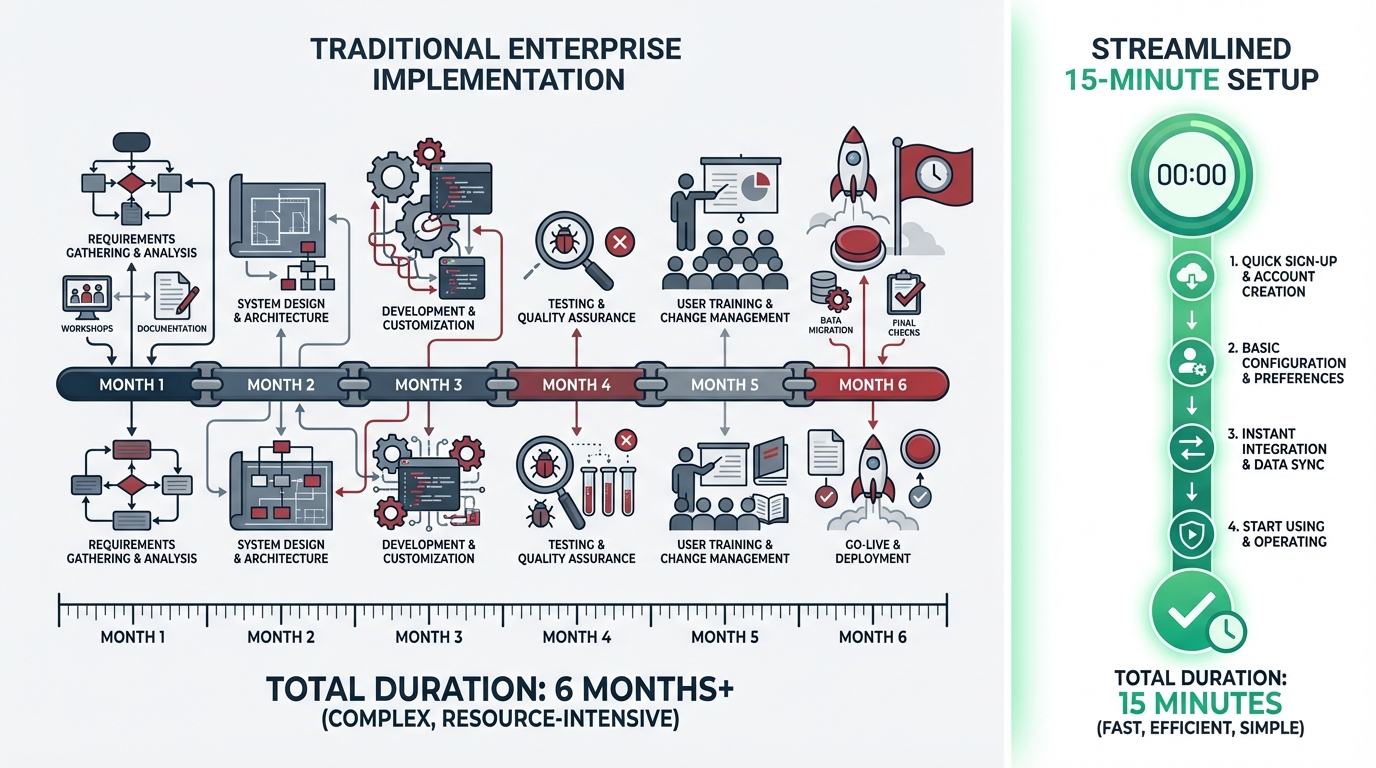
The enterprise sales rep is thrilled to help. They schedule a "discovery call," followed by a "requirements gathering session," then a "technical assessment." Six weeks later, you're looking at a proposal that requires IT involvement, a dedicated implementation team, and—oh yes—a timeline measured in quarters, not days.
Here's the thing: You don't need any of that.
The Approval Workflow Complexity Myth
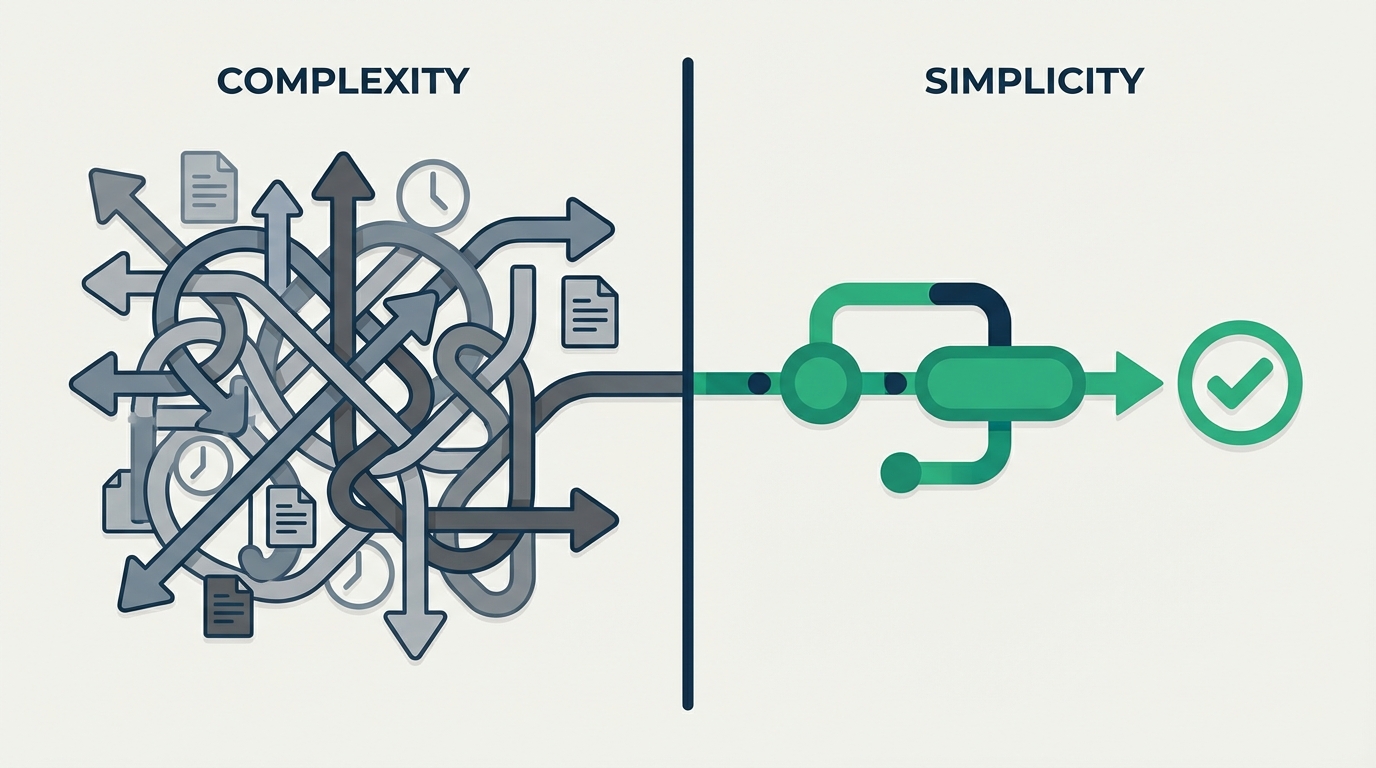
Enterprise software vendors have convinced the market that approval workflows are inherently complex. They're not. The complexity comes from tools designed for organizations with 10,000 employees trying to serve companies with 50.
A Smartsheet survey found that over 40% of workers spend at least a quarter of their work week on manual, repetitive tasks—with email and data collection being top time-wasters. For SMBs managing approvals through email threads and shared spreadsheets, that wasted time adds up fast.
The fundamental elements of any approval workflow are straightforward:
- Someone submits a request
- The right person reviews it
- They approve, reject, or request changes
- Everyone gets notified of the outcome
That's it. Whether you're approving purchase orders, time-off requests, or marketing materials, the core process is the same. The question is whether your tool makes this simple or buries it under enterprise overhead.
What 15-Minute Setup Actually Looks Like
Let's walk through setting up a real approval workflow—say, an invoice approval process for a 30-person company.
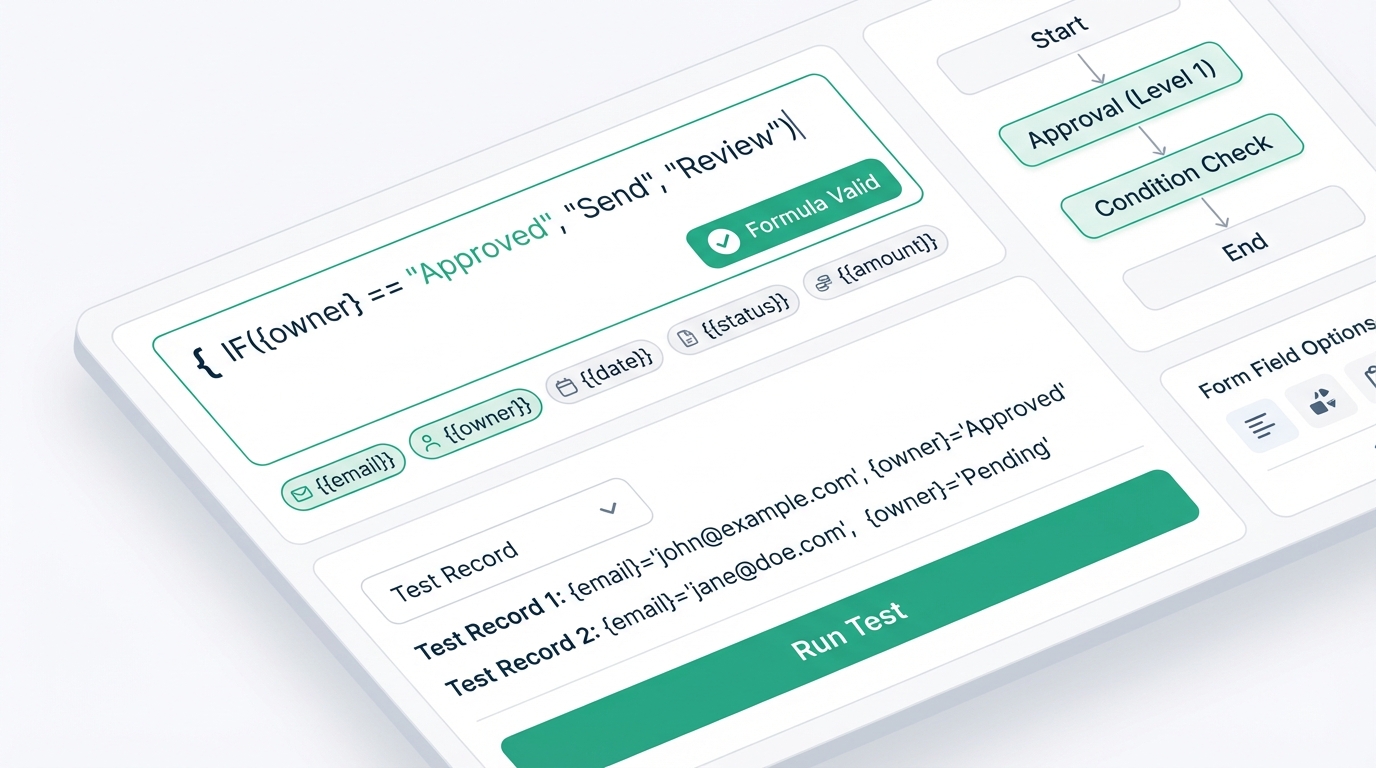
Minutes 1-3: Choose Your Template
Instead of building from scratch, start with a pre-built invoice approval template. This gives you a working foundation with standard fields already configured: vendor name, invoice amount, purchase order number, payment terms, and due date.
No IT ticket required. No implementation consultant needed. Just click and customize.
Minutes 4-7: Define Your Approval Logic
Here's where you set the rules that match how your organization actually works:
- Invoices under $500: Department manager approves
- Invoices $500-$5,000: Department manager, then finance
- Invoices over $5,000: Department manager, finance, then CFO
With conditional logic, these rules apply automatically. The system routes each request to the right people based on the amount—no manual intervention needed. According to recent research from Vegam AI, companies achieve an average 240% ROI within the first year of implementing business process automation, typically recovering their investment in 6-9 months.
Minutes 8-11: Connect Your Tools
Your approval workflow shouldn't exist in isolation. Connect it to the tools you already use:
- Slack notification when approval is needed
- Google Sheets logging for reporting
- QuickBooks integration to sync approved invoices
These connections happen through simple dropdown selections, not custom coding. Most integrations take 60 seconds to configure.
Minutes 12-15: Test and Launch
Submit a test request. Watch it route correctly. Approve it from your email. Done.
You now have a working invoice approval workflow with multi-step approvals, automatic routing, and complete audit trails.
Why Enterprise Software Takes 6 Months
If setup can be this fast, why do enterprise implementations take so long? Three reasons:
1. They Sell Customization You Don't Need
Enterprise platforms are built for organizations with dozens of approval types, complex hierarchies, and edge cases for every rule. SMBs don't need that flexibility—they need something that works for their five or six common approval scenarios.
2. Per-Seat Pricing Creates Implementation Friction
When you're paying $50-100 per user per month, every seat becomes a negotiation. Who "needs" access? Can we limit it to approvers only? What about view-only users? This licensing discussion alone can take weeks.
With flat-rate pricing that includes unlimited approvers, there's no user math to figure out. Add everyone who needs to participate—done.
3. They Require IT Involvement
Enterprise software assumes you have a technical team to handle setup, integrations, and ongoing maintenance. For a 50-person company where "IT" is whoever knows the WiFi password, this creates a bottleneck that doesn't need to exist.
The Real Approval Workflow Requirements for SMBs
After working with hundreds of small and medium businesses, we've identified what actually matters for approval workflows at this scale. Research from Formstack confirms that workflow automation delivers the biggest wins when it addresses these core needs:
External Approver Access
Many approvals involve people outside your organization—vendors confirming order changes, clients signing off on deliverables, contractors approving scope changes. Enterprise software wants to charge you per seat for these external stakeholders.
Purpose-built SMB tools let external approvers participate without creating accounts or paying additional fees. They get an email, click a link, make their decision. Simple.
Mobile-First Decision Making
Your operations manager isn't sitting at a desk waiting for approval requests. They're on the floor, in meetings, or traveling between locations. Approvals need to work from wherever decisions happen—which means email and mobile optimization aren't nice-to-haves, they're essential.
Audit Trails Without Auditor Complexity
You need to know who approved what and when. But you don't need the compliance infrastructure designed for publicly traded companies. A clear history with timestamps and decision records is sufficient for most SMB needs.
Quick Template Customization
Your approval process should adapt to your business, not the other way around. The ability to modify fields, adjust routing rules, and add approval steps without technical knowledge is what separates 15-minute setup from 6-month implementations.
Common Approval Workflow Examples
To make this concrete, here are the workflows most SMBs implement first—and how quickly each can be running:
Purchase Requests (10 minutes)
Employees submit what they need to buy, with amount and justification. Routes to manager, then finance for larger amounts. Approved requests go directly to purchasing.
Time-Off Requests (8 minutes)
Employee selects dates and leave type. Manager approves based on team coverage. HR gets notified for record-keeping. Everyone sees remaining balances.
Expense Reports (12 minutes)
Submitted with receipt attachments and category selection. Manager verifies business purpose. Finance approves for reimbursement. Integrates with accounting for payment processing.
Vendor Onboarding (15 minutes)
New vendor request includes compliance documentation. Legal reviews contracts. Finance approves payment terms. Operations confirms service requirements.
Content Approvals (10 minutes)
Marketing submits draft content. Subject matter expert reviews for accuracy. Legal checks for compliance issues. Final approval from marketing director before publication.
Making the Switch from Email Chaos
If you're currently managing approvals through email threads and "reply all" nightmares, the transition is simpler than you'd expect:
Week 1: Start with One Workflow
Pick your most painful approval process—usually the one generating the most "did you see my email?" follow-ups. Set it up, test it with a small group, and get feedback.
Week 2: Expand to Your Team
Roll out to all relevant stakeholders. The learning curve is minimal when the alternative is hunting through email threads.
Week 3: Add Your Next Workflow
Repeat with another approval type. Each subsequent workflow is faster because you've already learned the interface.
Week 4: Connect and Automate
Add integrations to reduce manual data entry. Set up automatic reminders for pending approvals. Fine-tune based on real usage patterns.
Within a month, you've transformed from email chaos to documented, trackable approval processes. No enterprise implementation required.
What to Look for in Approval Workflow Software
Not all solutions are created equal. When evaluating approval workflow software for your SMB, prioritize these capabilities:
True No-Code Setup
"No-code" shouldn't mean "low-code if you learn our proprietary syntax." Look for visual workflow builders where non-technical users can genuinely create and modify processes without any programming knowledge.
Transparent Pricing
Hidden fees for additional users, integrations, or "premium" features add up fast. Know the total cost before you commit—including what happens when you need to add more team members.
Pre-Built Templates
Starting from a template that matches your use case saves time and ensures you don't miss common requirements. The features you need should include a robust template library covering standard business approval scenarios.
Email-Based Approving
Approvers shouldn't need to log into a dashboard to make decisions. Email-based approvals with one-click response options get faster decisions and higher completion rates.
Integration Flexibility
Your workflow tool should connect to your existing stack—CRM, accounting, project management, communication tools. Native integrations and Zapier connectivity cover most SMB needs.
The Bottom Line
Six-month implementations aren't a sign of thorough planning—they're a symptom of over-engineered software that doesn't fit your needs. For small and medium businesses, approval workflows should be operational in days, not quarters.
The technology exists to set up legitimate, professional approval processes in 15 minutes. The only question is whether you're willing to let go of the assumption that "enterprise" equals "better."
For most SMBs, it doesn't. It just equals slower, more expensive, and more complicated than necessary.
Your approvals shouldn't require a consultant. They should just work.