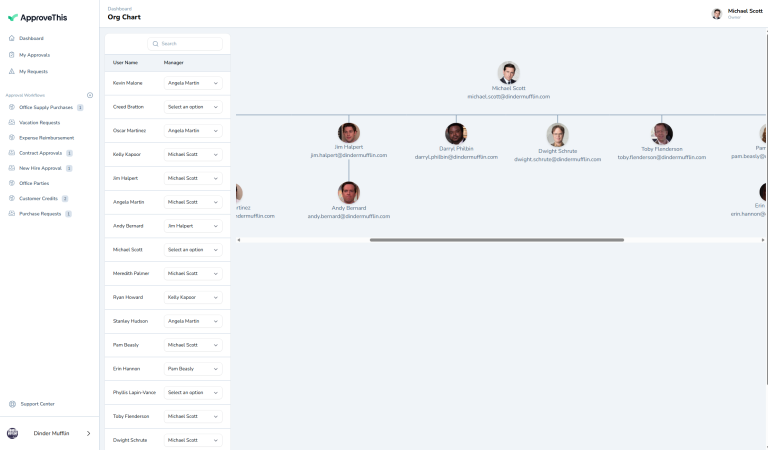
Assign Managers
Assign Managers lets you define reporting relationships between users, building your organizational hierarchy right into ApproveThis. Set who each employee reports to, and approval workflows automatically route based on actual relationships. Support hierarchical approvals like 'route to requester's manager' or 'manager 2 levels up' without hardcoding specific people. When people change roles or managers, update reporting relationships once and routing adapts automatically everywhere. Perfect for organizations with manager-based approval hierarchies that need flexible routing as org structure evolves. Works with conditional routing for sophisticated multi-level approvals up the management chain.
Assign Managers: Build Hierarchical Approval Routing
"Send It To Your Manager" But Who Is That?
Your approval workflow says "route to requester's manager." Simple enough. Except your system doesn't know who anyone's manager is. So requests go nowhere, or go to the wrong person, or require manual intervention every single time.
You're maintaining org charts in spreadsheets. Updating email distribution lists. Telling people "forward this to your manager" and hoping they know who that is. Half your approval routing is manual because the system can't route based on reporting relationships.
Manager changes are the worst. Someone gets promoted, takes a new role, switches departments. Now you're updating workflows, changing approval rules, and fixing routing that broke because reporting relationships changed.
Assign Managers builds your organizational hierarchy right into ApproveThis. Define who reports to whom, and approvals automatically route up the chain based on actual reporting relationships. Manager changes update routing automatically.
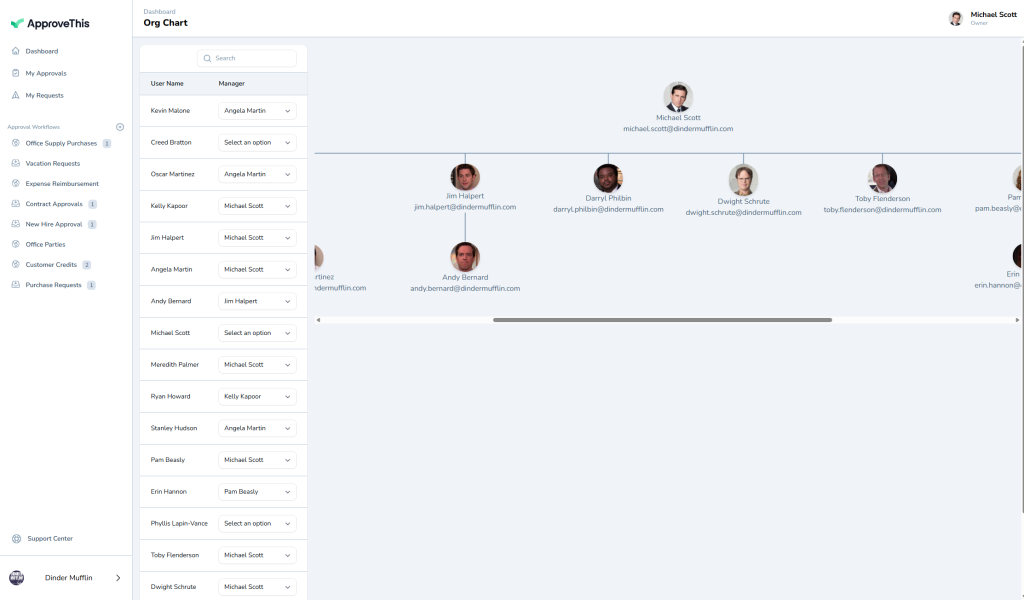
What is Assign Managers?
Assign Managers lets you define reporting relationships between users. Set who each employee reports to, building your organizational hierarchy in the system. Approval workflows can then route to "requester's manager" automatically without manual configuration.
Hierarchical approvals work instantly. PTO requests route to your direct manager. Expense reports route up the chain based on dollar amounts. No hardcoding specific people, just routing rules based on relationships that update when org structure changes.
Perfect for organizations with manager-based approval hierarchies. Works with Conditional Routing for sophisticated multi-level approvals and Team Members to maintain your organization structure.
Why Organizational Hierarchy Matters
Hardcoded approvers break when people change roles. Dynamic routing based on hierarchy adapts automatically.
Route Based On Relationships, Not Names
Build workflows that say "route to requester's manager" instead of "route to Sarah Johnson." When people change roles, reporting relationships update, and routing continues working. No fixing workflows every time someone gets promoted.
Support Multi-Level Approvals Naturally
Requests can route to direct manager, then to manager's manager, then to VP, all based on the org chart you've defined. Add approval steps like "manager up to 2 levels" and the system knows exactly who that is for every requester.
Adapt To Organizational Changes Seamlessly
Reassign someone to a new manager and all their future approvals route correctly immediately. The hierarchy is the source of truth, so changes propagate automatically. Combined with Edit Workflow, you maintain flexible approval processes that adapt as your organization evolves.
How It Works
Building your hierarchy is straightforward.
- Add Team Members: Ensure all users who need manager relationships are in the system
- Assign Managers: For each person, set who they report to
- Build Manager-Based Workflows: Create approval routing that uses "requester's manager" or "manager 2 levels up"
- Update As Needed: When reporting relationships change, update assignments and routing adapts automatically
The system maintains the hierarchy and uses it everywhere manager-based routing is configured.
Perfect For Organizations With Manager Approvals
You need Assign Managers if you're dealing with:
- Approval processes that should route to whoever the requester reports to
- Multi-level approvals up the management chain
- Organizational changes that constantly break hardcoded approval routing
- The maintenance burden of updating workflows every time someone changes roles
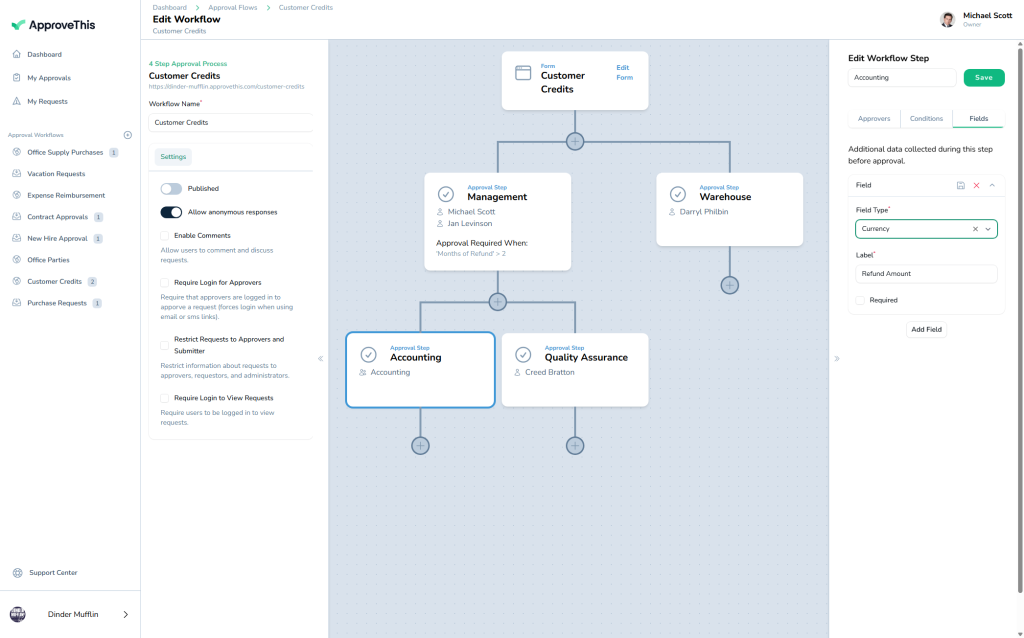
Start Routing Based On Your Org Chart Today
Stop hardcoding manager names that break when people change roles. Stop manually routing because your system doesn't know reporting relationships.
Assign Managers builds your organizational hierarchy into approval routing. Define who reports to whom once, and approvals route correctly based on actual relationships. Changes update routing automatically.
Try ApproveThis free for 14 days and build approval workflows that adapt to your org structure.