Email to Approval
Email to Approval revolutionizes how teams submit approval requests. Simply send an email to your custom address and watch it become a tracked approval workflow. Perfect for field workers, remote teams, and external partners who need quick approvals without learning new software. The system automatically extracts data, attachments, and routes requests to the right approvers.
Email to Approval: Turn Any Email Into an Instant Approval Request
Introduction
Ever wish you could start an approval just by sending an email? What if your field workers could submit requests without learning new software? That's exactly what Email to Approval does.
This powerful feature lets anyone trigger an approval workflow by sending an email. No apps to download. No passwords to remember. Just send an email to your custom address and watch the magic happen. It's perfect for teams who need approvals but can't always access special software.
What is Email to Approval?
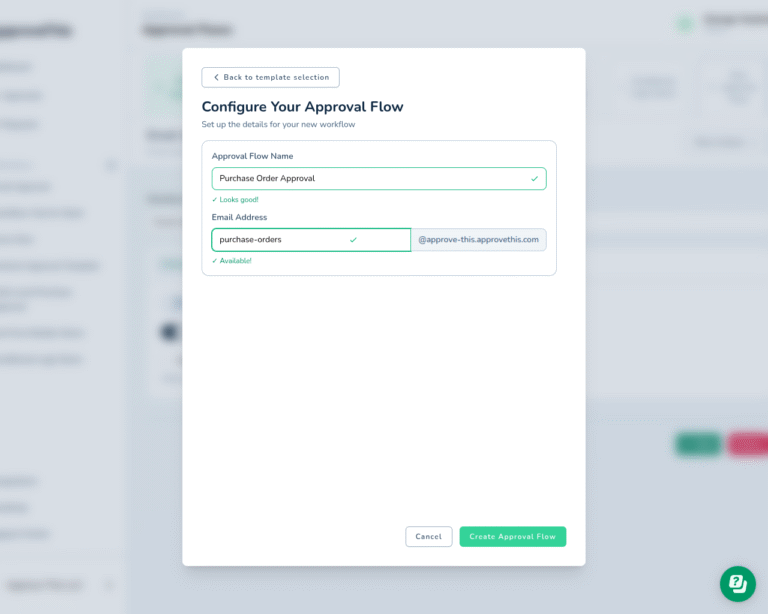
Email to Approval is a simple way to create approval requests through email. You get a special email address like purchase-orders@yourcompany.approvethis.com. When someone sends an email to that address, it becomes an approval request.
The system reads your email automatically. It pulls out the important information. It finds any files you attached. Then it sends the request to the right people for approval. They can approve or deny it right from their email too.
This works great for people who are always on the go. Field workers can send requests from their phones. Vendors can submit invoices without portal access. Remote teams stay connected without extra tools.
Key Benefits and Use Cases
Benefit 1: Works With What You Already Use
Everyone knows how to send email. Your team doesn't need training. They don't need new passwords. They don't need to remember another website.
They just send an email like they do every day. This means faster adoption across your company. Even your least tech-savvy employees can use it right away.
Think about it. Your accounting clerk has used email for 20 years. Now they can submit purchase orders the same way. Your warehouse manager can request new equipment through email. Your receptionist can submit supply orders without learning anything new. One company reduced training time from 2 hours to just 5 minutes.
Benefit 2: Perfect for Mobile and Field Teams
Your field workers already use email on their phones. Now they can submit expense reports from the road. They can request equipment while at job sites. They can ask for approvals without returning to the office.
Construction teams love this for material orders. A foreman sees they need more concrete. They snap a photo and email it with the request. The approval happens before they finish lunch. Sales reps use it for discount approvals during client meetings. They email the request and get an answer in minutes.
Service technicians submit overtime requests after hours. Delivery drivers report vehicle problems immediately. Field inspectors request resources from remote locations. No laptop needed. No VPN required. No special apps to install. Just email and go.
Benefit 3: Connect External Partners Easily
Your vendors and contractors can submit requests too. They don't need accounts in your system. They don't need special access. They don't need IT support to get started.
Imagine your suppliers emailing invoices directly for approval. The system captures all the details automatically. Your team reviews and approves without data entry. Partners can request contract changes by email. The legal team gets notified instantly.
Freelancers submit timesheets for approval. Consultants send project updates that need sign-off. Even customers can email special requests. This opens up your approval process without security risks. Everyone stays in their comfort zone while you maintain control.
How It Works
Setting up Email to Approval takes just minutes. The process is so simple that most teams get started the same day.
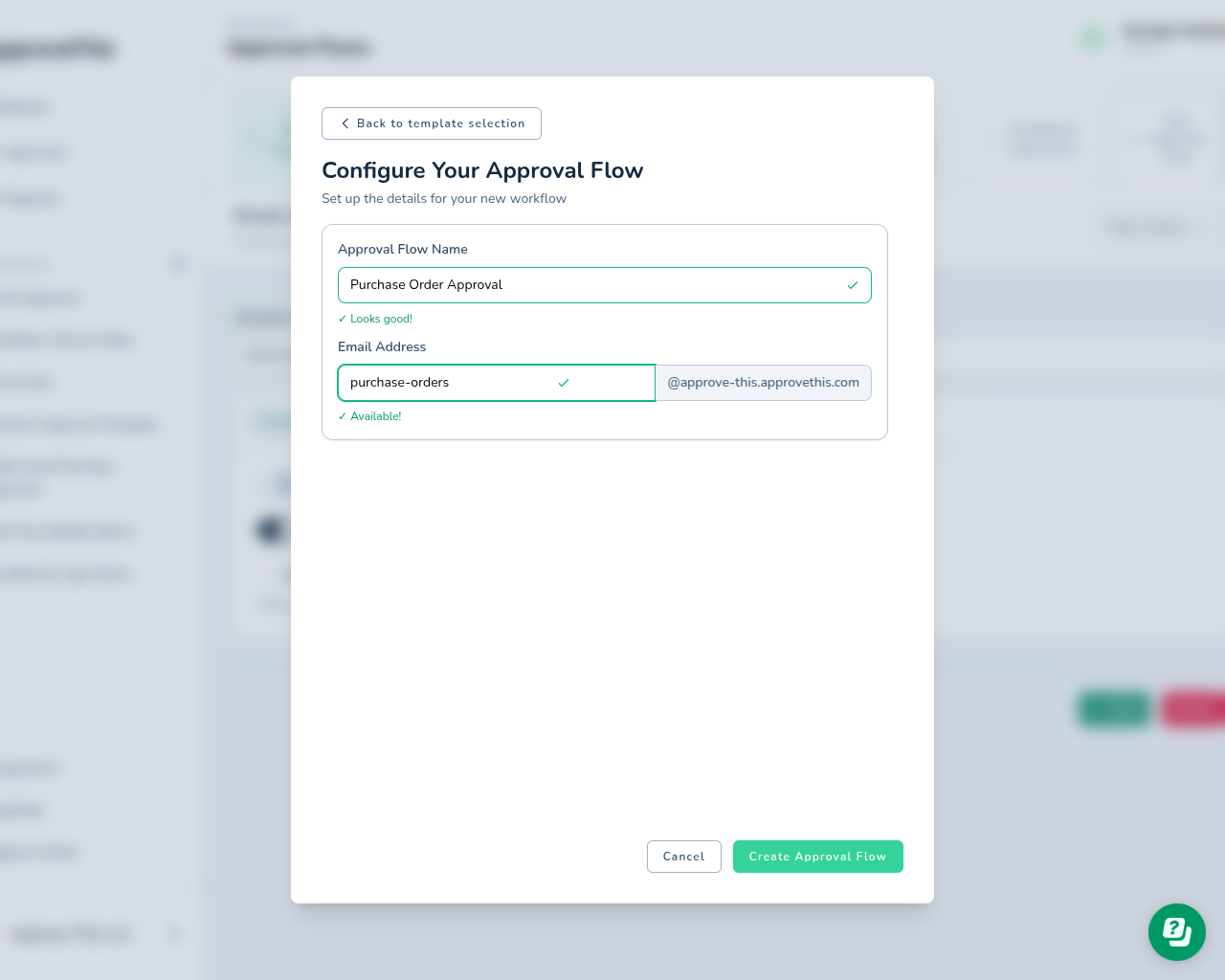
First, you create a new mailbox workflow. Pick a name that makes sense like "purchase-orders" or "expense-reports". The system gives you an email address instantly. No waiting for IT setup. No DNS configuration needed. It just works.
Second, you customize what happens to incoming emails. Set up approval rules based on amounts. Add required approvers for different request types. Choose who gets notified and when. The visual workflow builder makes this easy. Drag and drop to create your perfect process.
Third, you share that email address with your team. Put it in your email signature. Add it to your procedures. Post it on your intranet. Tell vendors to use it for invoices. Send a quick email to introduce it.
Fourth, emails start flowing in as approval requests. The system reads every email automatically. It extracts data from the email body using smart technology. It saves any attachments securely in the cloud. Then it routes everything to the right approvers based on your rules. Approvers get a clean, formatted request. They can approve with one click.
Related Features
Email to Approval becomes even more powerful when combined with other ApproveThis features.
Smart routing sends requests to the right people automatically. High-value purchase orders go to senior managers. Regular expenses go to team leads. Urgent requests get expedited handling. You set the rules once and the system handles the rest. No more wondering who should approve what.
Multi-step approvals ensure proper oversight. Legal reviews contracts first. Then finance checks the budget impact. Finally, the executive gives final approval. Each person sees only what they need to review. The system tracks progress at every step.
Conditional logic handles complex scenarios. If the amount is over $10,000, add the CFO. If it's IT equipment, include the CTO. If it's a new vendor, require procurement review. These rules run automatically on every email.
Audit trails track everything for compliance. Every email gets logged with timestamps. Every decision is recorded with the approver's name. Every comment and attachment is saved. You can export reports for auditors. Search historical requests instantly. Prove compliance with confidence.
Get Started with Email to Approval
Ready to simplify your approval process? Email to Approval makes it easy. Sign up for a free trial today. Create your first email workflow in under a minute. Start receiving approval requests right away. Your team will love how simple it is.