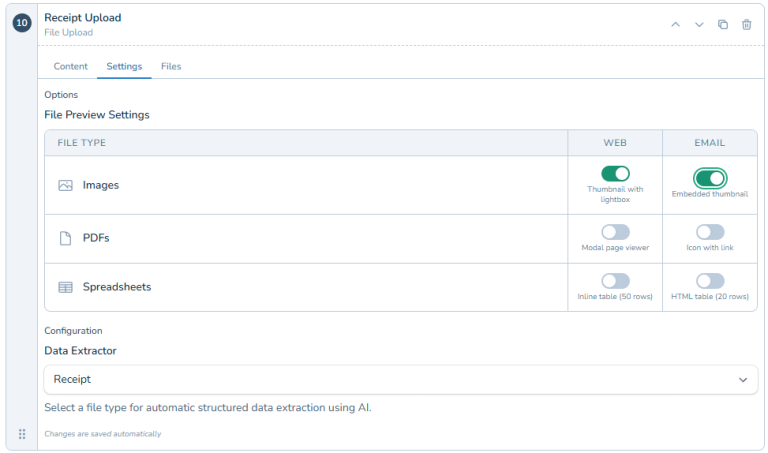
File Upload
File Upload adds file attachment fields to your approval forms. Requesters drag and drop documents when submitting their requests - receipts, contracts, quotes, photos, PDFs, spreadsheets, anything approvers need. Attachments live with the approval request from submission through completion and beyond. No more searching email for lost documents or asking people to resend files. Approvers see supporting documentation right where they need it to make informed decisions. Perfect for expense reimbursements that need receipt verification, contract approvals requiring actual agreements, purchase requests needing vendor quotes, and any approval requiring documentation.
File Upload: Attach Documents to Approval Requests
"Can You Forward Me That Receipt?"
Someone submits an expense reimbursement. You need to see the receipt before approving. Now you're sending emails: "Can you send the receipt?" They reply with a photo attached to email. You save it, try to remember which request it goes with, and hope you don't lose track of it.
Contract approvals without the actual contract. Purchase requests without quotes. Reimbursements without receipts. Approvals that need supporting documents but have no good way to attach them.
You end up with documents scattered across email, Slack, and shared drives. Good luck finding the right attachment for the right approval three weeks later.
File Upload lets requesters attach documents directly to their approval requests. Receipts, contracts, quotes, screenshots, whatever approvers need to make informed decisions. Everything stays together, right where it belongs.
What is File Upload?
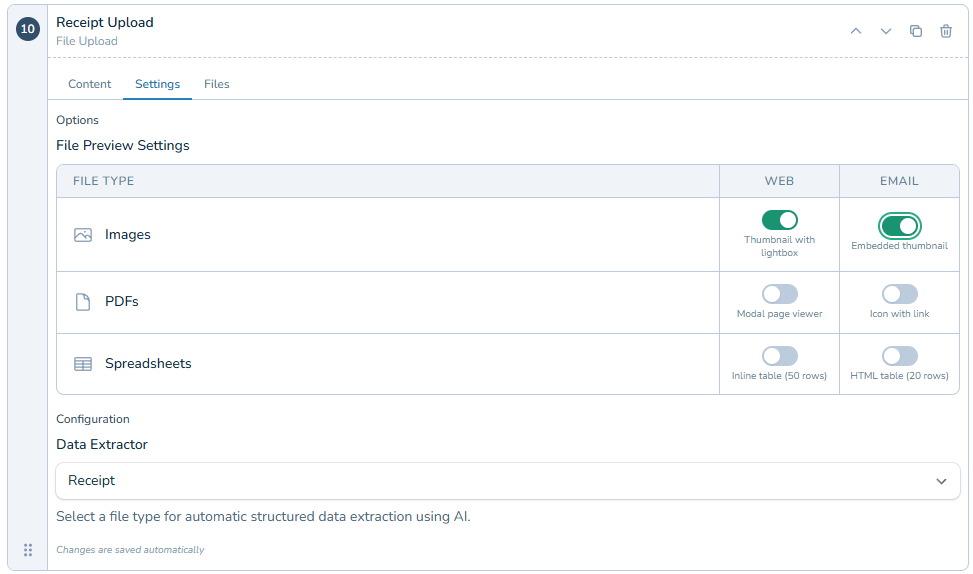
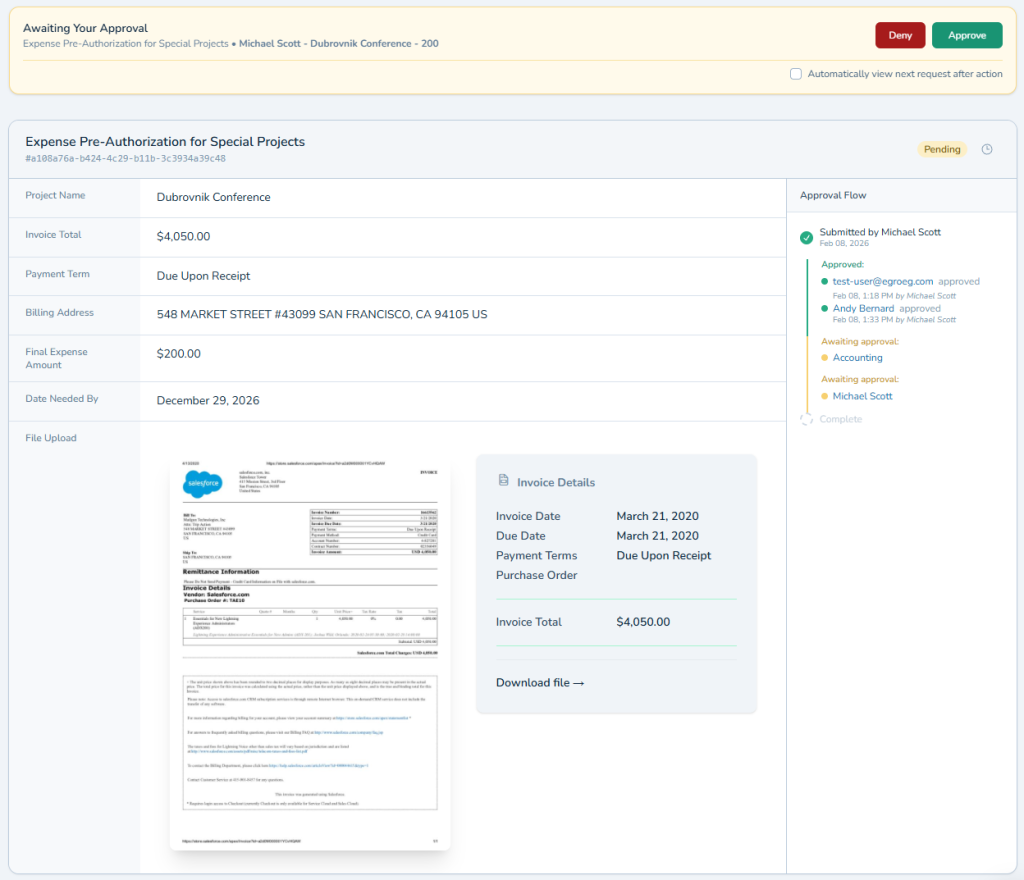
File Upload adds file attachment fields to your approval forms. Requesters drag and drop documents when submitting their requests. Approvers see attachments right in the approval details without hunting through email or asking for files separately.
Upload invoices, receipts, contracts, photos, PDFs, spreadsheets, any document type. Set size limits and allowed file types if needed. Multiple files per request when necessary. Everything organized and accessible right in the approval.
Perfect for any approval that needs supporting documentation to make the right decision. Works seamlessly with Document Data Extraction to automatically pull information from uploaded files into form fields.
Why File Upload Matters
Approvals without supporting documents are guesswork. Approvals with properly attached documents are informed decisions.
Keep Documents With Their Approvals
No more searching email for "that PDF someone sent last week." Attachments live with the approval request from submission through completion. Click the request, see the documents. Everything in one place where you need it.
Make Informed Approval Decisions
Approving expense reimbursements without seeing receipts is risky. Approving contracts without reading them is dangerous. File Upload ensures approvers have the documentation they need to approve confidently, not blindly.
Create Audit Trails That Actually Work
When auditors ask "where's the supporting documentation for this approval," you pull up the request and show them the attached files. No hunting through shared drives or email archives. Combined with Approval Dashboard, you have complete documentation for every decision.
How It Works
Adding file upload to forms is simple.
- Add Upload Field: Include a file upload field when designing your approval form
- Configure Requirements: Set whether files are required, maximum size, and allowed types
- Requesters Attach: People submitting requests drag and drop their supporting documents
- Approvers Access: Files appear right in the approval details for review and download
Files are stored securely and remain accessible for your records. Download original files anytime, even months or years later.
Perfect For Approvals That Need Documentation
You need File Upload if you're dealing with:
- Expense reimbursements where you must verify receipts before paying
- Contract approvals that require reading the actual agreement
- Purchase requests that need quotes or vendor documentation
- Any approval where "show me the documentation" comes up regularly
Stop Chasing Documents Today
Stop emailing "can you send that file again?" Stop losing track of which attachment goes with which approval.
File Upload keeps supporting documents attached to their approval requests. Everything organized, accessible, and properly documented. Approvers get what they need, auditors get proper records, and you get peace of mind.
Try ApproveThis free for 14 days and never hunt for approval attachments again.