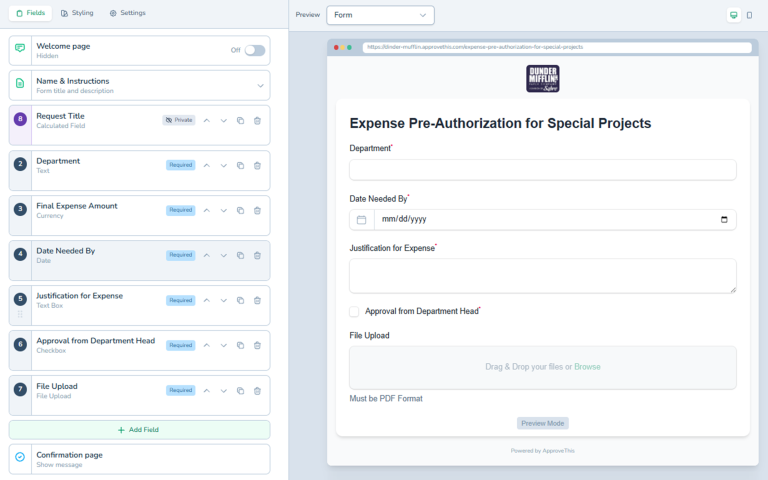
Form Builder
# Build Custom Approval Forms in Minutes ## Stop Wrestling with Paper Forms and Confusing Software Creating approval forms should not be hard. Most businesses...
Build Custom Approval Forms in Minutes
Stop Wrestling with Paper Forms and Confusing Software
Creating approval forms should not be hard. Most businesses waste hours trying to build forms that work. They struggle with complicated tools or messy spreadsheets. Some even stick with paper forms because digital seems too difficult.
The Form Builder in ApproveThis changes everything. You can create professional approval forms without any technical skills. Just drag, drop, and customize. Your team will be collecting approvals in minutes, not days.
What is the Form Builder?
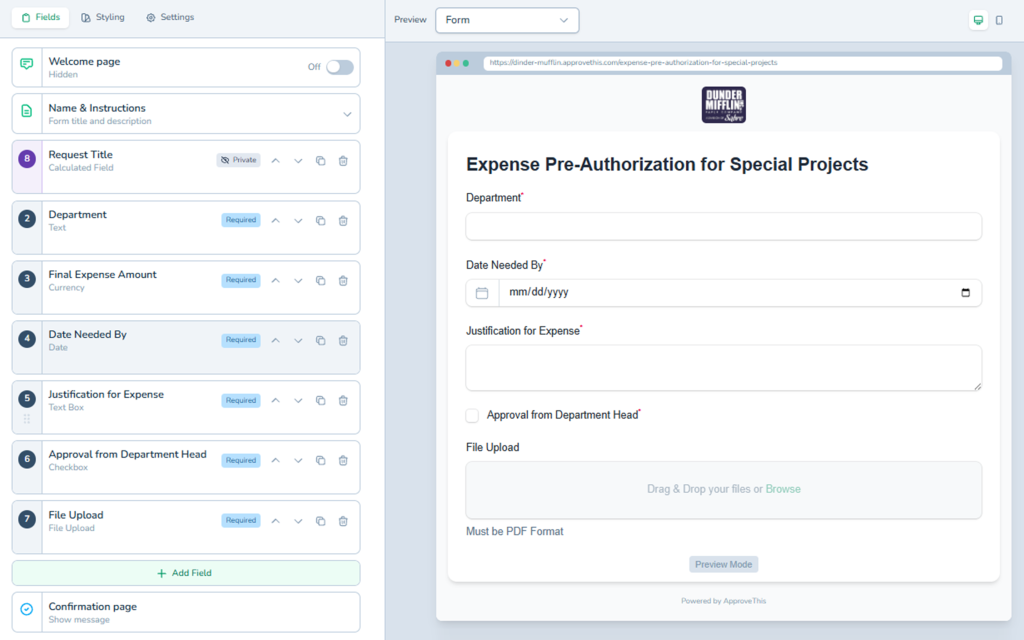
The Form Builder is a visual tool for creating approval request forms. Think of it like building with blocks. You pick the fields you need and place them on your form. No coding required. No technical knowledge needed.
You get over 20 different field types to choose from. Email fields, date pickers, file uploads, dropdown menus, and more. Each field type is designed for collecting specific information. This means your forms work exactly how you need them to.
Every form you create connects directly to your approval workflow. When someone fills out your form, it automatically starts the approval process. The right people get notified immediately. Everything happens without you lifting a finger.
Why Your Business Needs the Form Builder
Building forms by hand wastes valuable time. Your team has better things to do than mess with form software for hours. The Form Builder saves you that time.
Think about how many approval requests your business handles. Purchase orders, time off requests, expense reports, and more. Each one needs its own form. With the Form Builder, you create all of them quickly.
Your forms will look professional and work perfectly. Employees fill them out without confusion. Approvers get all the information they need. Nothing falls through the cracks.
The best part is flexibility. Business needs change all the time. When they do, you can update your forms in minutes. Add a new field, remove an old one, or rearrange the layout. No waiting for IT or outside help.
How the Form Builder Works
Start with a Template or Build from Scratch
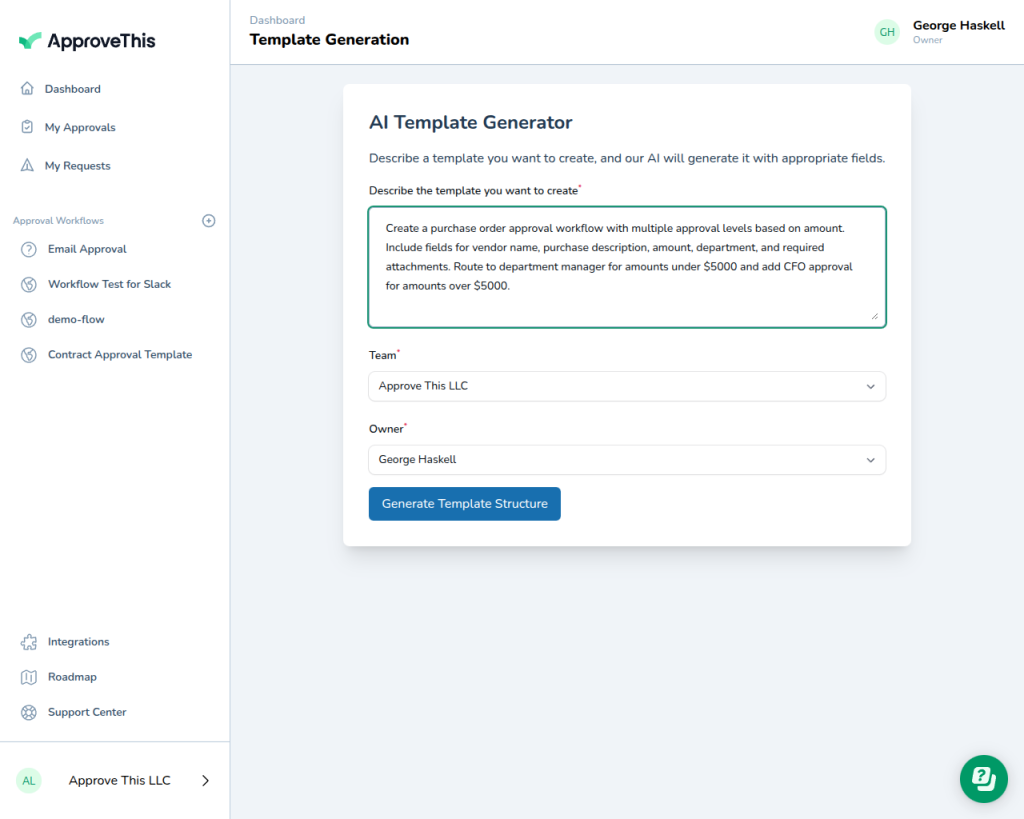
You have two options when creating a new form. Start with a pre-built template for common approval types. Or create a completely custom form from scratch.
Templates give you a head start. ApproveThis includes dozens of ready-made forms. Expense reimbursements, vacation requests, purchase orders, and many more. Pick a template and customize it to fit your needs.
Building from scratch gives you total control. Start with a blank form and add exactly what you need. Nothing more, nothing less. This works great for unique approval processes.
Drag and Drop Your Fields
Adding fields to your form is incredibly simple. Look at the sidebar on the left. You will see all available field types organized by category. Basic fields, numeric fields, contact information, file uploads, and advanced options.
Click any field type to add it to your form. It appears instantly in the form preview. Drag it up or down to change the order. Your form takes shape right before your eyes.
Each field can be customized completely. Change the question text. Add helpful descriptions. Make fields required or optional. Set up validation rules to ensure correct data entry.
Choose from 20 Plus Field Types
The Form Builder includes every field type you could need. Text boxes for short answers. Text areas for longer responses. Email fields that validate addresses automatically.
Date pickers make selecting dates easy. No more confusing date formats or typos. Dropdown menus keep choices organized and consistent. Checkbox fields let users select multiple options.
Need to collect money amounts? Use currency fields with automatic formatting. Phone number fields ensure proper formats. File upload fields let users attach documents, receipts, or images.
Advanced field types give you even more power. Repeating fields let users add multiple items. Calculated fields do math automatically. Structured data fields organize complex information perfectly.
Configure Validation and Requirements
Every field comes with powerful validation options. Make fields required so users cannot skip important information. Set minimum and maximum values for numbers and dates.
Email fields automatically check for valid email addresses. Phone fields ensure proper formatting. Web address fields validate URLs. Your data stays clean and accurate.
Add helpful descriptions to guide users. Short text appears below each field explaining what to enter. This reduces mistakes and support questions dramatically.
Preview and Test Your Form
As you build, you see exactly how your form will look. The live preview shows the real form experience. This means no surprises when you publish.
Test your form before making it live. Fill it out yourself to check the flow. Make sure all fields work correctly. Verify that validation rules catch errors. Testing prevents problems down the road.
Real Benefits for Your Business
Save Hours of Setup Time
Traditional form builders take forever to learn and use. The Form Builder in ApproveThis is different. Most users create their first form in under 10 minutes. No tutorials needed. No training required.
Your team can create as many forms as needed. One person can manage all your approval forms easily. This frees up time for more important work.
Reduce Errors and Missing Information
Paper forms always have problems. Missing signatures, illegible handwriting, lost documents. Digital forms with validation eliminate these issues completely.
Required fields prevent incomplete submissions. Field validation catches mistakes immediately. Users fix errors before submitting. Approvers get complete, accurate information every time.
Improve the User Experience
Nobody likes filling out confusing forms. The Form Builder creates clean, professional forms that users actually enjoy completing. Clear questions, helpful hints, and logical flow make the process smooth.
Mobile-friendly forms work perfectly on phones and tablets. Your team can submit requests from anywhere. Waiting for a computer is no longer necessary.
Adapt to Changing Needs Quickly
Business requirements change constantly. New regulations appear. Processes evolve. Information needs shift. The Form Builder makes updates painless.
Add new fields to existing forms in seconds. Remove outdated questions just as fast. Reorder fields by dragging them. Changes go live immediately. Your forms stay current without hassle.
Get Started with the Form Builder Today
Building custom approval forms has never been easier. The Form Builder gives you professional results without the technical headaches. Your team will love how simple it is.
Start with a template or create from scratch. Add the fields you need with drag and drop simplicity. Configure validation to ensure data quality. Preview and test before going live.
Within minutes, you will have a working approval form. Your business runs smoother. Your team works faster. Approvals happen without delays.
Stop wasting time with complicated form tools. Try the Form Builder and see how easy approval forms should be.
Key Benefits
- Create forms in under 10 minutes with no technical skills
- Choose from 20+ field types including text, date, file upload, and currency
- Built-in validation ensures data accuracy and completeness
- Mobile-friendly forms work on any device
- Update forms instantly as business needs change
- Pre-built templates for common approval types
Use Cases
- Expense reimbursement requests
- Time off and vacation approvals
- Purchase order submissions
- New hire approval workflows
- Budget approval requests
- Contract review forms