Field Validation
Field Validation adds rules to form fields that enforce data quality. Mark fields required, verify email format, set number ranges, prevent invalid dates. Invalid data shows inline error messages before submission. Requesters fix issues immediately instead of after rejection. Stop approving bad requests with missing or invalid data. Give instant feedback to requesters. Enforce business rules consistently across all submissions. Perfect for forms requiring accurate data and complete information. Common validations include required fields, format validation, number ranges, date constraints, text length, and pattern matching.
Field Validation: Catch Bad Data Before It Reaches Approvers
Garbage In, Garbage Out
Someone submits a purchase request with "abc" in the price field. Or an expense with a future date. Or an email address missing the @ symbol. The request reaches approvers with obviously invalid data, gets rejected, and bounces back for correction.
Everyone's time gets wasted. The requester waits for rejection. The approver wastes time reviewing bad data. The whole approval process stalls over preventable data entry mistakes.
Bad data should never reach approvers. Forms should catch it at submission.
Field Validation stops bad data at the source. Set rules for each field: required, format, minimum, maximum, pattern matching. Invalid data gets caught before submit with helpful error messages. Only valid, complete data reaches approvers.
What is Field Validation?
Field Validation adds rules to form fields that enforce data quality. Mark fields as required so requests can't submit without them. Set email fields to verify format. Number fields to enforce minimums and maximums. Date fields to prevent impossible dates.
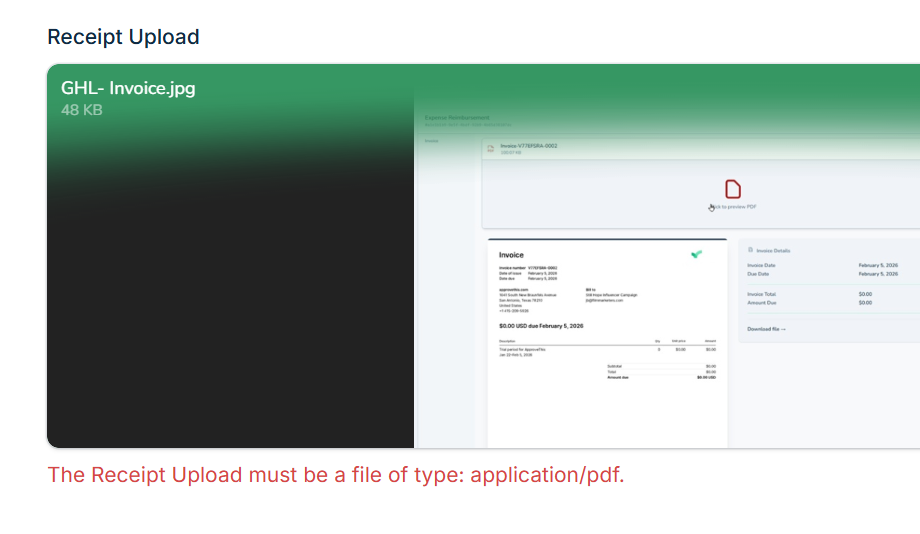
Invalid data shows inline error messages. "Email address is required." "Amount must be at least $1." "Date cannot be in the future." Requesters fix issues before submitting instead of after rejection.
Perfect for any form requiring accurate data. Works with Create Form to build quality-enforced data collection and Calculated Field to validate computed values meet thresholds.
Why Validation Matters
Forms without validation accept anything. Forms with validation accept only valid data.
Stop Approving Bad Requests
Never see a purchase request with a negative amount again. Never get an expense with no description. Never review a form missing critical required fields. Validation catches problems before approvers waste time on obviously invalid submissions.
Give Instant Feedback To Requesters
Instead of submitting and waiting days for "you forgot the vendor name" rejection, requesters see "Vendor name is required" immediately. Fix it right then, submit correctly. Fast feedback loops mean faster approvals and less frustration for everyone.
Enforce Business Rules Consistently
Purchases require PO numbers. Budgets can't exceed departmental limits. Dates must be within fiscal year. Build rules once in validation, and every request follows policy automatically. Combined with Threshold-Based Routing, you ensure data quality and routing rules both work correctly.
How It Works
Validation is configuration, not coding.
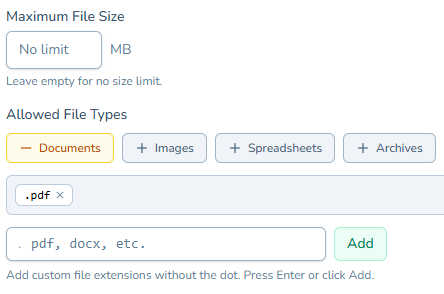
- Set Field Rules: For each form field, configure validation requirements
- Define Error Messages: Specify helpful messages for each validation failure
- Test Your Form: Submit test data to verify validation catches issues
- Activate: Every request gets validated automatically before reaching approvers
Common validations: required fields, email format, number ranges, date constraints, text length, pattern matching. Cover virtually any data quality requirement.
Perfect For Forms Requiring Quality Data
You need Field Validation if you're dealing with:
- Critical fields that must be completed before approvals make sense
- Data format requirements like email addresses or specific number formats
- Business rules about minimums, maximums, or allowed values
- The frustration of reviewing requests with obviously invalid data
Start Validating Data Today
Stop reviewing approval requests with missing required information. Stop rejecting bad data that should never have reached you.
Field Validation enforces data quality at submission. Set rules once, and every request arrives complete and valid. Approvers review quality data, requesters get instant feedback, and bad data never enters your workflow.
Try ApproveThis free for 14 days and add validation to your first approval form.