Email Approval Problems: The Hidden Costs and How to Fix Them
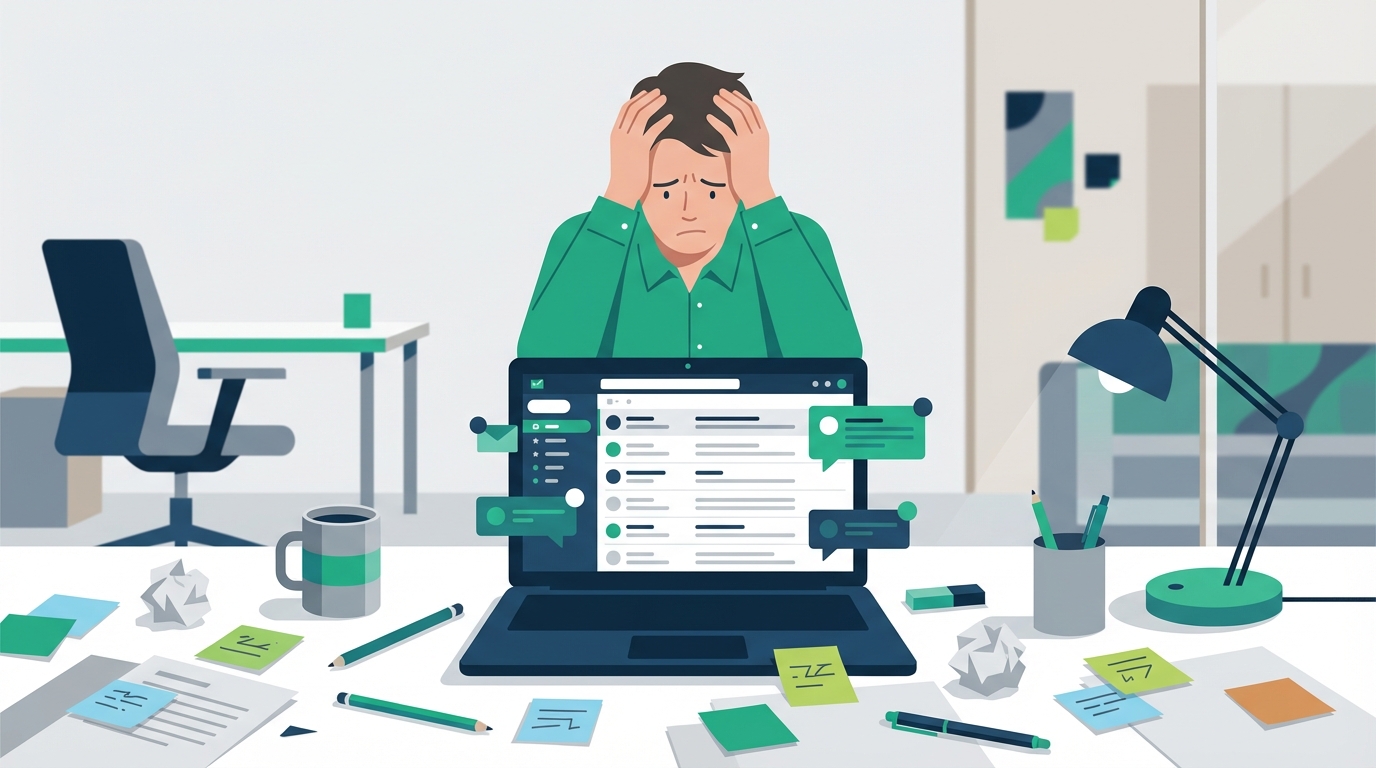
Here's a statistic that might make you wince: 52% of companies miss deadlines because approval requests get buried in email threads. If your approval process relies on searching your inbox for "approved" only to find seventeen different conversations about the same purchase order, you already know the pain behind that number.
Email approval problems cost more than frustration. They cost real money, real time, and real opportunities. The truth is, email was designed for communication—not for managing your approval process. Yet most companies still use it for everything from expense approvals to contract sign-offs, creating a system held together by forwarded messages and hope.
This article reveals the hidden costs of email approvals, identifies the seven biggest problems with email-based workflows, and shows you exactly how automated approval systems solve these issues. Whether you're drowning in follow-up emails or tired of explaining to auditors why you can't find approval documentation, you'll find actionable solutions here.
The Hidden Costs of Email Approvals
When you calculate the cost of manual approvals, most people think about the obvious expenses—the time spent waiting for responses or the occasional missed deadline. But the real financial impact runs much deeper.
The $506 Per Purchase Order Reality
Research shows that the average cost of processing a single purchase order through email-based approval systems is $506. That number sounds impossible until you break down what's actually happening. According to CAPS Research benchmarking studies, the average processing cost per purchase order was $527 in 2022, validating these substantial hidden costs.
The $506 figure comes from aggregating multiple hidden costs:
- Follow-up time: Staff spend an average of 15-20 minutes per approval chasing responses through email chains
- Manual data entry: Information must be re-typed from emails into accounting systems, ERPs, and tracking spreadsheets
- Reconciliation work: Finance teams spend hours matching email approvals to actual transactions
- Error correction: Data entry mistakes from manual processes require additional time to identify and fix
- Lost productivity: While waiting for approvals, projects stall and employees context-switch to other tasks
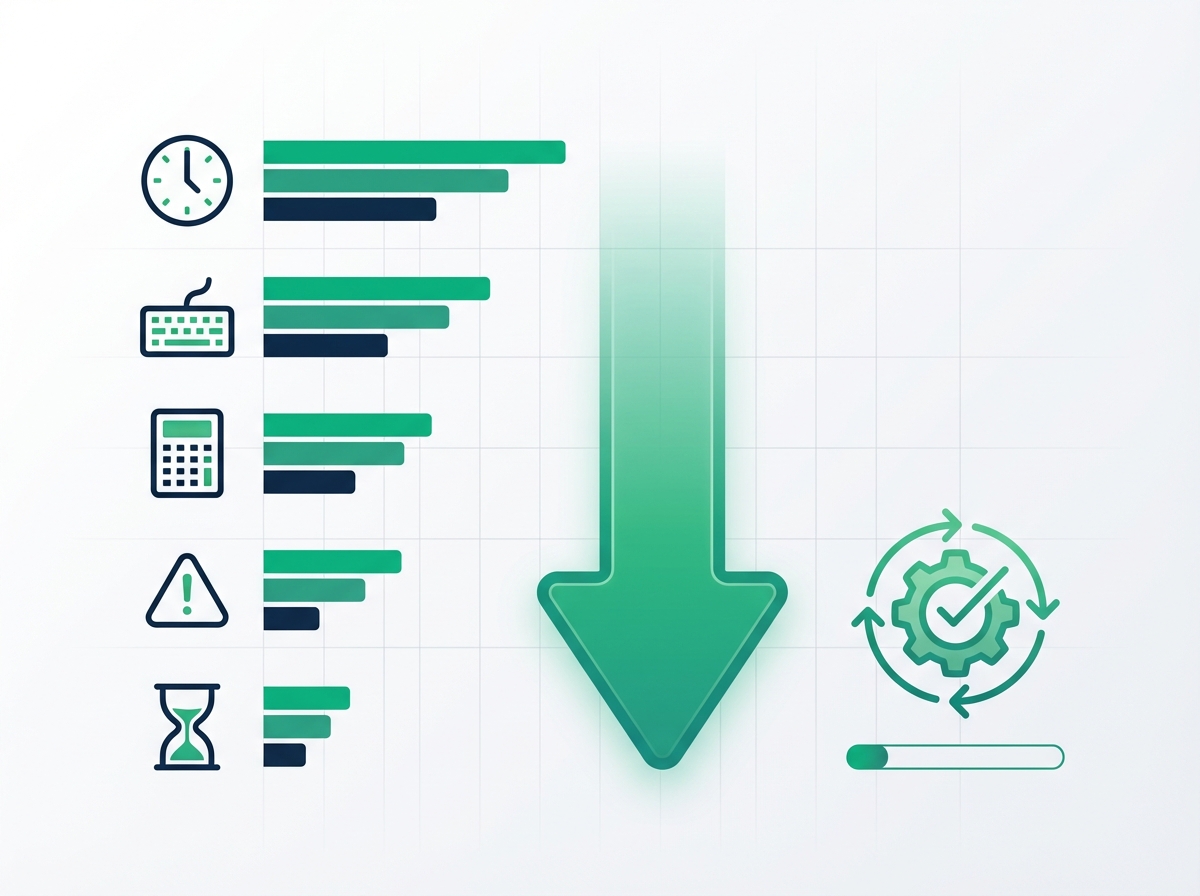
Compare this to automated approval systems where the cost per purchase order typically drops below $50. The automation handles routing, tracking, and documentation automatically—no copy-pasting, no searching through inboxes, no manual status updates.
One manufacturing company tracked their actual approval costs for six months and discovered they were spending $623 per PO when factoring in the salary time of everyone involved. After switching to automated workflows, that dropped to $31. The manual approval process wasn't just expensive—it was unsustainable.
Time Wasted on Email Approval Follow-ups
The average employee spends 2.3 hours per week chasing approvals through email. That's not a typo. Nearly three hours every week, per person, just sending "checking in on this" messages and scrolling through threads trying to find who said what.
Now multiply that across your team. If you have 20 people involved in approval processes, that's 46 hours of follow-up time weekly—more than a full-time employee's worth of work spent on bottleneck problems that shouldn't require human intervention.
The multiplier effect worsens as approval chains grow. A simple two-person approval might require two or three follow-ups. But when you need sign-off from four different people? The follow-up time doesn't double—it often quadruples, because each delay compounds into the next.
Consider what your team could accomplish with those hours back. Strategic planning. Customer relationships. Actual productive work instead of playing email tag with approvers who may not even realize they have something waiting.
The 52% Deadline Miss Statistic Explained
The 52% deadline miss rate comes from research by Kapost and Gleanster examining approval workflows across hundreds of organizations. The finding was consistent regardless of company size or industry: when approvals live in email, more than half of them cause deadline problems.
Why email approvals fail so consistently comes down to how email works—or doesn't work—as an approval system:
- No priority signaling: An approval request looks identical to a newsletter or meeting invite in someone's inbox
- Buried by volume: The average professional receives 121 emails daily; approval requests disappear in the noise
- No escalation path: If someone doesn't respond, there's no automatic escalation—just more follow-up emails
- Unclear ownership: Forwarded chains create confusion about who's actually responsible for approving
One healthcare organization reduced their deadline misses by 85% after implementing automated approval workflows. The difference wasn't that approvers suddenly became more responsive—it was that the system made it impossible for requests to get lost and automatically escalated items that sat too long.
Top 7 Problems with Email Approval Workflows
Email-based approvals create predictable problems that compound over time. Understanding these issues helps you recognize what's actually broken in your current process.
Problem #1: No Audit Trail or Version Control
When auditors ask "who approved this and when?" you need more than a forwarded email chain. But that's exactly what most companies have—a scattered collection of messages that may or may not contain the information you need.
Email creates significant spreadsheet tracking problems for compliance:
- Forwarding breaks the chain: When someone forwards an approval, the original context often gets lost or truncated
- Multiple versions exist: Different people have different copies of the approval thread, none complete
- No timestamp certainty: Email timestamps can be ambiguous, especially across time zones
- Attachments disappear: Files get stripped by email servers or lost in long threads
Version control nightmares are equally common. When a contract goes through email for approval, you might end up with "Contract_v2_FINAL.pdf," "Contract_v2_FINAL_revised.pdf," and "Contract_v2_FINAL_revised_ACTUALLY_FINAL.pdf" floating around different inboxes.
Problem #2: Security and Compliance Risks
Email wasn't built with approval security in mind. When you're approving sensitive items—personnel decisions, financial transactions, contract terms—email introduces real vulnerabilities.
Security concerns include:
- Unencrypted transmission: Standard email often travels unencrypted, exposing approval data
- Unauthorized forwarding: Anyone can forward an approval email to someone who shouldn't see it
- Phishing vulnerability: Fake approval requests are a common attack vector
- No access controls: Once an email is sent, you can't revoke access to its contents
Compliance violations become nearly inevitable at scale. GDPR requires data access controls you can't enforce through email. HIPAA demands audit trails that email can't provide. SOX compliance needs documentation that email makes difficult to maintain.
A healthcare organization experienced a data breach when an employee forwarded a patient-related approval to an external email address. The approval itself was routine—but the email contained protected health information that should never have left the secure system.
Problem #3: Lack of Visibility and Tracking
With email approvals, answering "what's the status of this request?" requires detective work. You have to search your inbox, check sent messages, maybe ask a colleague if they've seen anything—turning a simple status check into a multi-step investigation.
The approval chaos fix many teams attempt is building spreadsheets to track approvals. But spreadsheets create their own problems:
- Manual updates required: Someone has to remember to update the tracking sheet
- Stale data: By the time the spreadsheet is updated, the information may already be outdated
- Single point of failure: The person managing the spreadsheet becomes a bottleneck
- No real-time visibility: You can't see what's happening now—only what happened last time someone updated
This lack of visibility cascades into larger organizational problems. Resource allocation becomes guesswork when you can't see which approvals are stuck. Decision-making suffers when you can't identify patterns in approval bottlenecks. And employee frustration grows when nobody can answer basic status questions.
Problems #4-7: Additional Critical Flaws
Beyond the top three email approval problems, several other issues consistently plague email-based workflows:
Problem #4: Mobile Accessibility Limitations
Approvers increasingly work from phones and tablets. Email clients handle approvals poorly on mobile—long threads are difficult to read, attachments hard to review, and responding requires typing on small keyboards. Urgent approvals sit waiting while decision-makers struggle with mobile email interfaces.
Problem #5: Integration Gaps
Email exists in isolation from your other business systems. Approval data can't automatically flow to your accounting software, project management tools, or CRM. Every integration requires manual re-entry, creating delays and errors.
Problem #6: Scalability Issues
What works with five employees breaks down at fifty. Email-based approvals don't scale because the manual overhead grows faster than the organization. Companies often don't realize they've hit the breaking point until they're drowning in approval backlogs.
Problem #7: Employee Frustration and Burnout
The constant follow-ups, lost requests, and confusion take a psychological toll. Employees become cynical about approval processes, leading to workarounds, shortcuts, and compliance risks. Some give up on proper approvals entirely, creating even bigger problems down the line.
Real-World Examples of Email Approval Failures
Abstract problems become concrete when you see how they play out in actual organizations.
Case Study: Manufacturing Company's $1.2M Mistake
A mid-sized manufacturing company relied on email for all purchasing approvals. When a critical equipment supplier needed approval for a $180,000 component order, the approval request went to the plant manager's inbox—right before he left for a two-week vacation.
No one knew the approval was waiting. There was no delegation system, no escalation, no visibility into pending requests. By the time the plant manager returned, the supplier had allocated their limited inventory to other customers.
The production line shut down for three weeks while they sourced alternative components. The total impact:
- $750,000 in lost production
- $320,000 in expedited shipping for alternative parts
- $130,000 in overtime to catch up on backlog
The $1.2 million lesson? They implemented automated approval workflows with vacation delegation and automatic escalation. Now, approvals route around absent decision-makers, and nothing sits unattended for more than 24 hours.
Case Study: Marketing Agency's Client Approval Nightmare
A growing marketing agency managed creative approvals for 15 clients through email. Each client had their own approval preferences, stakeholder lists, and revision processes—all tracked in individual email threads.
The predictable happened: approvals got crossed between clients. A food brand's campaign went to a healthcare client for feedback. An approved version from one client got sent to production before the correct client's revisions were incorporated.
The breaking point came when they missed a product launch deadline for a major client. The approval had been given—buried in a thread that referenced an outdated subject line—but no one could find it in time.
After implementing automated approval workflows:
- Approval time decreased by 40%
- Deadline misses dropped to zero
- Client satisfaction scores increased significantly
- Staff spent 60% less time on approval administration
How Automated Systems Fix Your Approval Process
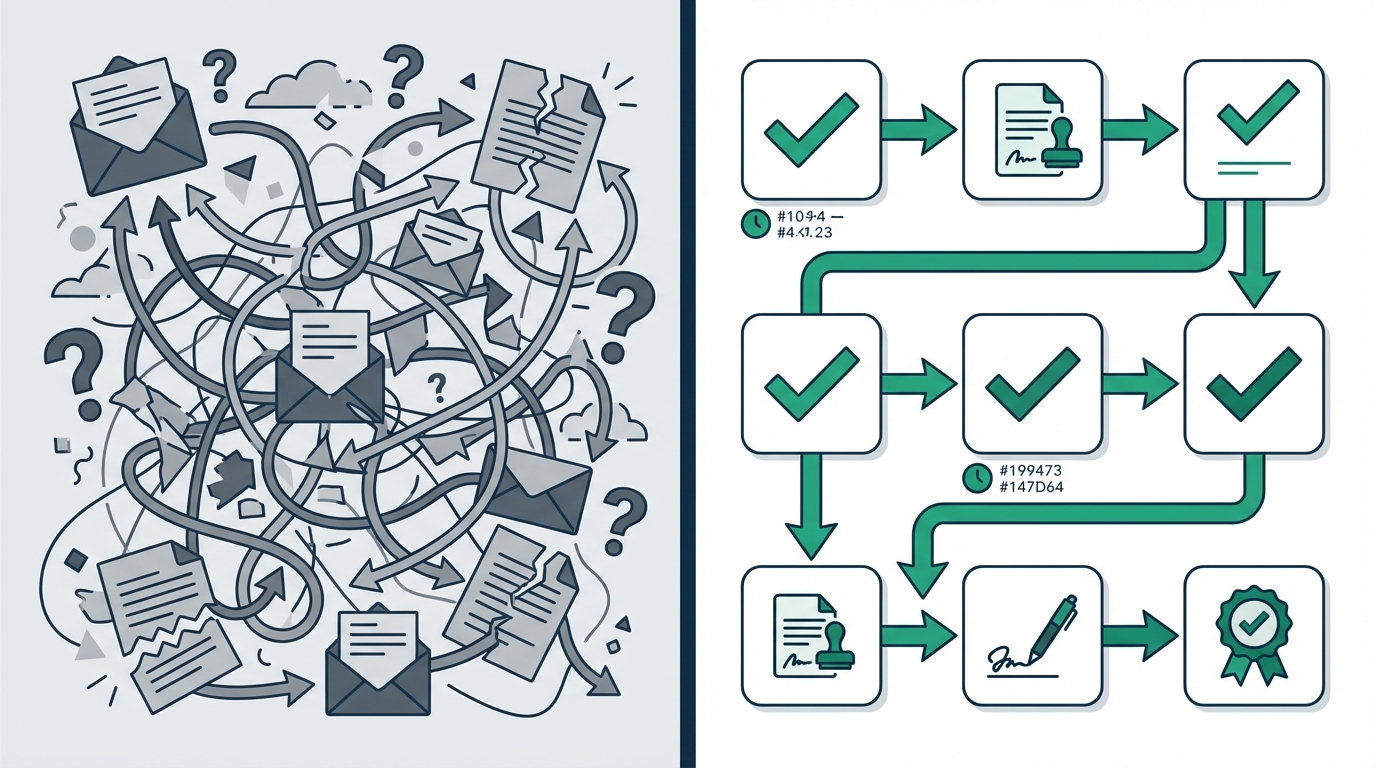
Automated approval systems aren't just digitized versions of email—they're purpose-built for how approvals actually work.
Complete Audit Trails and Version Control
Every action in an automated approval system creates an immutable record. When someone approves, denies, comments, or even views a request, the system logs:
- Who performed the action
- Exactly when it happened
- What the request looked like at that moment
- Any comments or reasoning provided
This audit trail isn't stored in individual inboxes—it's centralized and accessible to anyone with appropriate permissions. When auditors need documentation, you generate a report rather than reconstructing email threads.
Version control becomes automatic. Each revision creates a new version with clear lineage. You can see exactly what changed between versions and who approved which iteration. No more "FINAL_FINAL_v2" filename confusion.
Real-Time Visibility and Dashboard Tracking
Automated systems provide centralized dashboards showing every approval's current status. At a glance, you can see:
- Which requests are pending and who's responsible
- How long items have been waiting
- Where bottlenecks are forming
- Historical trends in approval timing
This visibility transforms how organizations manage approvals. Instead of chasing status updates, managers identify stuck requests proactively. Instead of guessing at resource allocation, they see exactly where attention is needed.
Reporting capabilities turn approval data into actionable insights. You can identify which approvers consistently delay decisions, which request types take longest, and where process improvements would have the biggest impact.
Security and Compliance Features
Purpose-built approval systems address security and compliance by design. Modern approval workflow features include:
- Role-based access controls: Only authorized users can view or act on specific approval types
- Encrypted data storage: Sensitive approval information stays protected at rest and in transit
- Audit-ready reporting: Generate compliance documentation on demand
- Permission management: Revoke access instantly when roles change
These systems support major compliance frameworks including SOX, HIPAA, and GDPR. They provide the documentation, access controls, and audit trails these regulations require—automatically, without manual tracking.
Comparison: Email vs. Automated Approval Systems
Seeing the differences side-by-side clarifies why organizations are moving away from email-based approvals.
Feature-by-Feature Comparison Table
| Feature | Email Approvals | Automated Approval Systems |
|---|---|---|
| Audit Trail | Incomplete, scattered across inboxes | Complete, centralized, immutable |
| Security | Basic email security only | Role-based access, encryption, SSO |
| Cost per Approval | $500+ per PO | Under $50 per PO |
| Average Approval Time | Days to weeks | Hours to days |
| Mobile Access | Limited, clunky | Full functionality, optimized |
| Integration | Manual data re-entry required | Direct connections to business systems |
| Visibility | Search and guess | Real-time dashboards |
| Delegation | Manual forwarding | Automatic vacation routing |
| Escalation | Manual follow-up | Automatic time-based escalation |
| Compliance | Difficult to demonstrate | Built-in documentation |
For an in-depth look at options, see our guide on multi-step approvals.
ROI Analysis: Email vs. Automated
Calculating ROI for approval automation involves three main factors:
Time Savings
- Average follow-up time saved: 2.3 hours per employee per week
- At $30/hour for 20 employees: $71,760 annually
Cost Reduction
- Reducing PO cost from $506 to $50: $456 savings per transaction
- At 100 POs monthly: $547,200 annually
Risk Reduction
- Compliance fines avoided: Variable, potentially $100,000+
- Lost productivity from missed deadlines: Significant but hard to quantify
For most mid-sized companies, approval automation pays for itself within 3-6 months.
Step-by-Step Guide to Fixing Email Approval Problems
Moving from email to automated approvals requires planning, but it's more straightforward than most organizations expect.
Step 1: Assess Your Current Email Approval Pain Points
Before choosing a solution, understand your specific problems. Conduct an approval workflow audit:
- List all approval types: Purchases, time off, contracts, expenses, hiring, etc.
- Map current flows: Who approves what? What triggers an approval need?
- Identify pain points: Which approvals cause the most delays or frustration?
- Quantify costs: Track follow-up time and calculate your cost per approval
Set specific goals: "Reduce average approval time from 4 days to 1 day" or "Eliminate follow-up emails entirely" gives you clear success metrics.
Step 2: Choose the Right Approval System for Your Needs
Key features to evaluate when selecting approval software:
- Ease of setup: Can you configure workflows without IT help?
- Mobile support: Can approvers act from their phones?
- Integration options: Does it connect with your existing tools?
- Pricing model: Per-user pricing can get expensive; look for unlimited approvers
- Audit capabilities: Does it provide compliance-ready documentation?
For organizations wanting to learn more about how to create approval workflows that actually work, consider platforms that offer templates and guided setup. Using conditional logic in your approval workflows can automatically route requests based on amount, department, or other criteria.
Implementation timelines vary widely. Enterprise solutions might take months; modern platforms designed for mid-sized teams often go live in under 15 minutes.
Step 3: Implement and Train Your Team
Successful implementation follows a phased approach:
Week 1: Pilot
- Start with one approval type and a small team
- Identify issues in a controlled environment
- Gather feedback for adjustments
Weeks 2-3: Expand
- Add additional approval types
- Include more users
- Refine based on pilot learnings
Week 4+: Full Rollout
- Move all approvals to the new system
- Maintain email as a backup temporarily
- Celebrate quick wins to build momentum
Change management matters. Explain why you're making the change (time savings, fewer headaches), show early wins, and make it easy for people to ask questions. The best system fails if people don't use it.
Conclusion
Email approval problems aren't minor inconveniences—they're significant drains on organizational time, money, and sanity. When you're losing $506 per purchase order in hidden processing costs, missing 52% of deadlines due to approval delays, and spending hours every week on follow-up emails, the case for change becomes impossible to ignore.
The core issues are clear:
- Email lacks the audit trails and version control that compliance requires
- Hidden costs accumulate through follow-ups, manual entry, and reconciliation work
- Visibility gaps make it impossible to manage approval workflows effectively
- Security vulnerabilities create real compliance and data protection risks
Automated approval systems address these problems directly. They provide complete audit trails, reduce costs by up to 80%, cut approval times significantly, and give you real-time visibility into every pending decision. Most organizations see the investment pay for itself within three to six months.
The transition doesn't have to be complicated. Start by assessing your current pain points, choose a system that matches your needs, and implement in phases. Many teams go live with their first automated workflow in under 15 minutes.
Ready to escape email approval chaos? Start your free trial of automated approval software and see how much time and money you can save. Your inbox—and your team—will thank you.