Email Approval Tracking: 5 Ways Your Inbox Is Failing Your Team
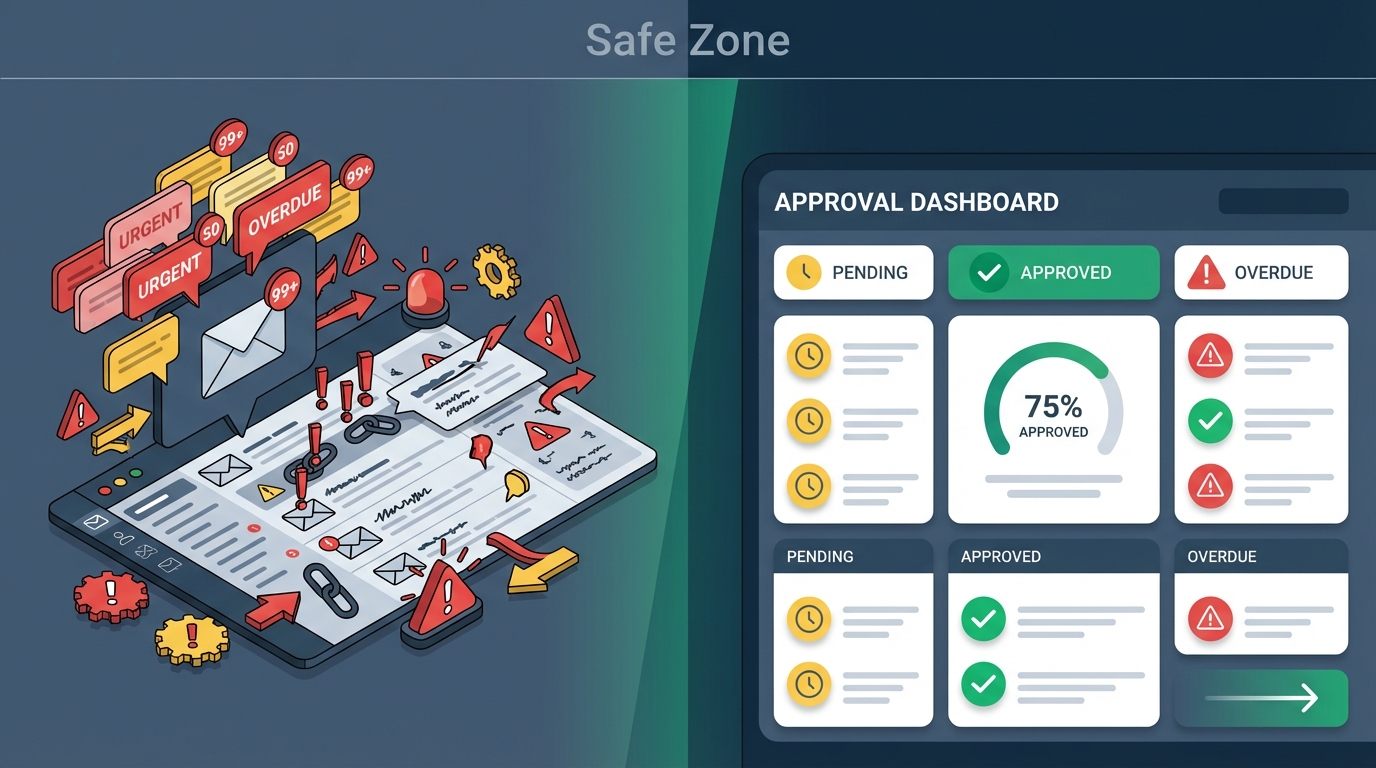
You sent the approval request three days ago. The client hasn't responded. Now you're doing what you always do—digging through your inbox, trying to figure out if they saw it, if it got lost in spam, or if they're just ignoring you. Meanwhile, the project deadline creeps closer.
Sound familiar? You're not alone. Email was built for communication, not coordination. And yet millions of teams try to run their entire approval process through their inbox—with predictable results.
Why Email Falls Short for Approval Tracking
Email is where approval requests go to die. That's not an exaggeration. McKinsey research found that the average knowledge worker spends 28% of their workweek managing email. When approval requests compete with meeting invites, newsletters, and reply-all chains, they inevitably get buried.
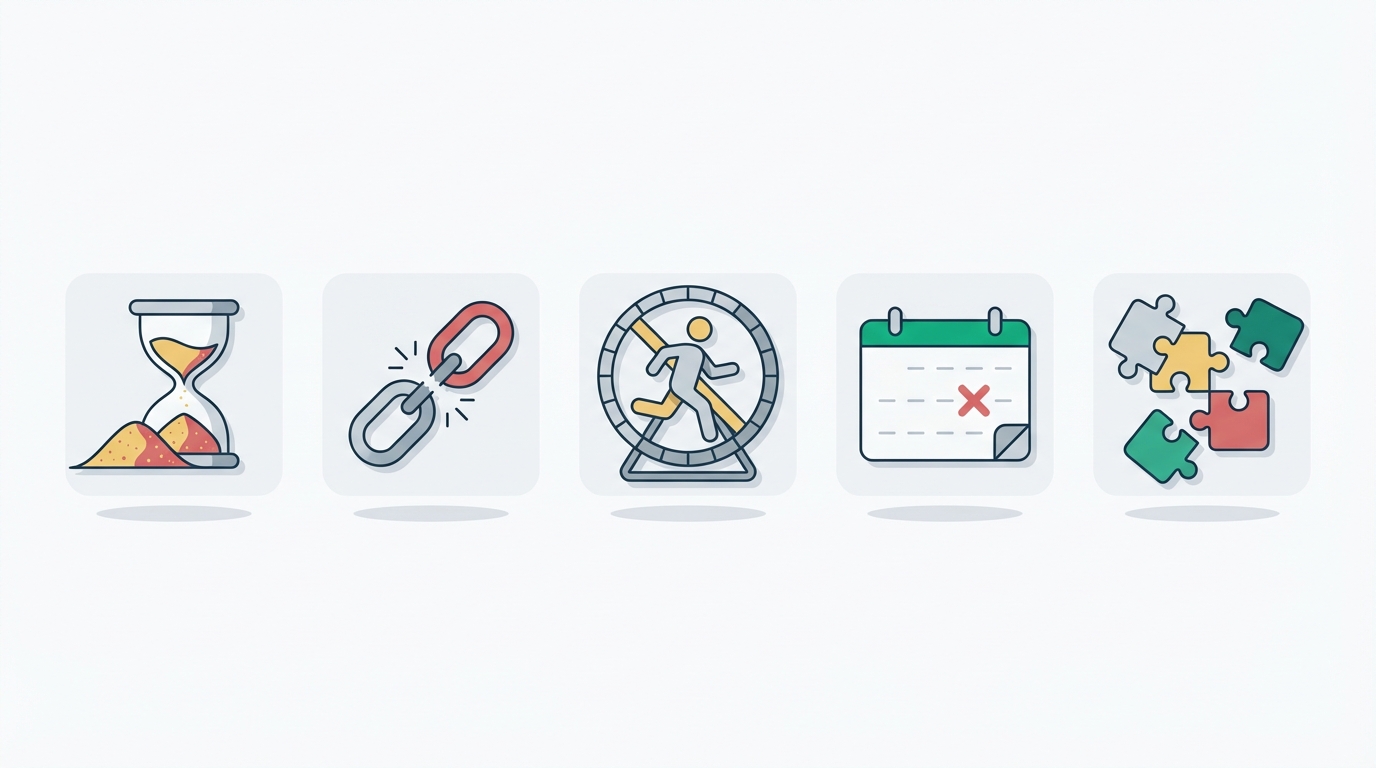
Here are the five specific ways your inbox is sabotaging your team's approval workflow.
1. No Visibility Into Pending Approvals
When someone sends an approval request via email, it disappears into the void. The sender has no idea if it was received, opened, or even still sitting unread in a spam folder. The only status check available? Sending another email to ask about the first one.
This lack of visibility creates anxiety and leads to premature follow-ups that annoy approvers or missed deadlines when requests genuinely get lost.
2. Email Threads Become Unmanageable
Approvals rarely involve just two people. When stakeholders get added to email threads, tracking who has approved what becomes nearly impossible. Reply chains fork into multiple conversations. Someone responds to an outdated version. Critical feedback gets buried twelve messages deep.
For teams handling multi-step approvals involving multiple reviewers, email threads quickly become a tangled mess that no one can untangle without a detective's patience.
3. Zero Audit Trail
When an auditor asks "Who approved this purchase order and when?", scrambling through old email threads isn't a compliance strategy—it's a liability. Email provides no structured record of approvals, no timestamps you can trust, and no guarantee that messages haven't been deleted.
Research from Harvard Business Review found that workers spend up to 28% of their time waiting for approvals, with typical approval times stretching 13-20 days. Part of this delay stems from the documentation overhead—manually piecing together approval histories that a proper system would track automatically.
4. No Automatic Reminders or Escalation
Email doesn't know the difference between an urgent approval and a newsletter. It won't nudge an approver when a deadline approaches. It won't escalate to a backup approver when someone's on vacation. Every follow-up requires manual effort from someone who's already stretched thin.
This means approvals sit unattended until someone thinks to check—usually right after the deadline has passed.
5. Mobile Approvals Are Painful
Approvers aren't always at their desks. But asking someone to find a specific email thread on their phone, locate the attachment, review it on a tiny screen, and then compose a thoughtful response? That's asking too much. Most people just wait until they're back at their computer—adding hours or days of delay to every mobile interaction.
What Actually Works
The solution isn't to send better emails or follow up more aggressively. The solution is to stop using email for approvals altogether.
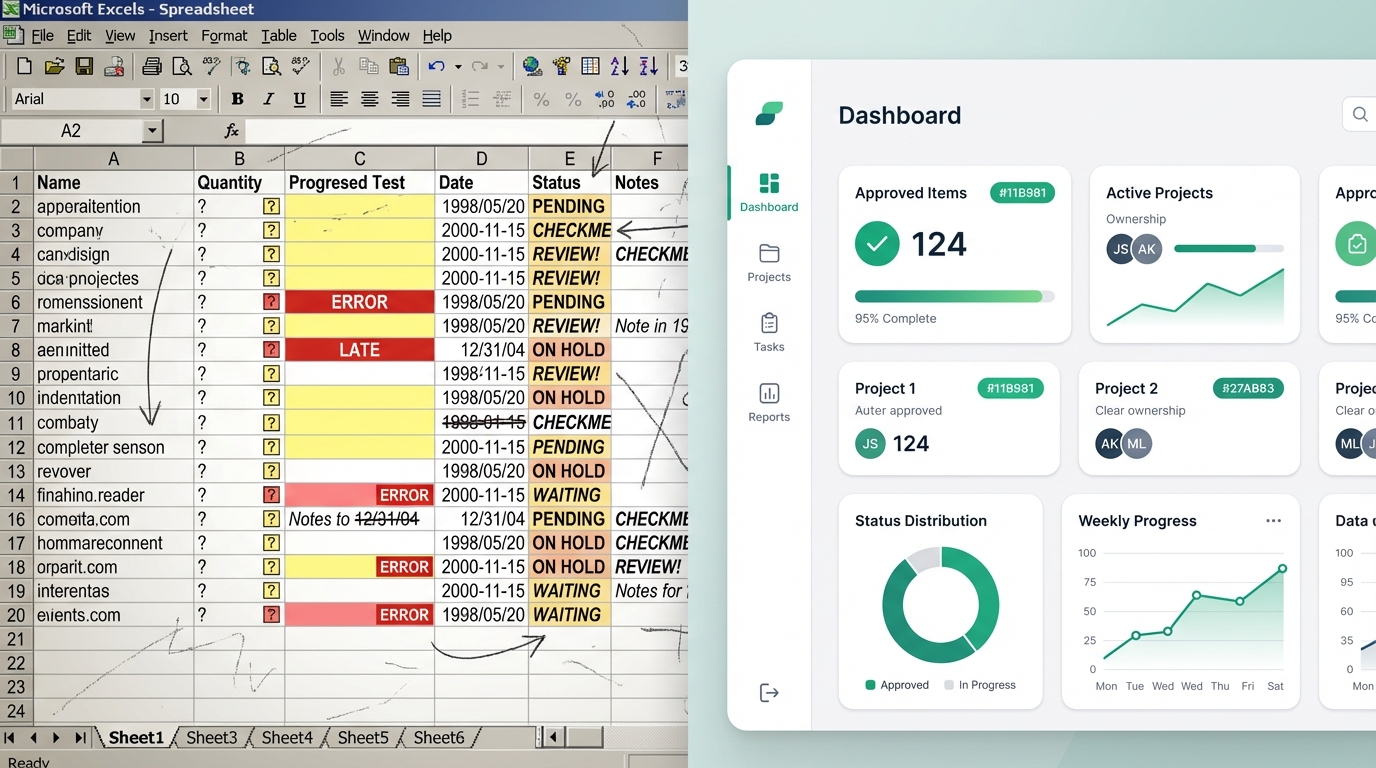
Purpose-built approval tools give you real-time visibility into every pending request. They send automatic reminders before deadlines. They create audit trails without any extra effort. And they let approvers respond with a single click—even from their phone.
You can even send approvals by CC'ing a dedicated email address, bridging the gap between your existing email habits and a structured approval workflow.
The Bottom Line
Your inbox wasn't designed to track approvals—and it shows. Every buried request, every missed deadline, every audit trail gap traces back to the same root cause: using the wrong tool for the job.
The teams that stop fighting their inbox and adopt dedicated approval tracking spend less time chasing signatures and more time on work that actually moves the needle.