AI Template Generation
Describe your approval process in plain English and get a working draft flow back — name, form fields, and structure generated for you, ready to review and adjust before it goes live.
Updated
Building a workflow from scratch means naming it, adding every form field, and deciding on structure before you have anything to react to. The AI Generator takes a plain-English description of your approval process and returns a draft workflow — name, form fields, and structure — that you can review and adjust before publishing. It's available on all tiers, and it's aimed at Administrators setting up a new approval process.
Who this is for: an Administrator.
Describe your process and generate a draft flow
Starting from a generated draft is faster than assembling fields one at a time when you already know how the process works in practice. You describe the process once and get a workflow you can edit rather than a blank form.
-
Sign in as the Administrator.
-
Go to
https://app.approvethis.com/flows/create.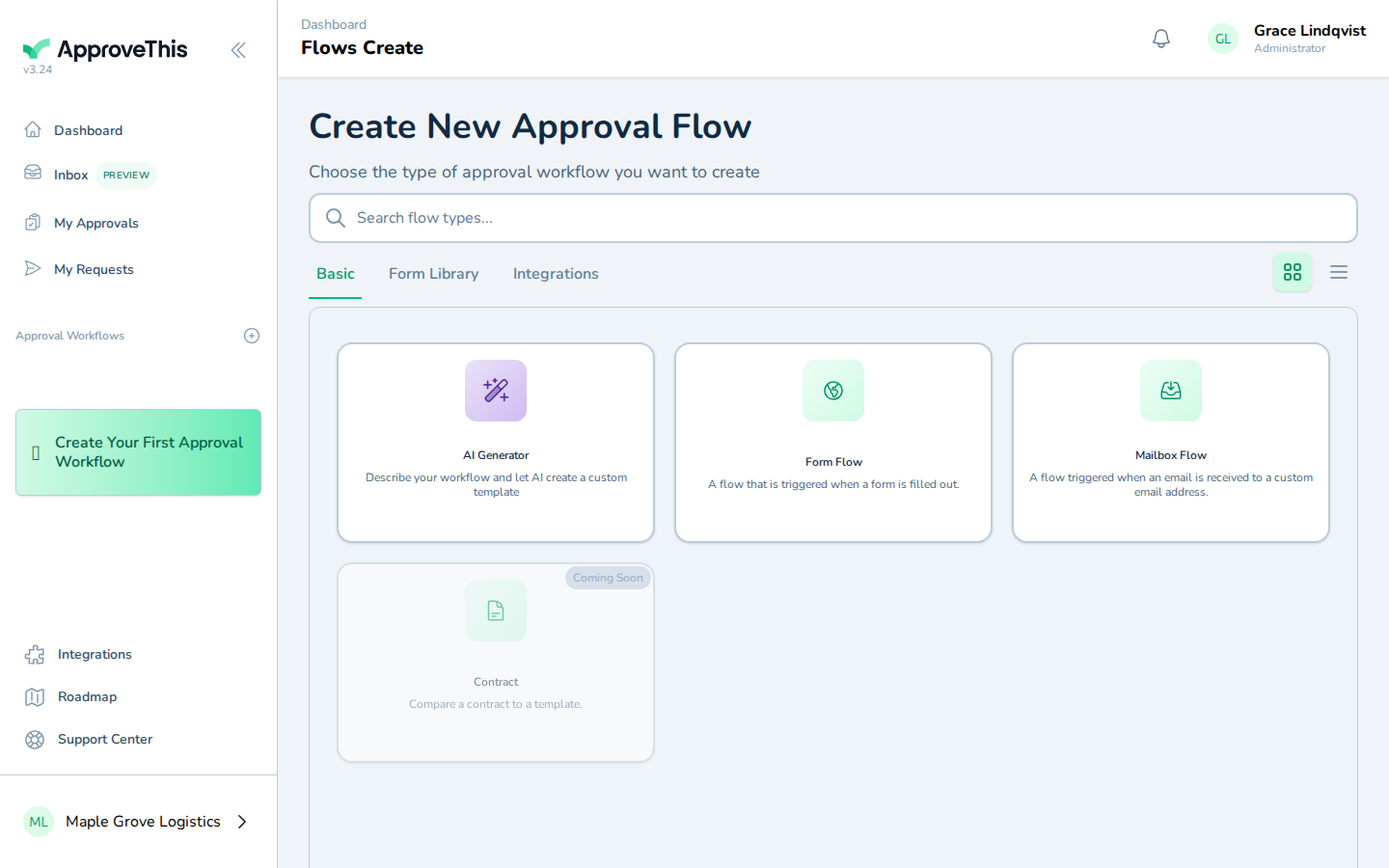
Go to https://app.approvethis.com/flows/create. -
Click AI Generator.
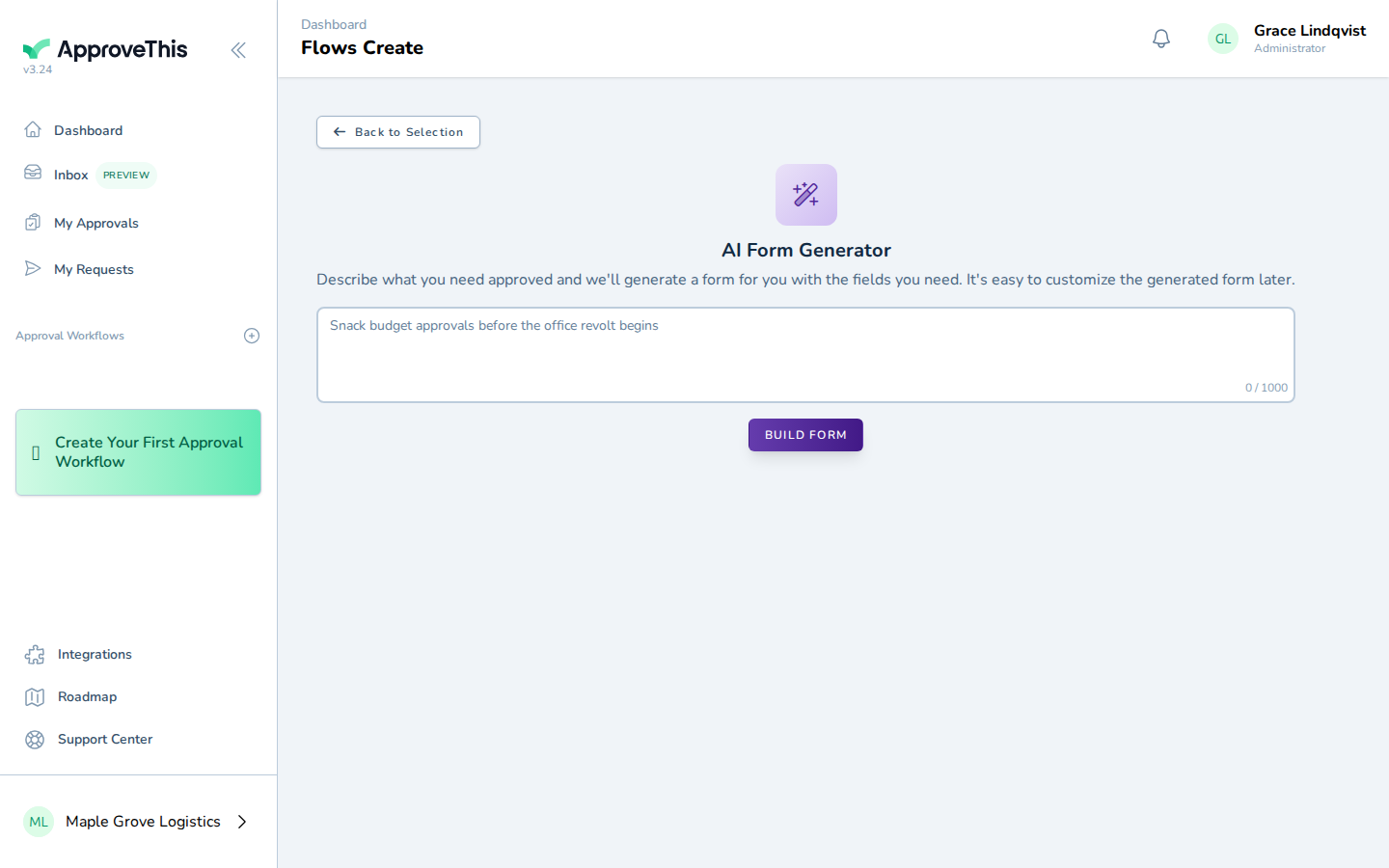
Click AI Generator. -
In Describe your approval process, type a plain-English description of the process you want a workflow for — who submits, what they're asking for, and who signs off. The example uses
Team members request office equipment and a manager signs off on the cost.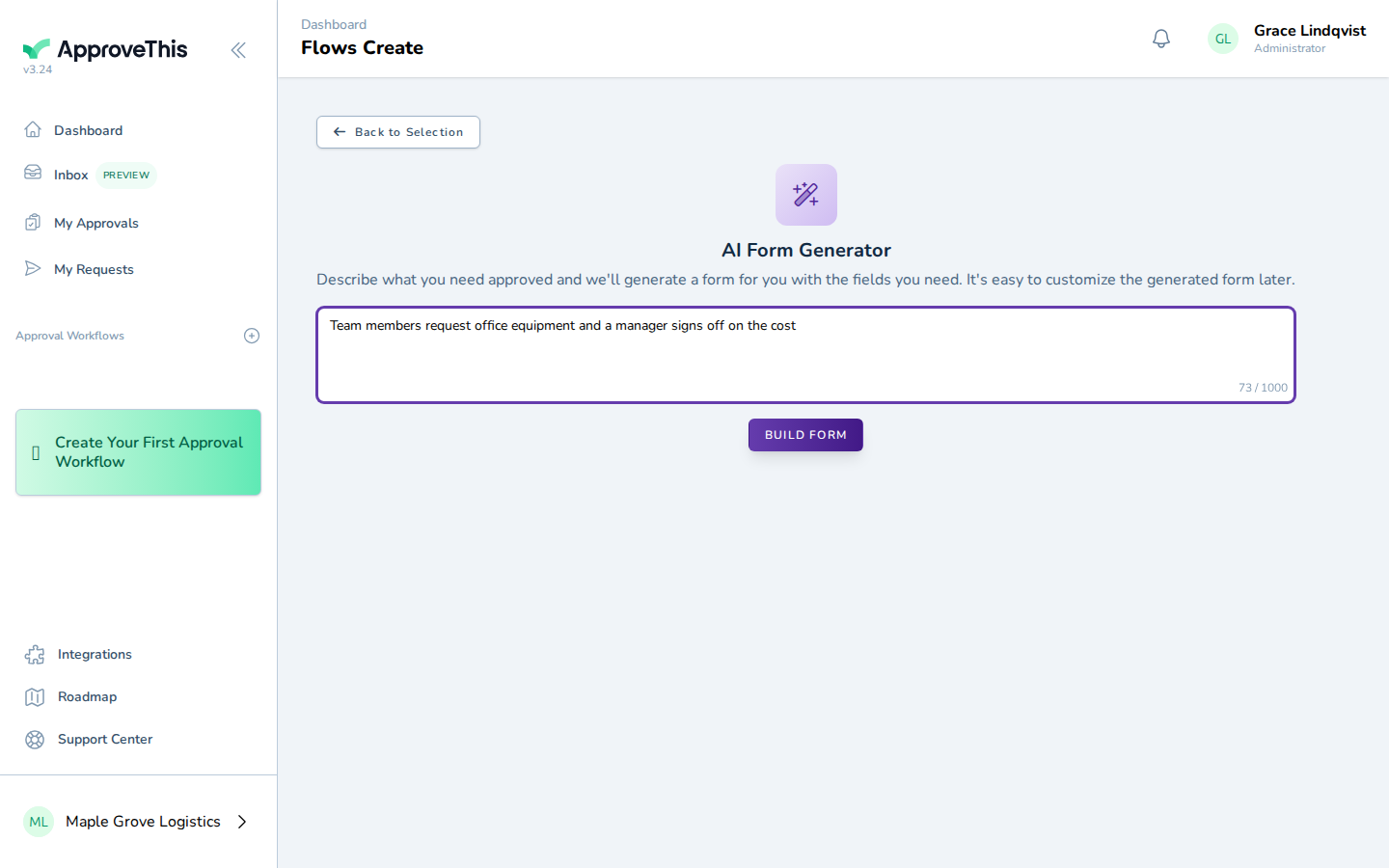
In Describe your approval process, type a plain-English description of the process you want a workflow for — who submits, what they're asking for, and who… -
Click Build Form to generate the draft from your description.
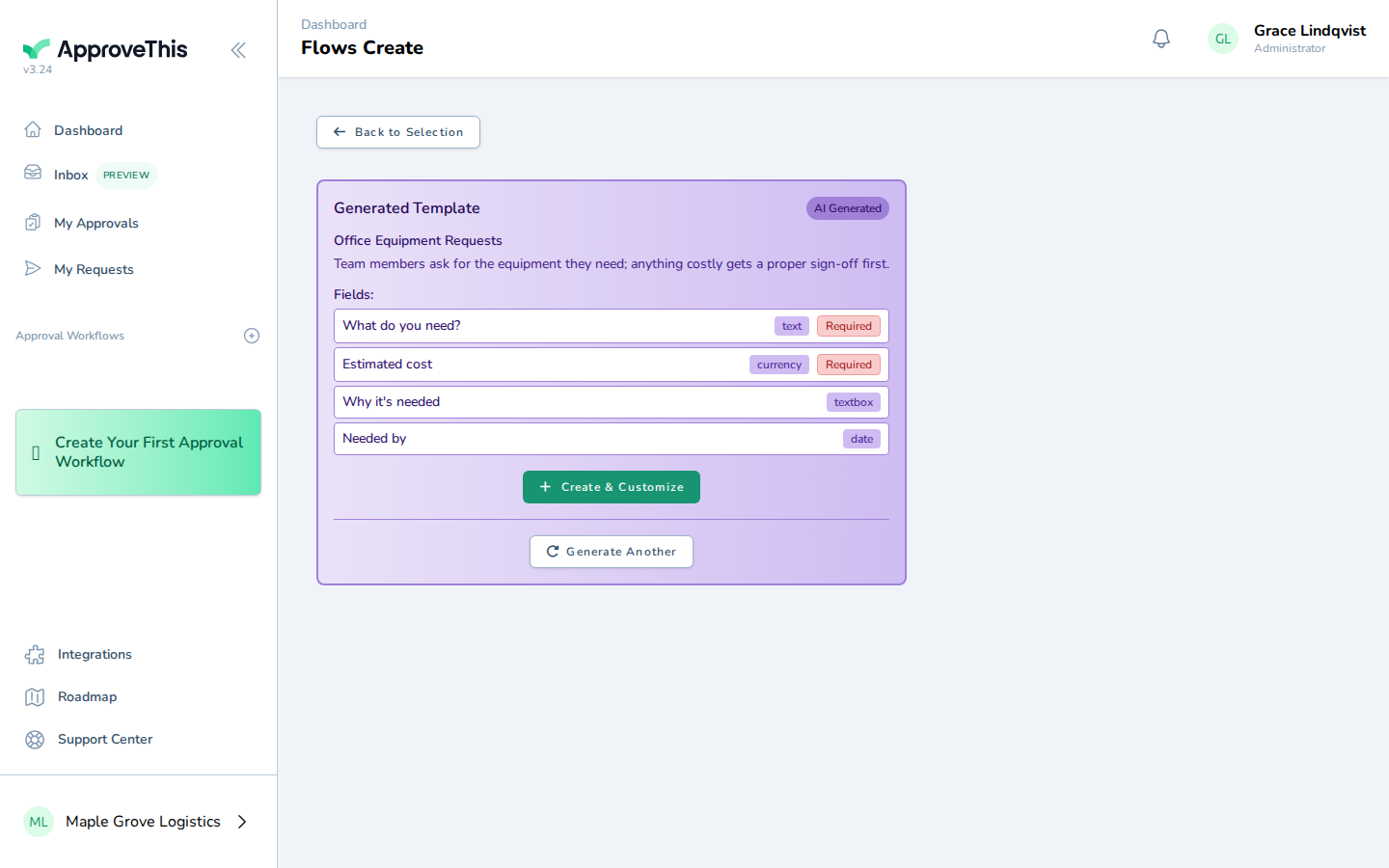
Click Build Form to generate the draft from your description. -
Click Create & Customize to open the generated workflow for review and editing.
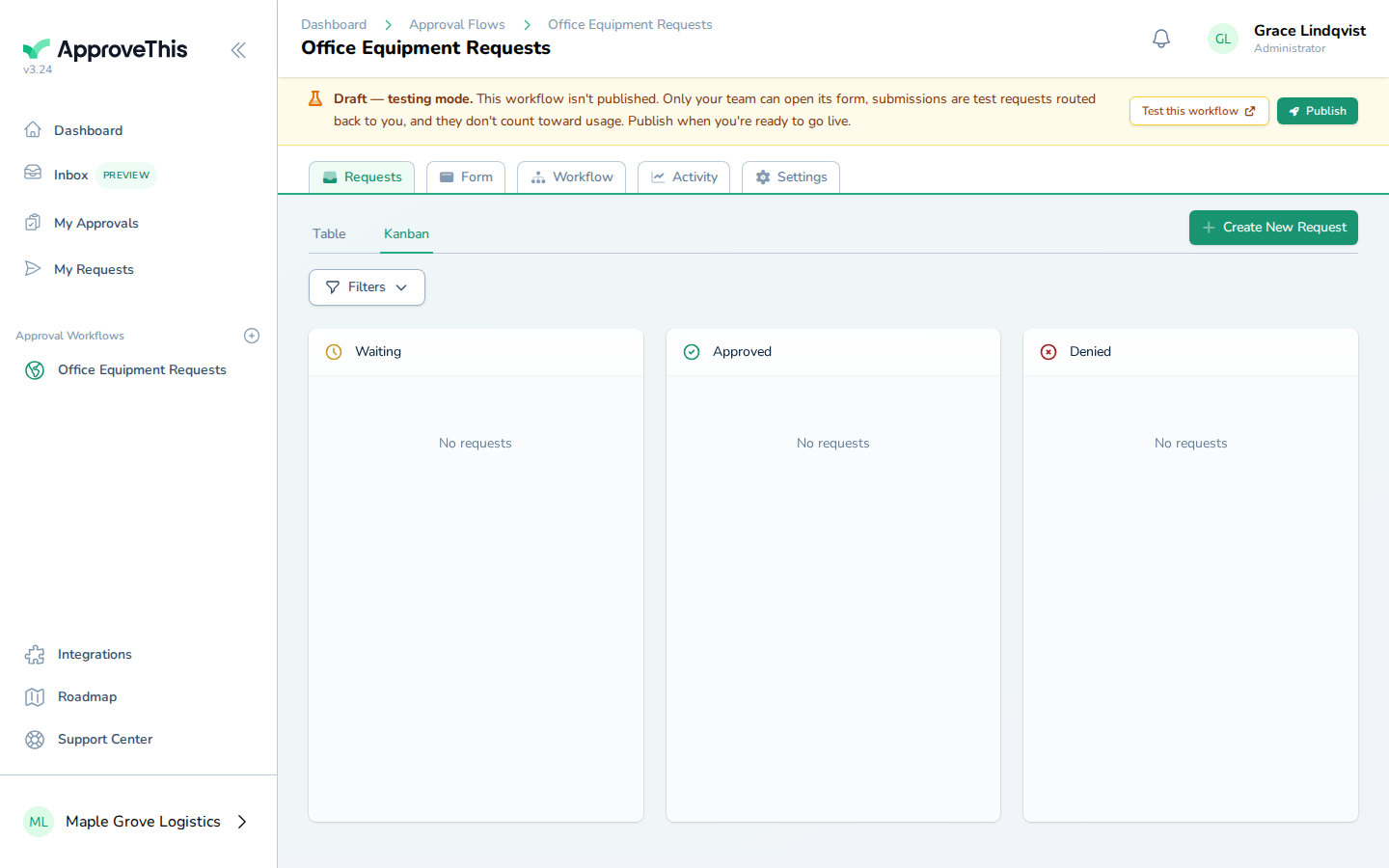
Click Create & Customize to open the generated workflow for review and editing.