Pabbly Connect
Pabbly Connect turns events in 2,000+ apps — a form submission, a new order, a CRM stage change — into ApproveThis requests, and sends every decision straight back so the next step in Pabbly can run. No code.
Updated
Pabbly Connect links events in other apps — a form submission, a new order, a CRM stage change — to ApproveThis, creating a request when the event fires and sending the decision back so the next step in Pabbly can run. This guide covers the ApproveThis side: opening a request that arrived from Pabbly Connect and approving it. It's written for Administrators. You'll need a request already waiting on you as an approver.
Who this is for: admin.
Open the request that arrived from Pabbly Connect and approve it
When a Pabbly Connect workflow creates a request, someone still has to make the decision in ApproveThis — and that decision is what Pabbly sends onward to the next step. Approving here is what releases the rest of the automation.
-
Sign in with your ApproveThis account as an Administrator.
-
Click Approve to record your decision on the request.
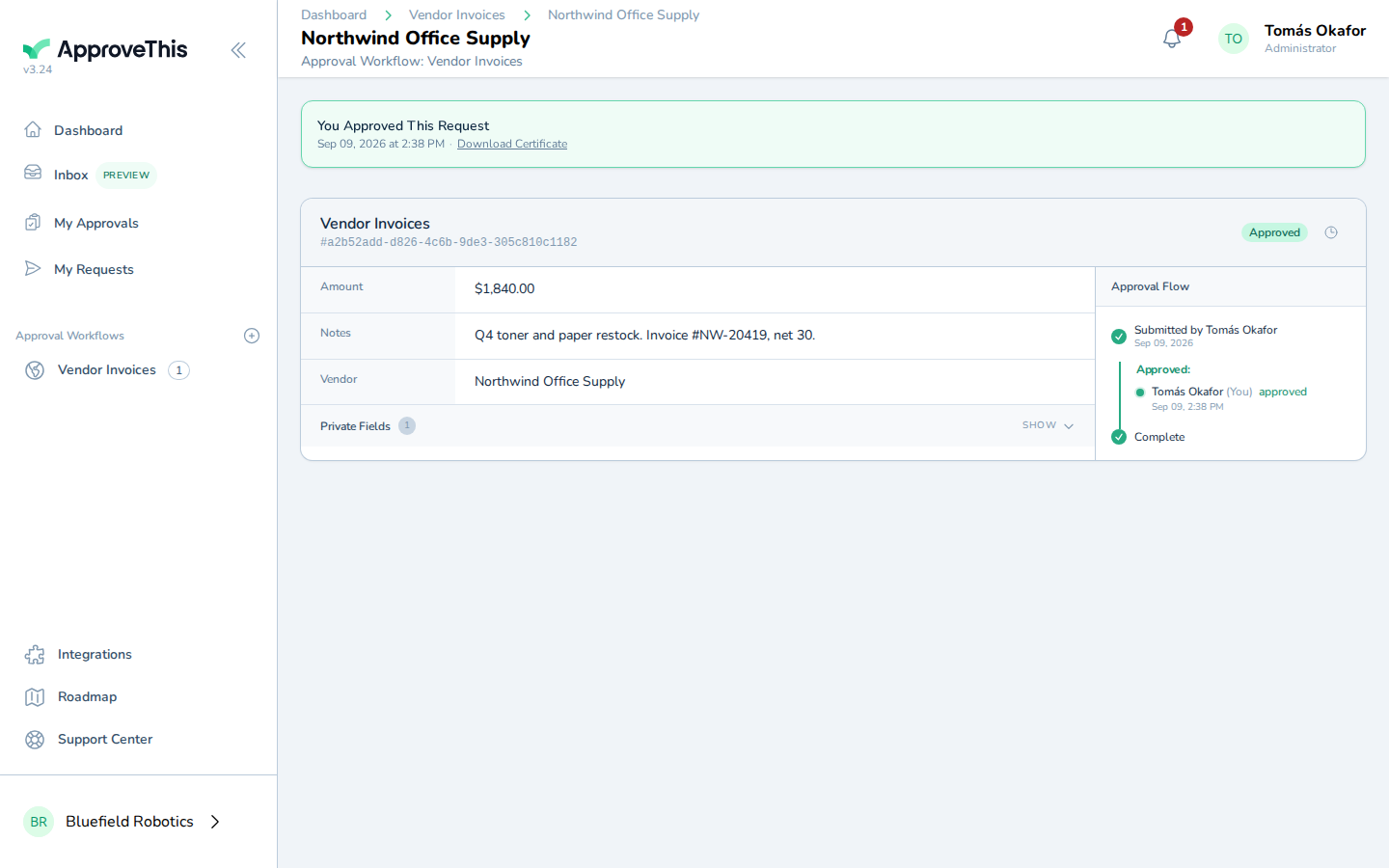
Screenshot for Open the request that arrived from Pabbly Connect and approve it: Click Approve to record your decision on the request.