Flow Watchers
Let a teammate follow a workflow. They're emailed about its requests without being an approver or having to act on anything.
Updated
Some people need to stay informed about a workflow's requests without ever having to act on one. Flow Watchers covers that case: a watcher is emailed when requests on the workflow are submitted, approved, or denied, and when comments are posted, an approver clears a step, or a revision is requested. Administrators with template update rights get a Watchers panel for adding and removing other team members; any teammate who can view the workflow can subscribe themselves with the watch toggle in the same place. This guide walks an Administrator through adding a colleague as a watcher from the workflow's notification settings.
Who this is for: an Administrator or a User.
Add the teammate as a watcher on this flow
A finance lead or department head who should see what's moving through a workflow — but who shouldn't be inserted as an approver — belongs here. You'll need an existing workflow open; adding watchers for other people requires template update rights, and the requester on a given request is left off watcher emails to avoid duplicates.
-
Sign in with an Administrator account that can update the workflow.
-
Open Notifications in the workflow's settings to reach the watcher controls.
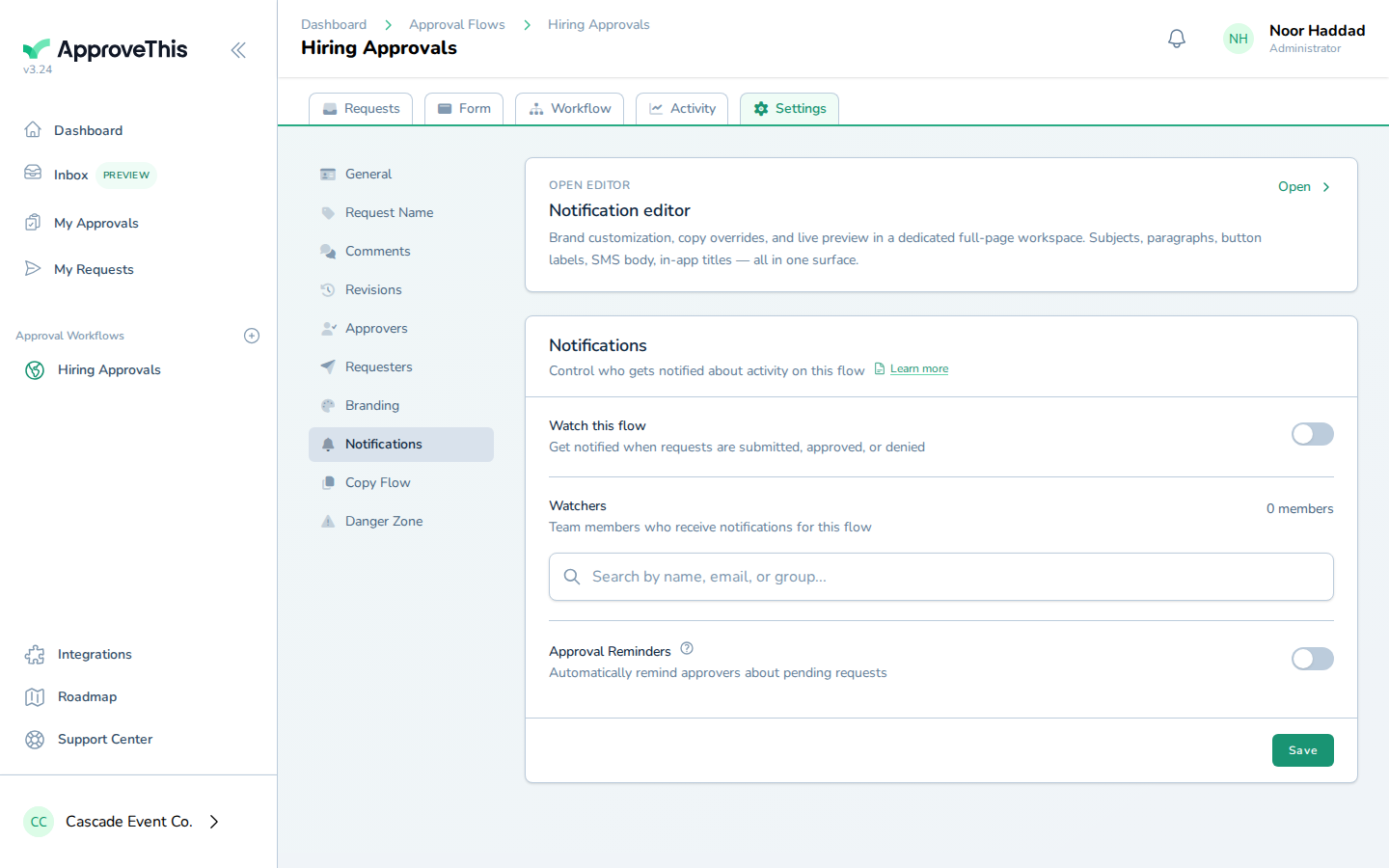
Open Notifications in the workflow's settings to reach the watcher controls. -
Click Search for an approver to start looking up the teammate you want to add.
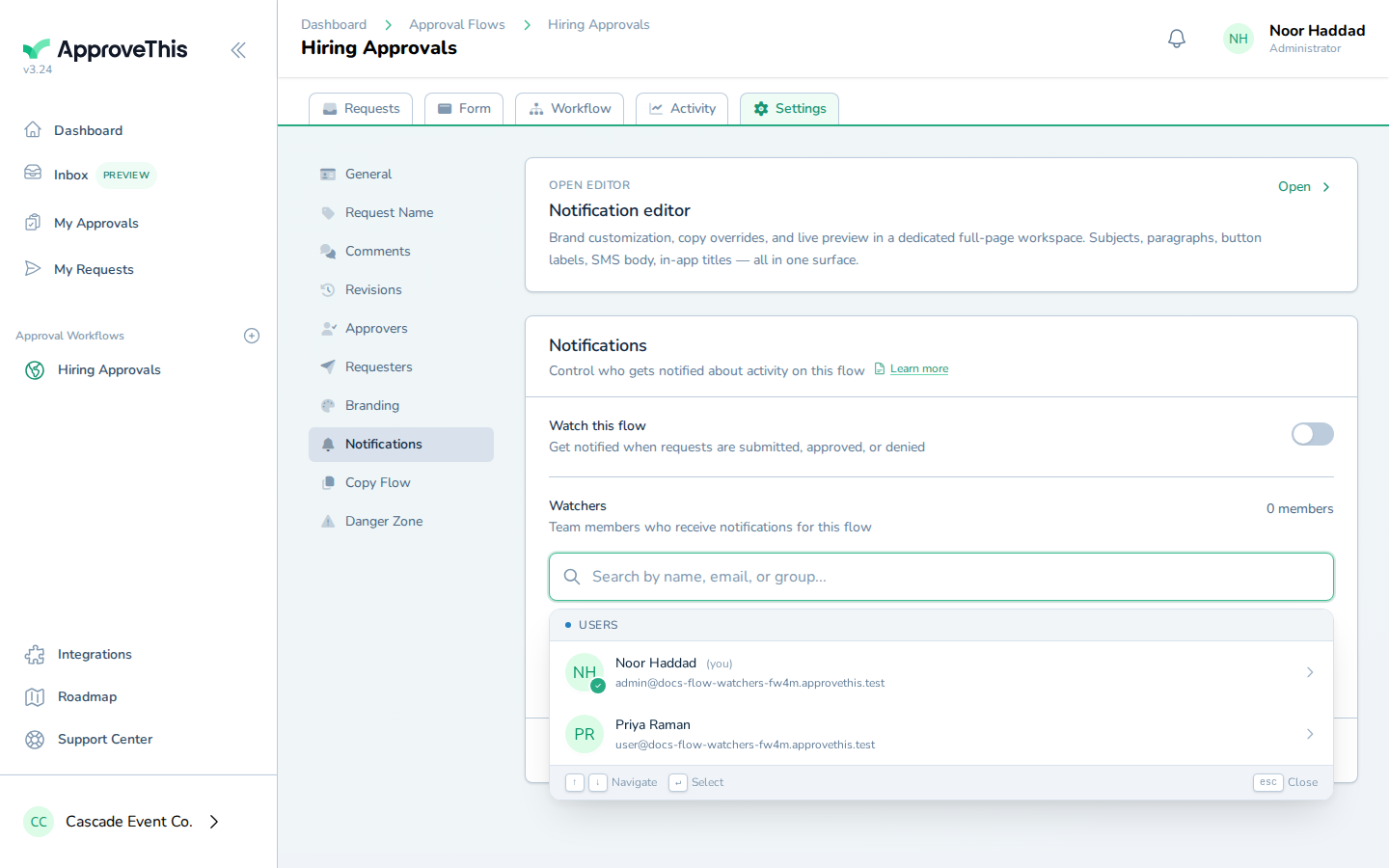
Click Search for an approver to start looking up the teammate you want to add. -
Type part of the teammate's name or email into Search for an approver — the example uses
Priya.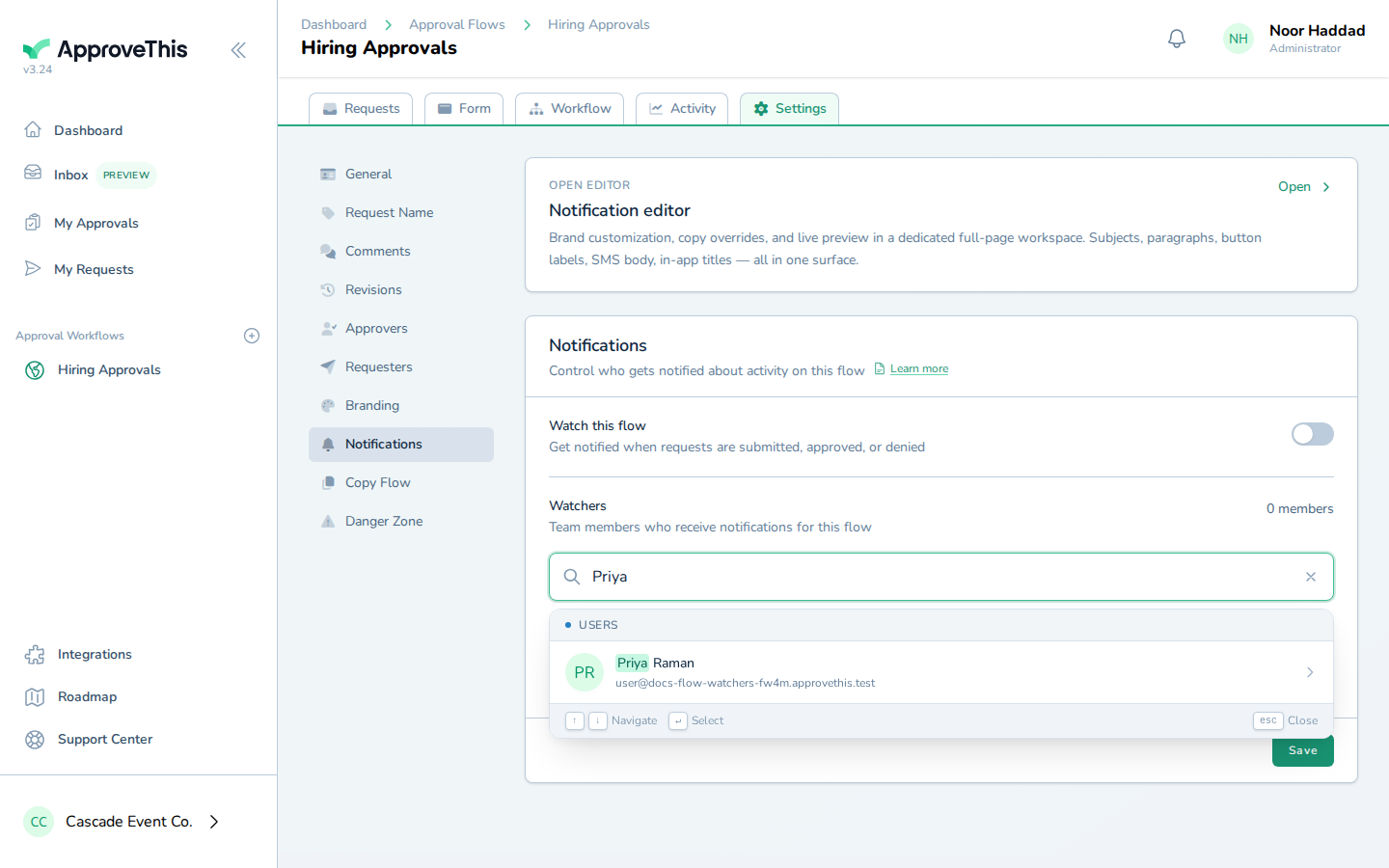
Type part of the teammate's name or email into Search for an approver — the example uses Priya. -
Click the person you searched for in the results list (the entry shown is Priya Raman in the example screenshots).
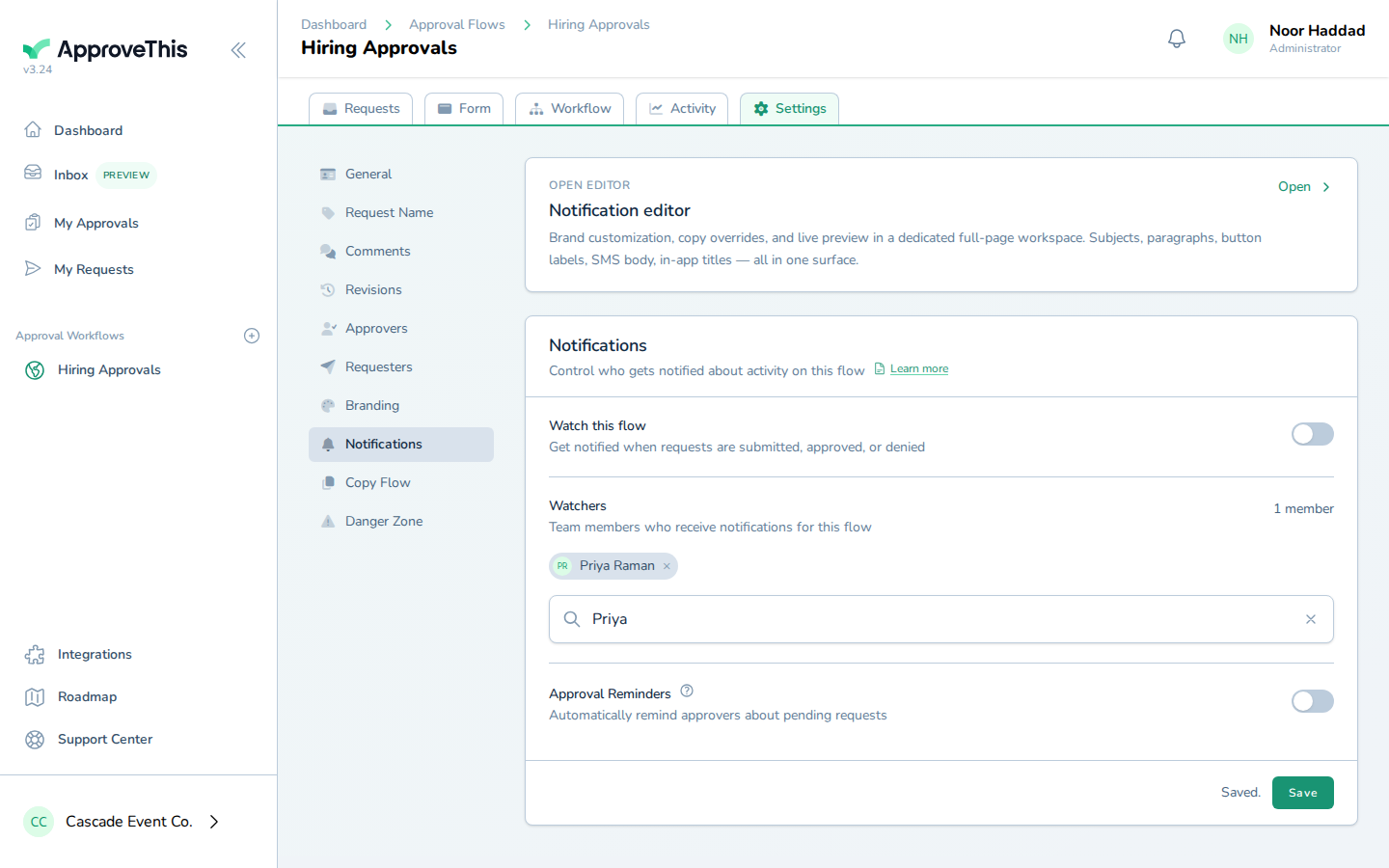
Click the person you searched for in the results list (the entry shown is Priya Raman in the example… -
Click Save to commit the watcher list.
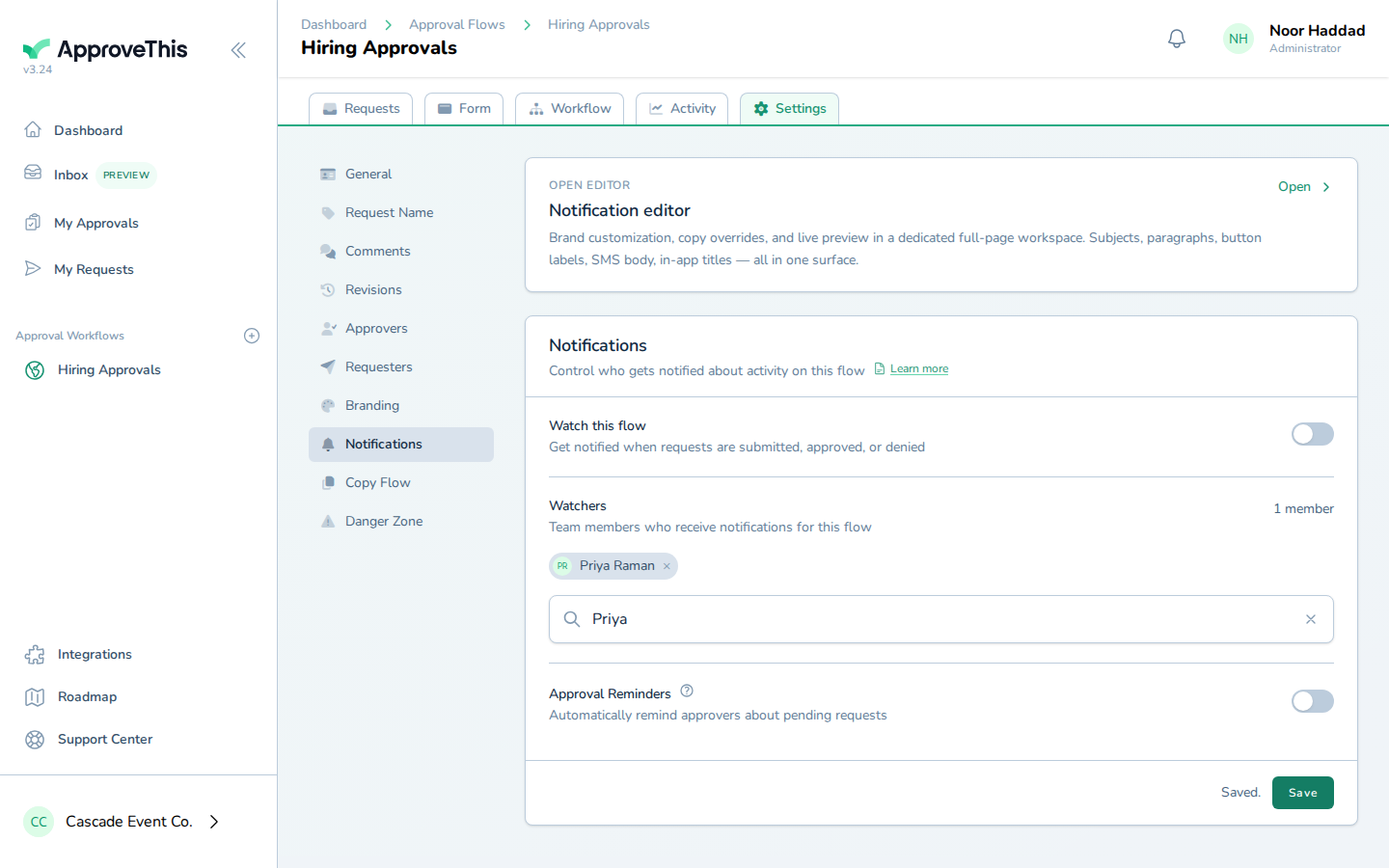
Click Save to commit the watcher list.