External Approver Role
Bring someone outside your workspace in to approve a specific request, with a restricted, approval-only view that hides everything else.
Updated
Some approvals depend on a person who doesn't work at your company — a vendor contact, an outside counsel, a partner signatory. The External Approver role gives that person an account scoped to the approvals assigned to them, with the rest of the workspace out of view. This guide walks both sides of that handoff: the administrator confirming a request is sitting with the external approver, and the external approver signing in and acting on it. You'll need a workflow that routes to an external approver and a request already submitted against it.
Who this is for: an Administrator or an External.
Find the request that is waiting on the external approver
Before you tell an outside contact to check their inbox, it's worth confirming the request actually landed on them. This view shows the request sitting in the workflow with its pending approver named.
-
Sign in as the administrator.
-
Open the workflow that routes to your external approver (the example screenshots use Partner Sign-offs 1).
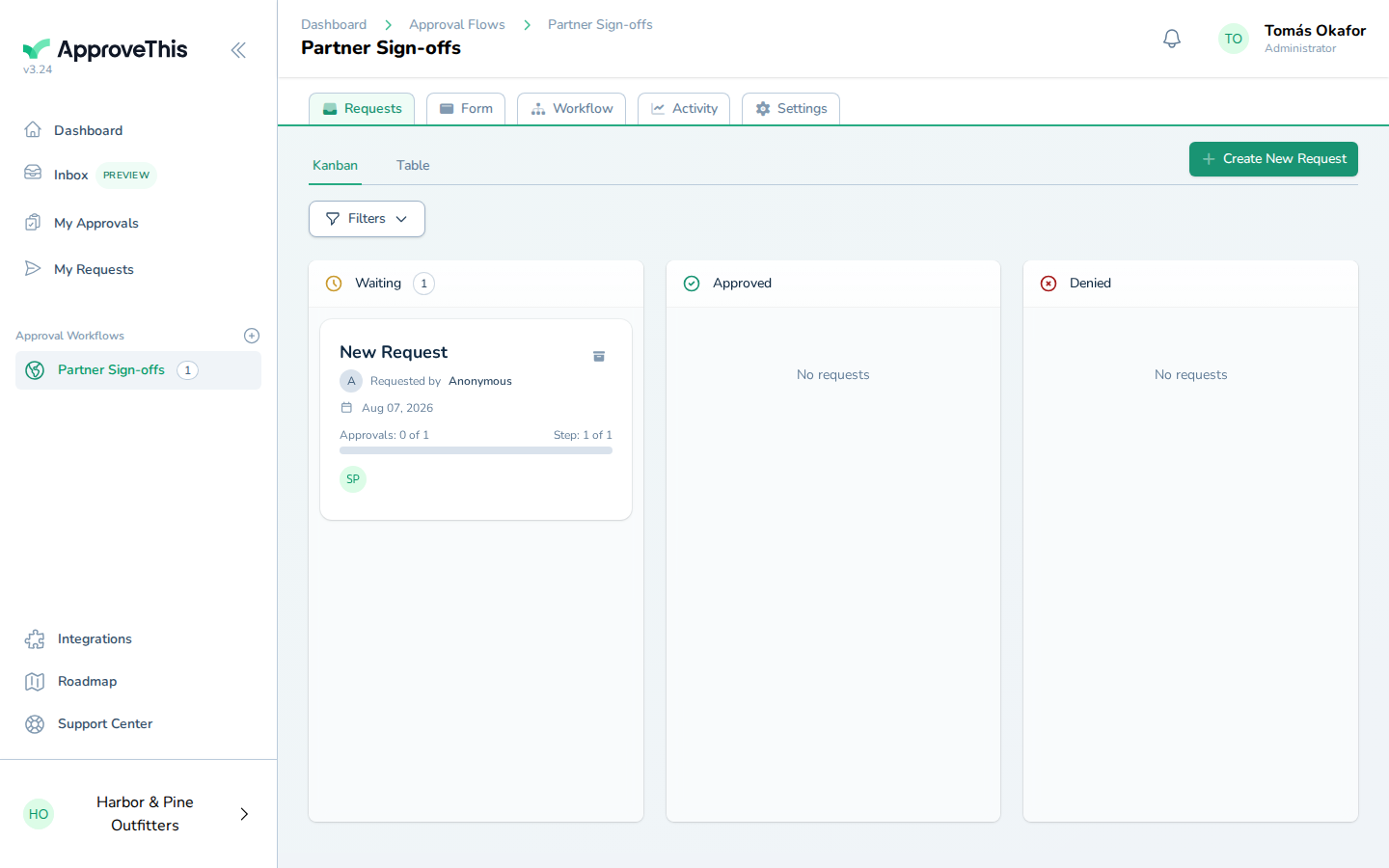
Open the workflow that routes to your external approver (the example screenshots use Partner Sign-offs 1). -
Click New Request to open the request that's pending on the external approver.
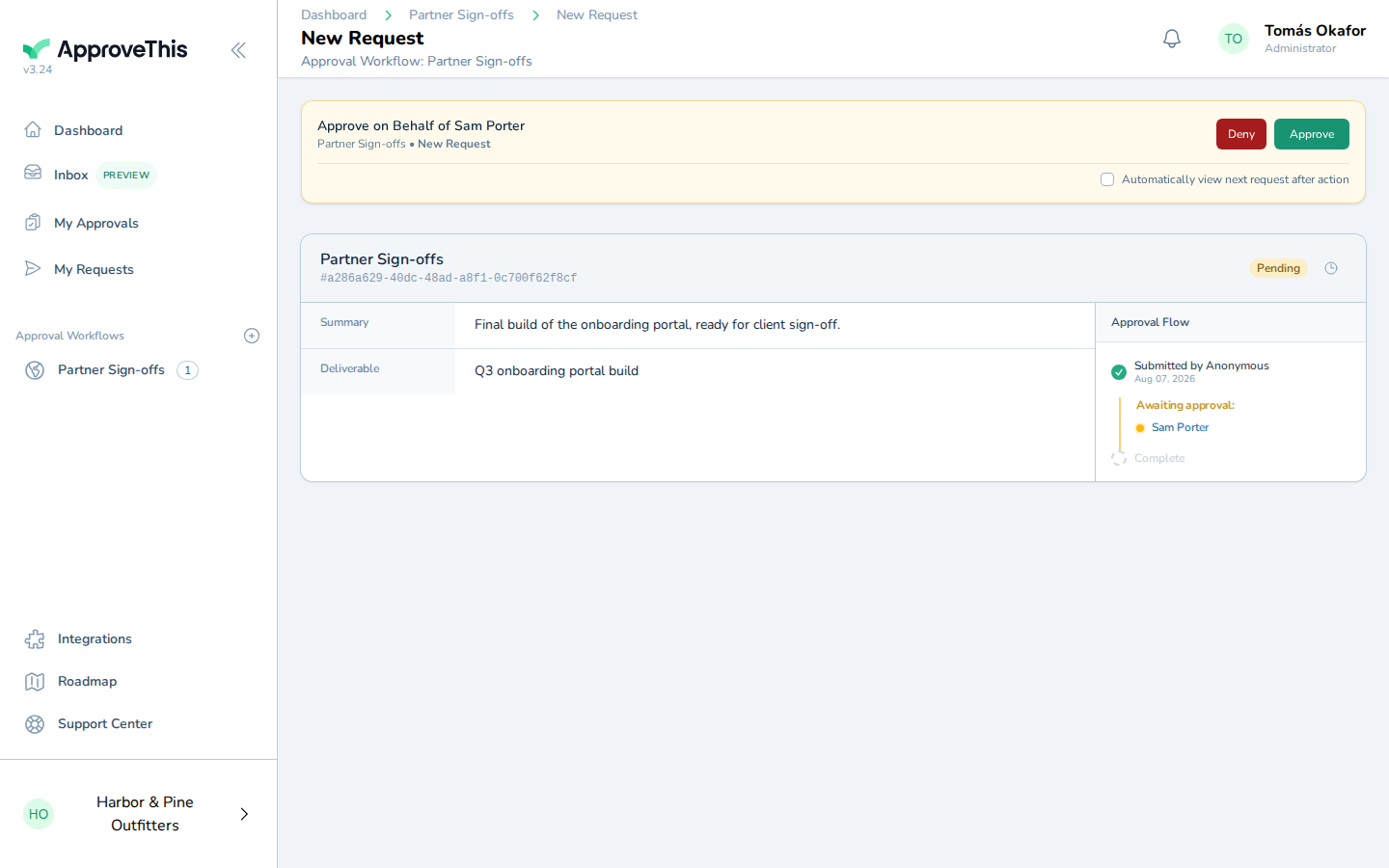
Click New Request to open the request that's pending on the external approver.
Sign in as the external approver and open the assigned approval
The external approver signs in to an account limited to the approvals assigned to them, so there's no workspace navigation to walk them through. Available on all tiers.
-
Sign in with the external approver's account.
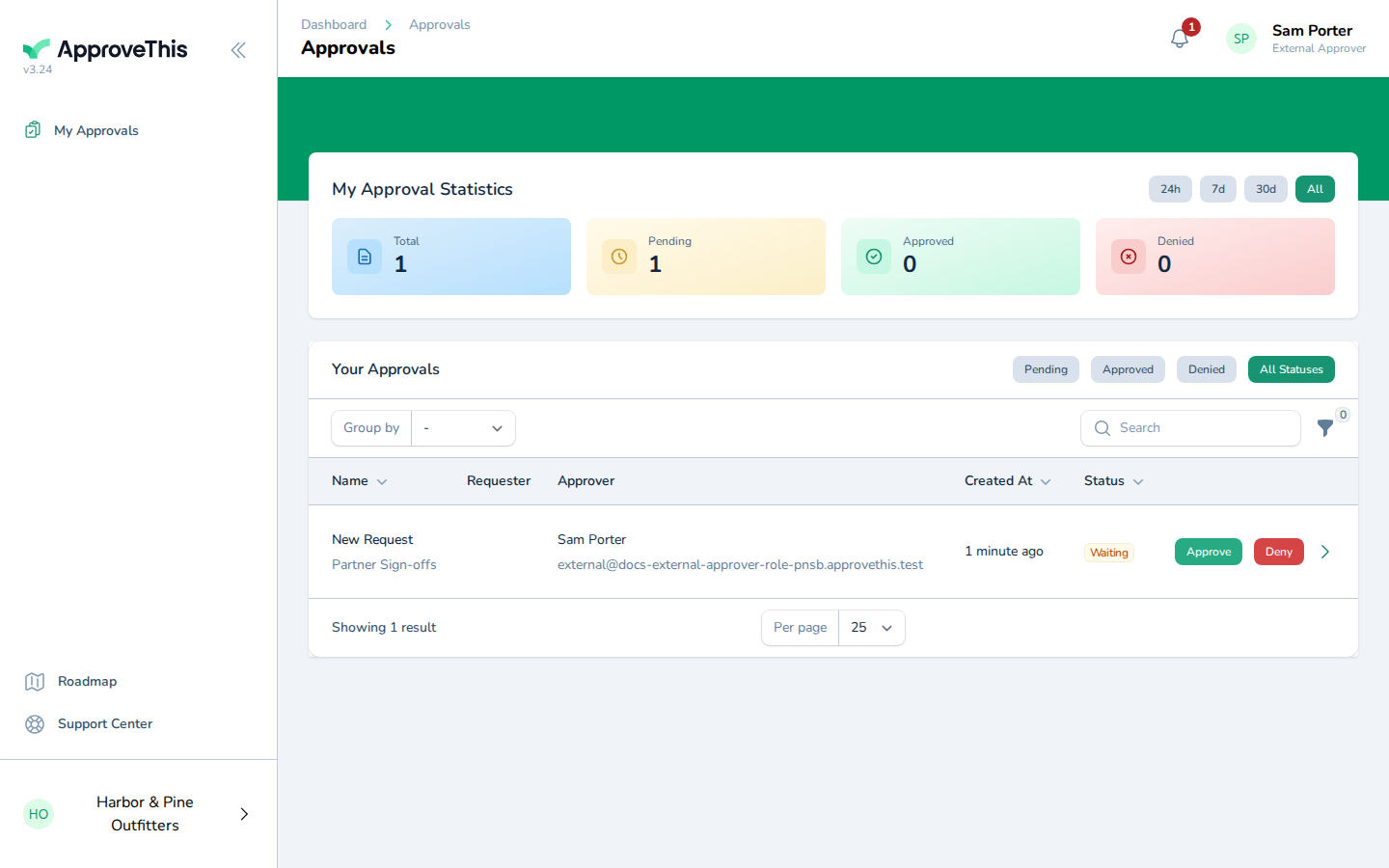
Sign in with the external approver's account. -
Open the approval assigned to you from the list — such as New Request Partner Sign-offs.
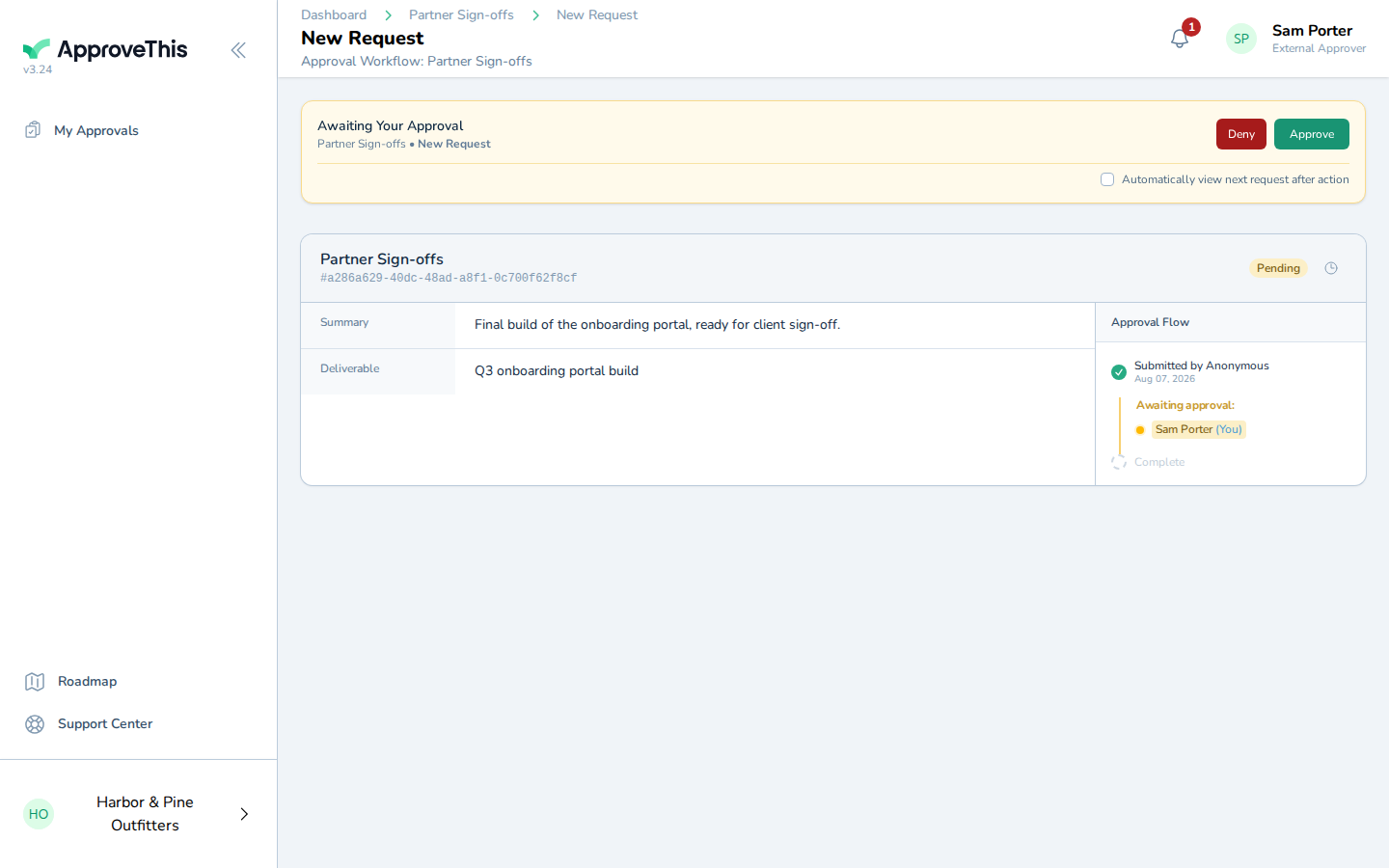
Open the approval assigned to you from the list — such as New Request Partner Sign-offs.
Approve the request from the restricted external view
This is the whole point of the restricted view: the outside approver makes the decision without being handed access to anything else in the workspace.
-
Click Approve.
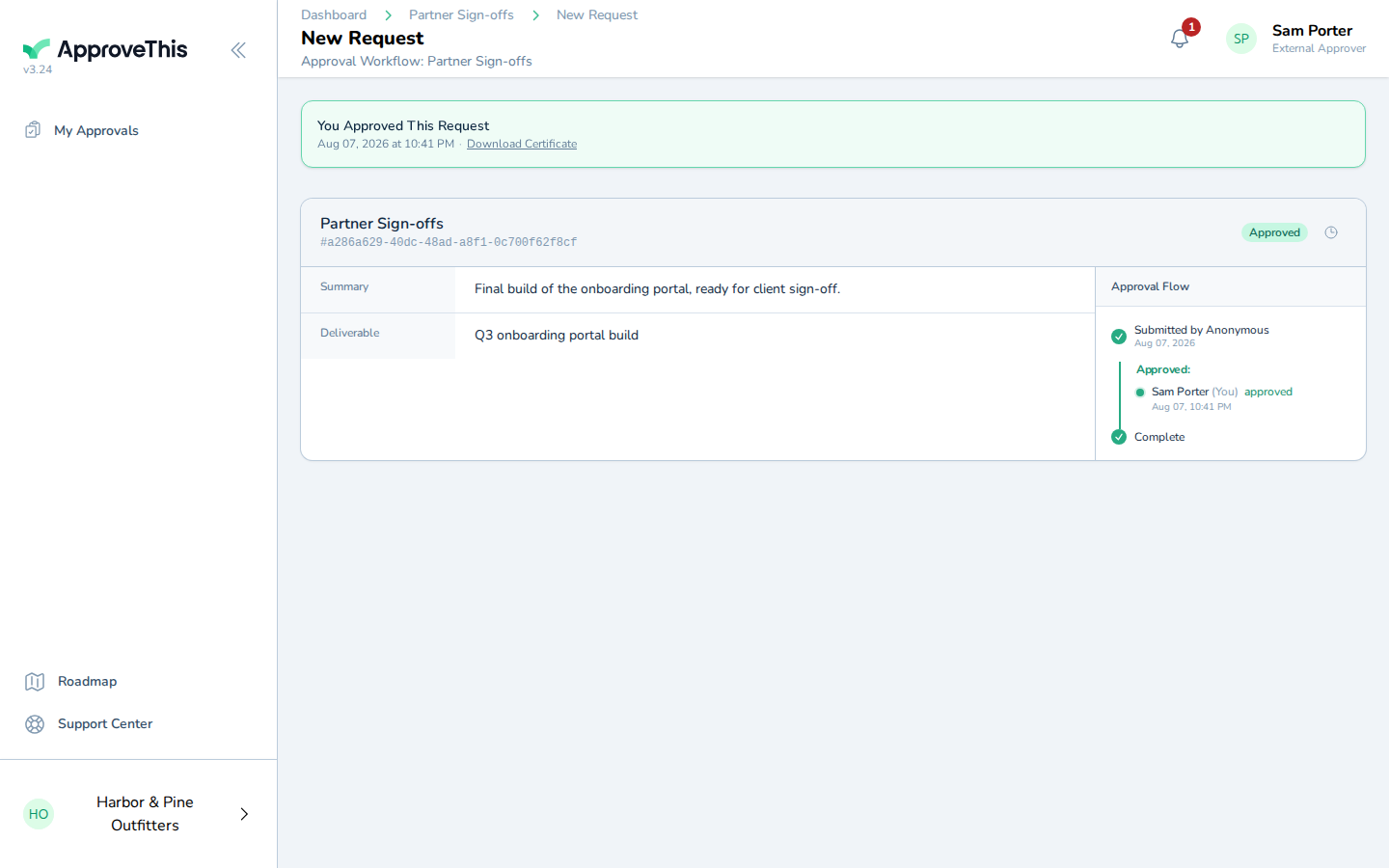
Click Approve.