Video Review Comments
Review video where the approval lives — the clip plays on the request page, and comments can pin an exact moment, so "the logo flickers at 0:45" is a click, not a description.
Updated
Video review notes lose their meaning when they describe a moment instead of pointing at it. A request carrying a Video Link field plays its clip inline on the request page, and comments left there can be pinned to an exact playback position — each pinned comment gets a chip that jumps the player back to that moment, and the notification email carries the timestamp and a link that auto-seeks to it. This guide is for Administrators reviewing a request that already has a video attached; you'll need such a request open on screen. ApproveThis stores the link only, so the video keeps playing from Gumlet, YouTube, or Google Drive.
Who this is for: an Administrator.
Leave a comment pinned to a moment in the video
Pinning feedback to a moment turns "the logo flickers around forty-five seconds" into a chip a reviewer clicks. Note the provider difference: Gumlet and YouTube capture and seek in the page, while Google Drive embeds are not scriptable — their timestamps are typed by hand and jumping opens Drive's own viewer in a new tab.
-
Sign in as the Administrator.
-
Click Add a comment… to open the comment box.
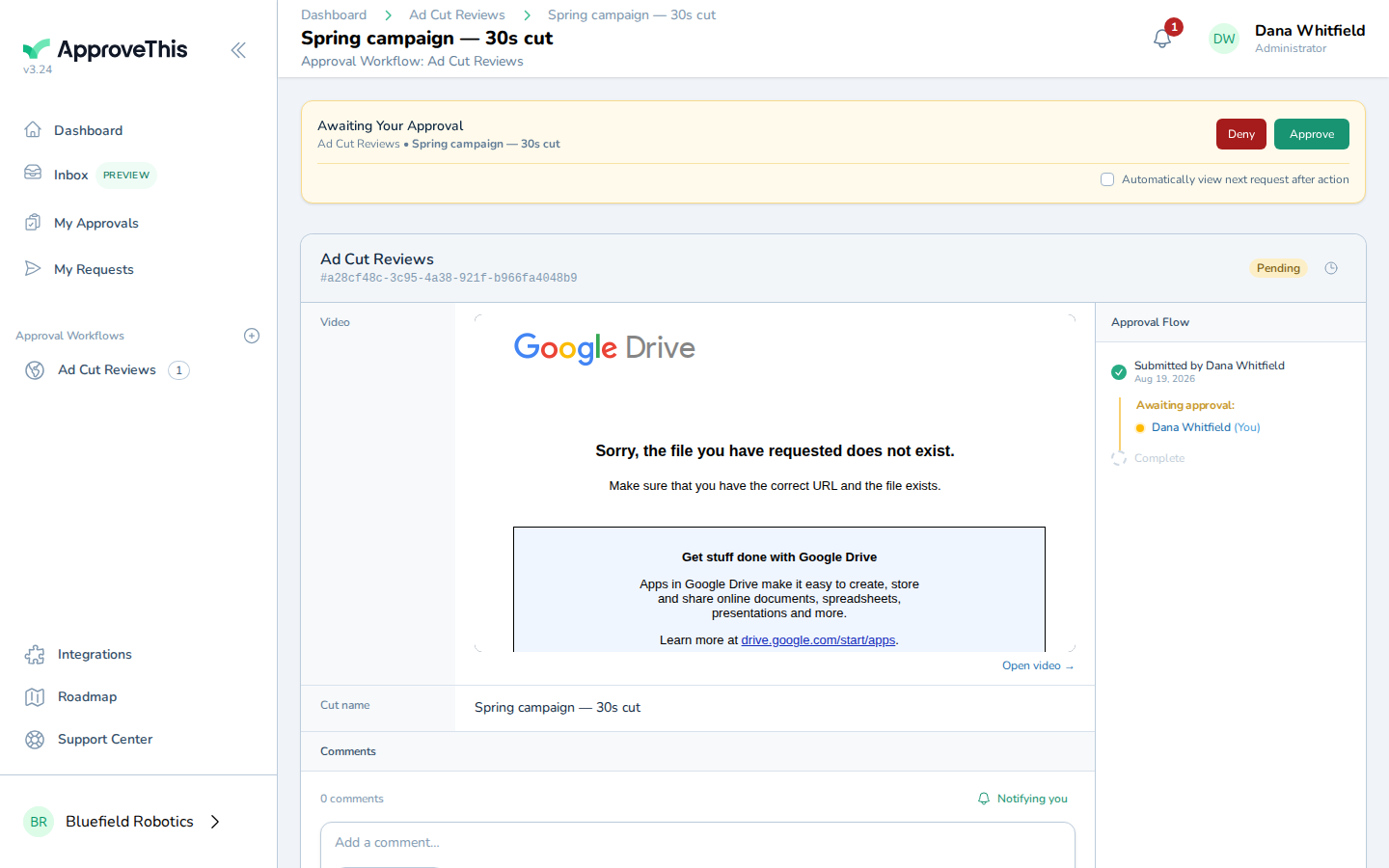
Click Add a comment… to open the comment box. -
Type your review note in Add a comment…, describing what you saw and what needs changing (the example uses
The logo flickers here — needs a cleaner fade.).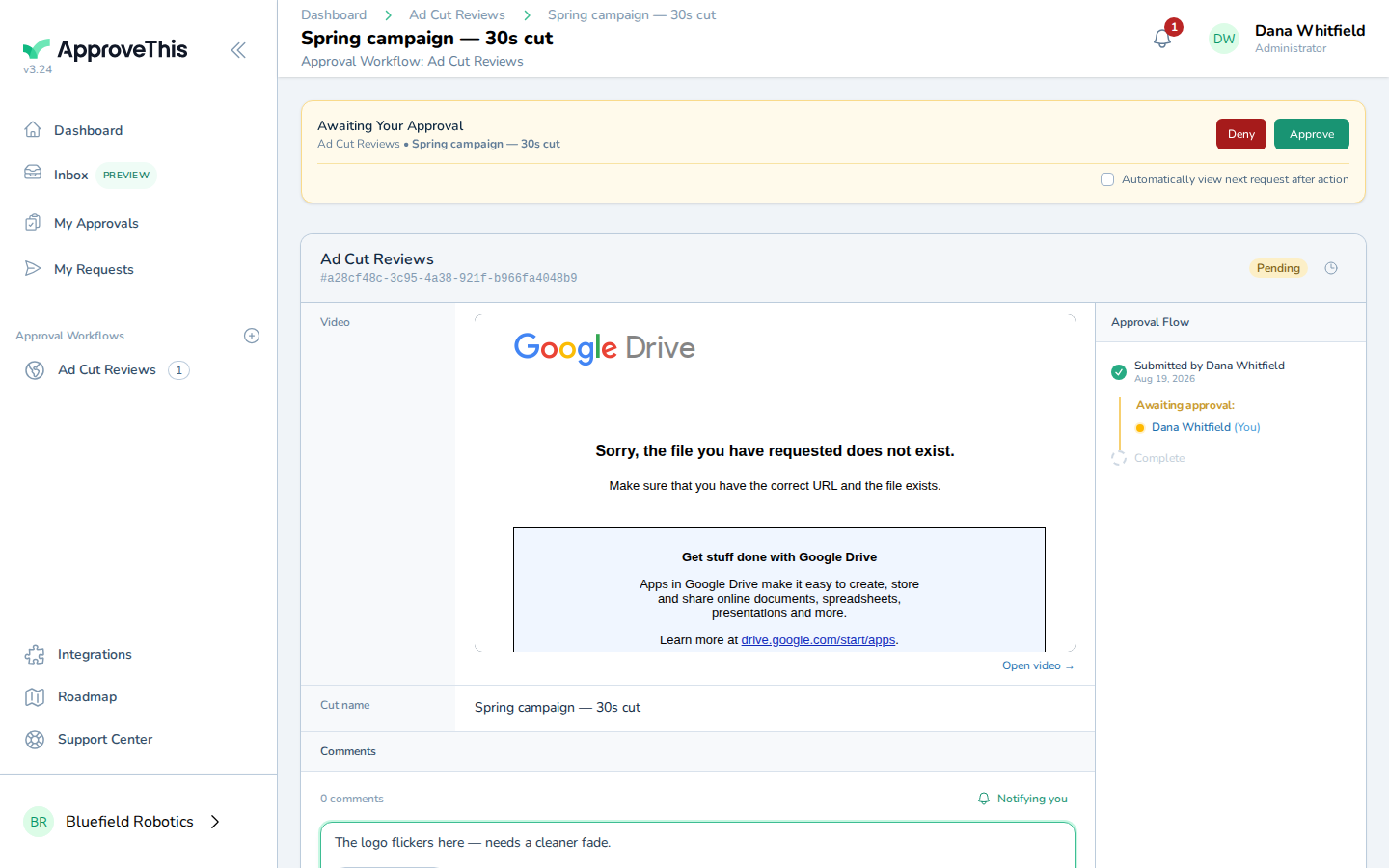
Type your review note in Add a comment…, describing what you saw and what needs changing (the example uses The logo flickers here — needs a cleaner fade.). -
Enter the playback position the note refers to in Timestamp (minutes:seconds), in minutes and seconds — e.g.,
0:45.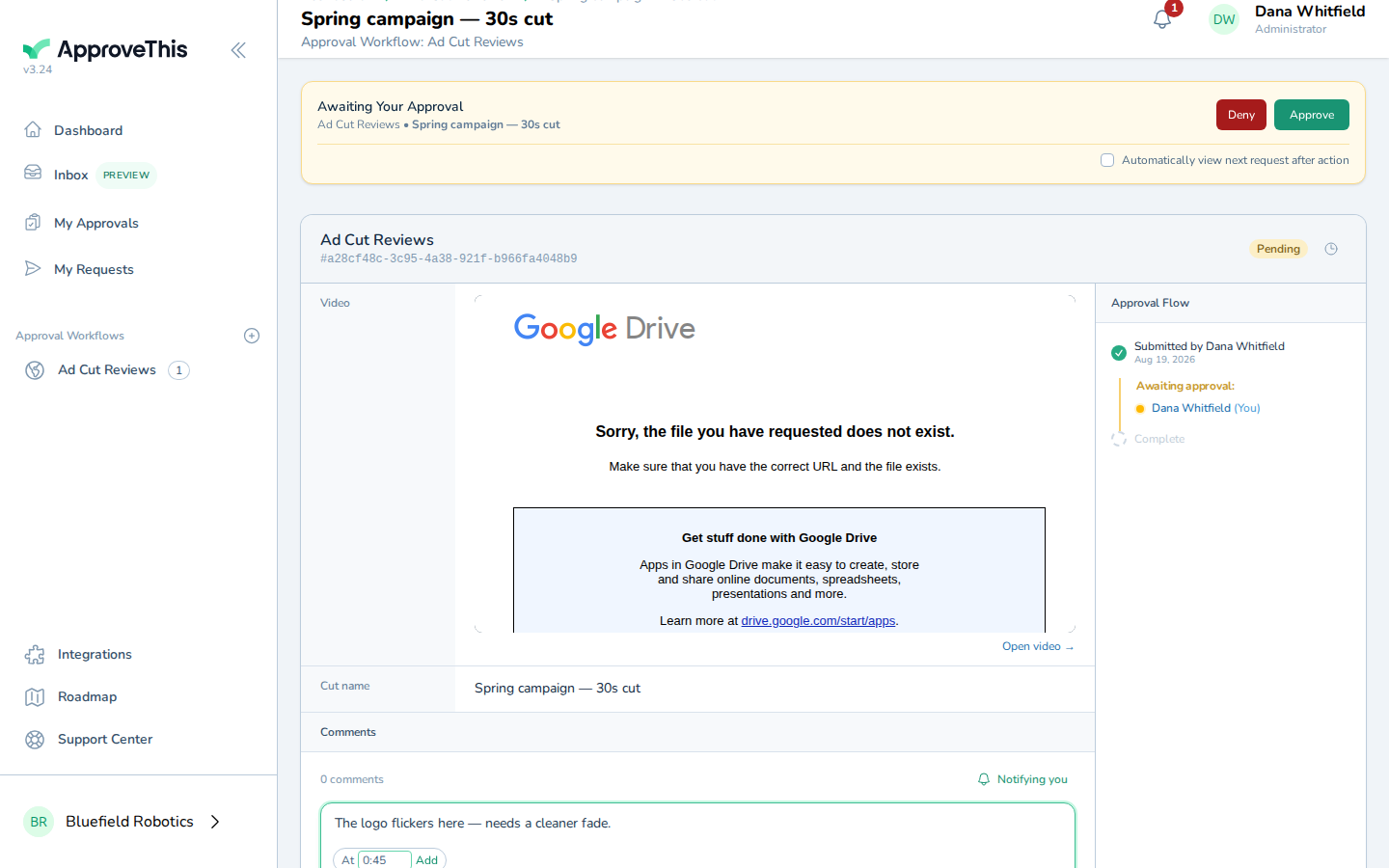
Enter the playback position the note refers to in Timestamp (minutes:seconds), in minutes and seconds — e.g., 0:45. -
Click Add to attach the timestamp to the comment.
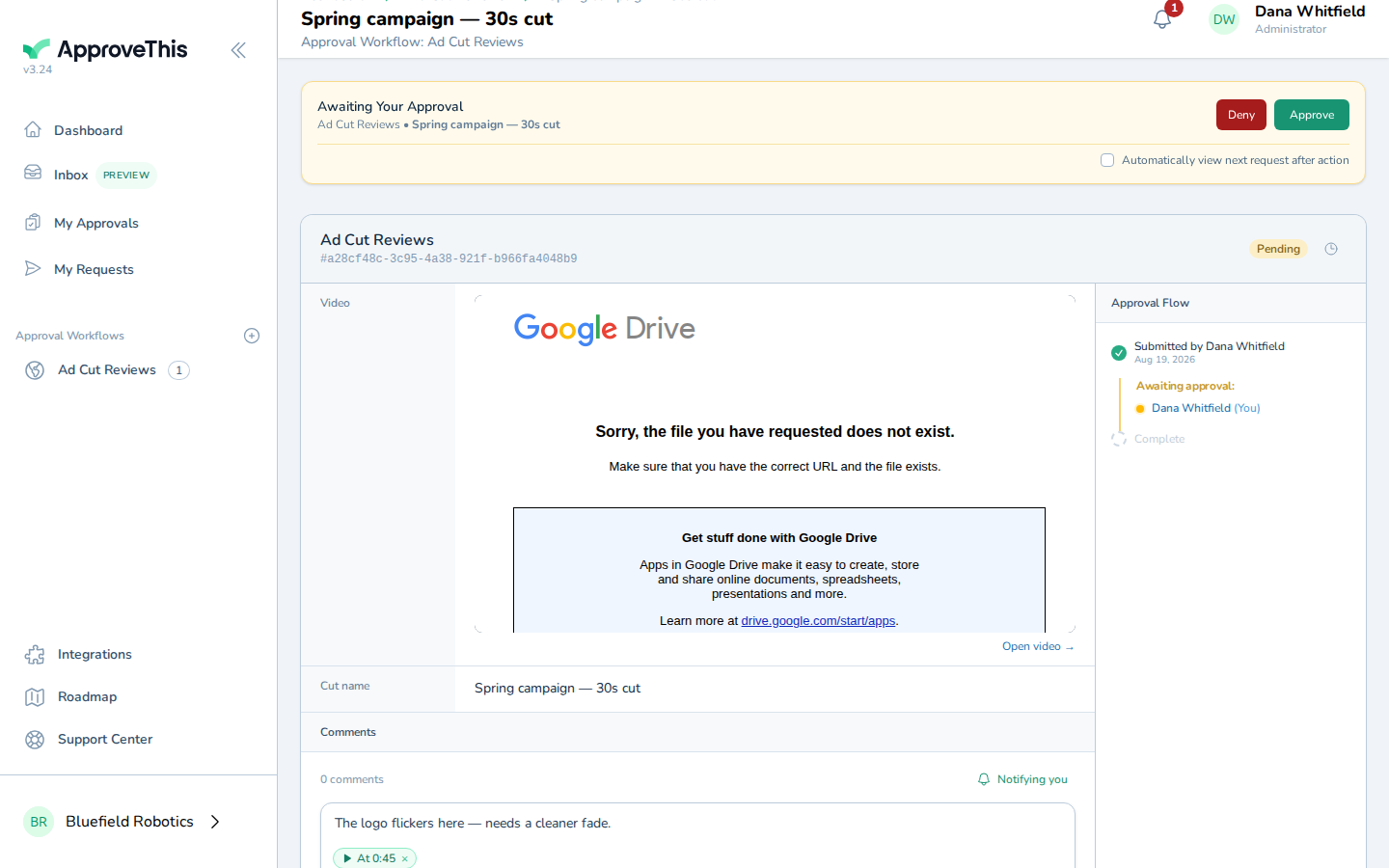
Click Add to attach the timestamp to the comment. -
Click Comment to post it to the request.
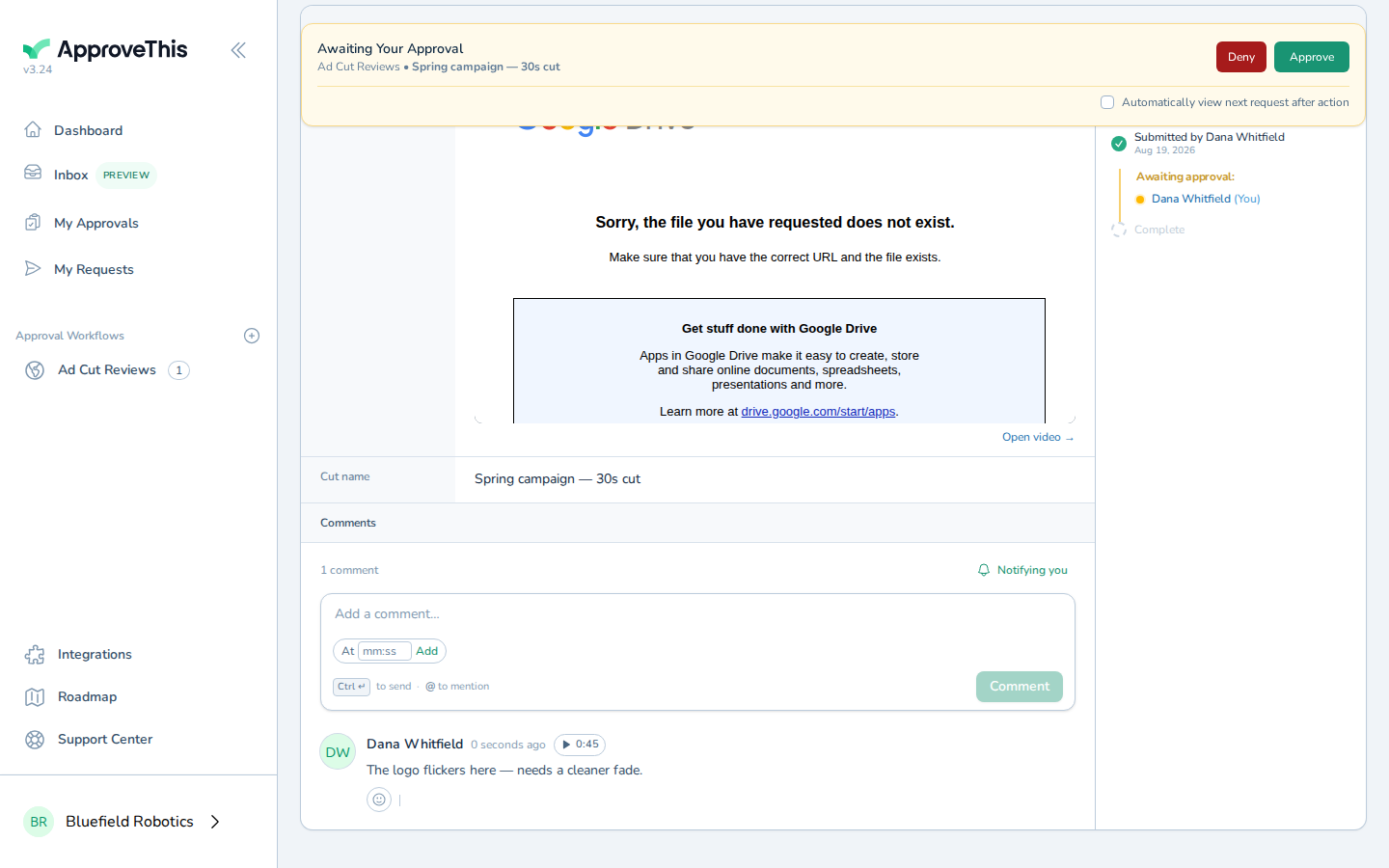
Click Comment to post it to the request.