Request Revisions & Versioning
When an approver sends a request back, fix it instead of starting over. Edit the original, resubmit, and ApproveThis keeps the whole chain as versions with nothing lost.
Updated
An approver sent your request back and asked for something to change. Rather than filling out a fresh submission and losing the history, you can edit the original request and resubmit it as the next version in the same chain — prior field values and uploaded files carry over unless you change them. This guide is for Users working a denied or revision-requested request, and assumes you have one open on its request page. Resubmission is available only when the workflow it was submitted to has revisions enabled, and an optional cap can limit how long a chain grows; only the latest version in a chain can be resubmitted.
Who this is for: a User.
Edit and resubmit the request as a new version
An approver's revision request usually turns on one detail — a missing quote, a wrong amount. Editing and resubmitting keeps the original request as v1, links the new submission to it, and preserves everything you don't touch.
-
Sign in as the user.
-
Click Edit & Resubmit on the request page to reopen the submission for editing.
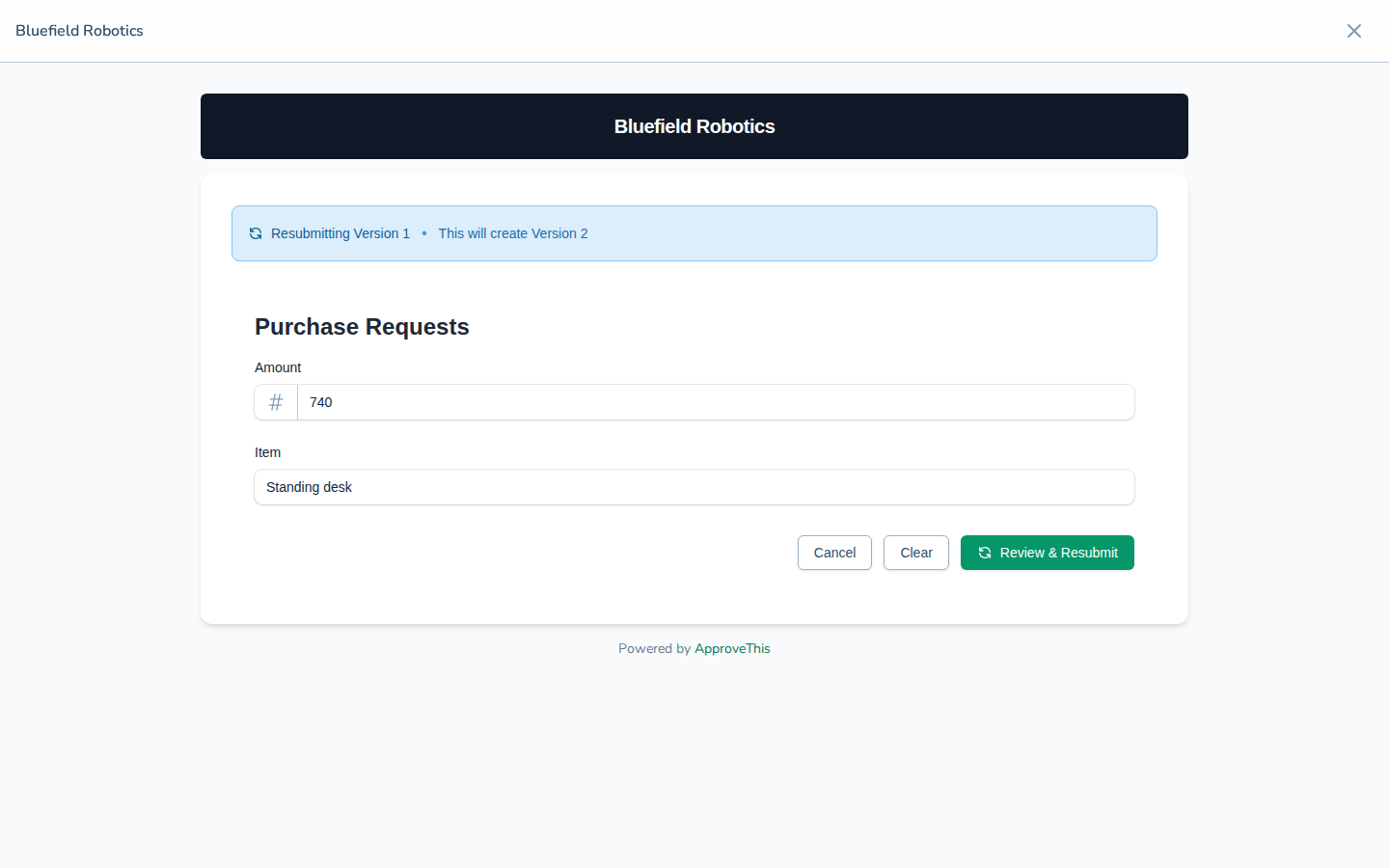
Click Edit & Resubmit on the request page to reopen the submission for editing. -
Update the field the approver asked about — in Item, enter the corrected description of what you're requesting (the example uses
Standing desk (vendor quote attached)). Fields you leave alone keep their existing values.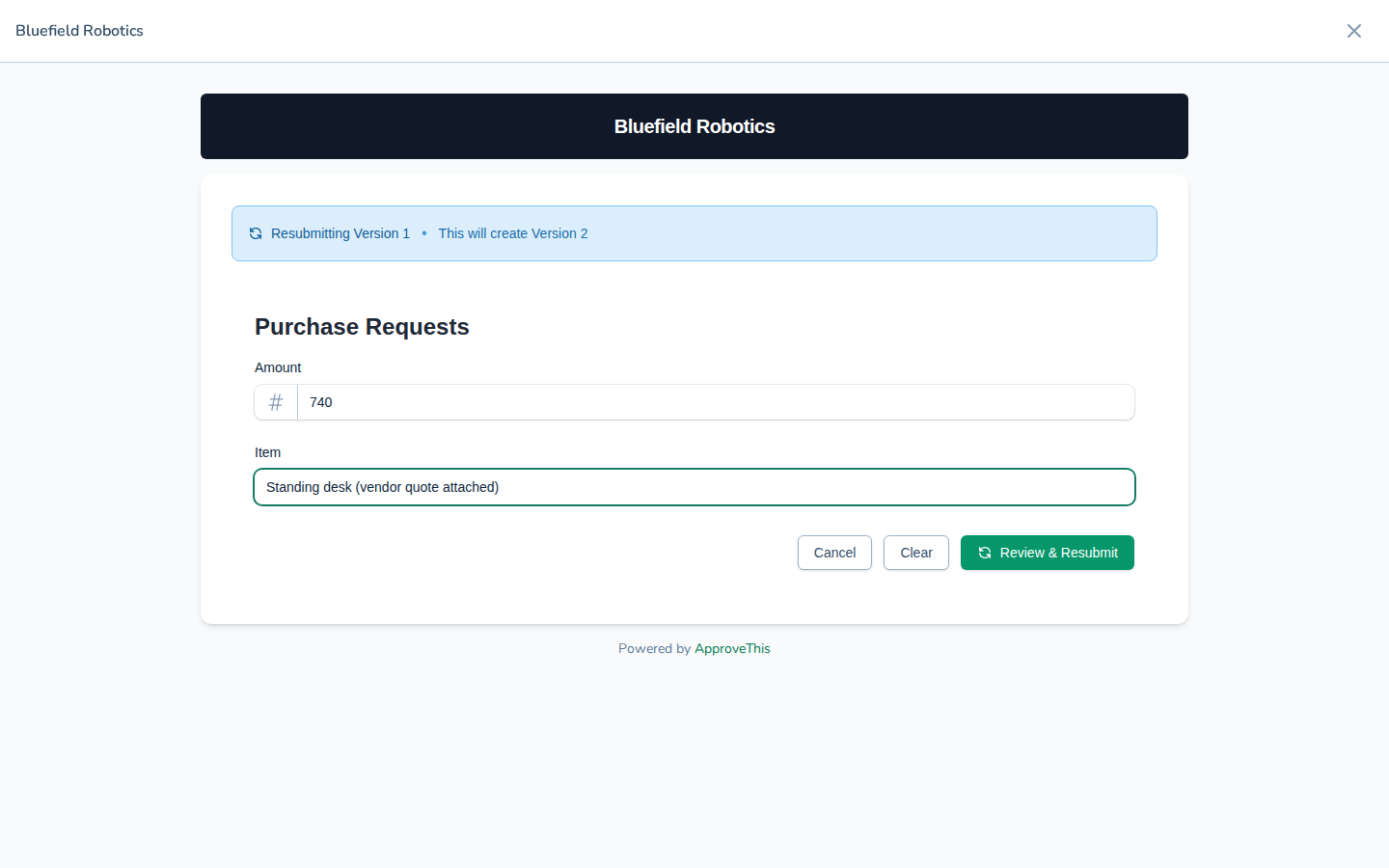
Update the field the approver asked about — in Item, enter the corrected description of what you're requesting (the example uses Standing desk (vendor quote… -
Click Review & Resubmit.
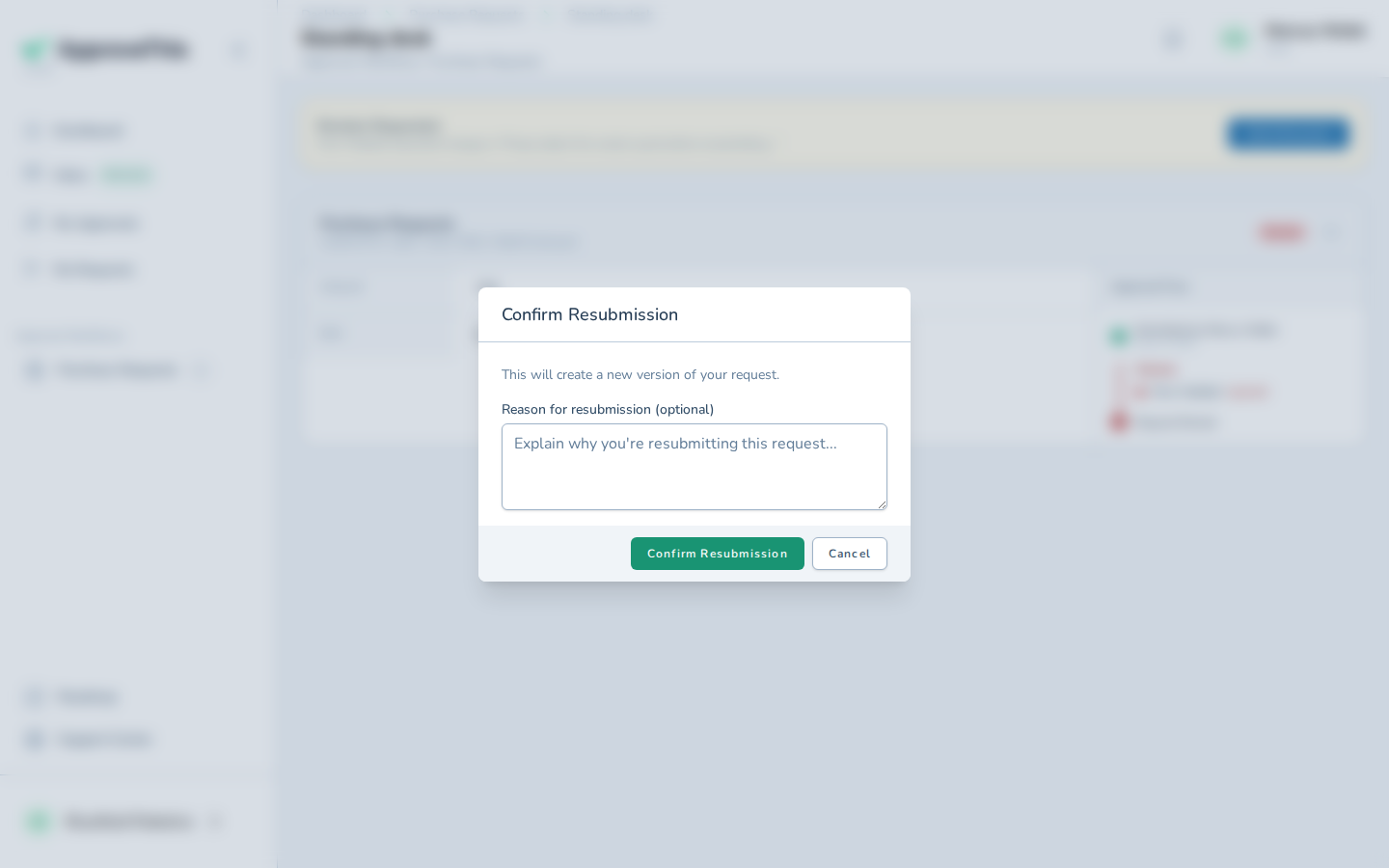
Click Review & Resubmit. -
In Reason for resubmission (optional), note what changed since the last version, such as
Vendor quote attached as requested.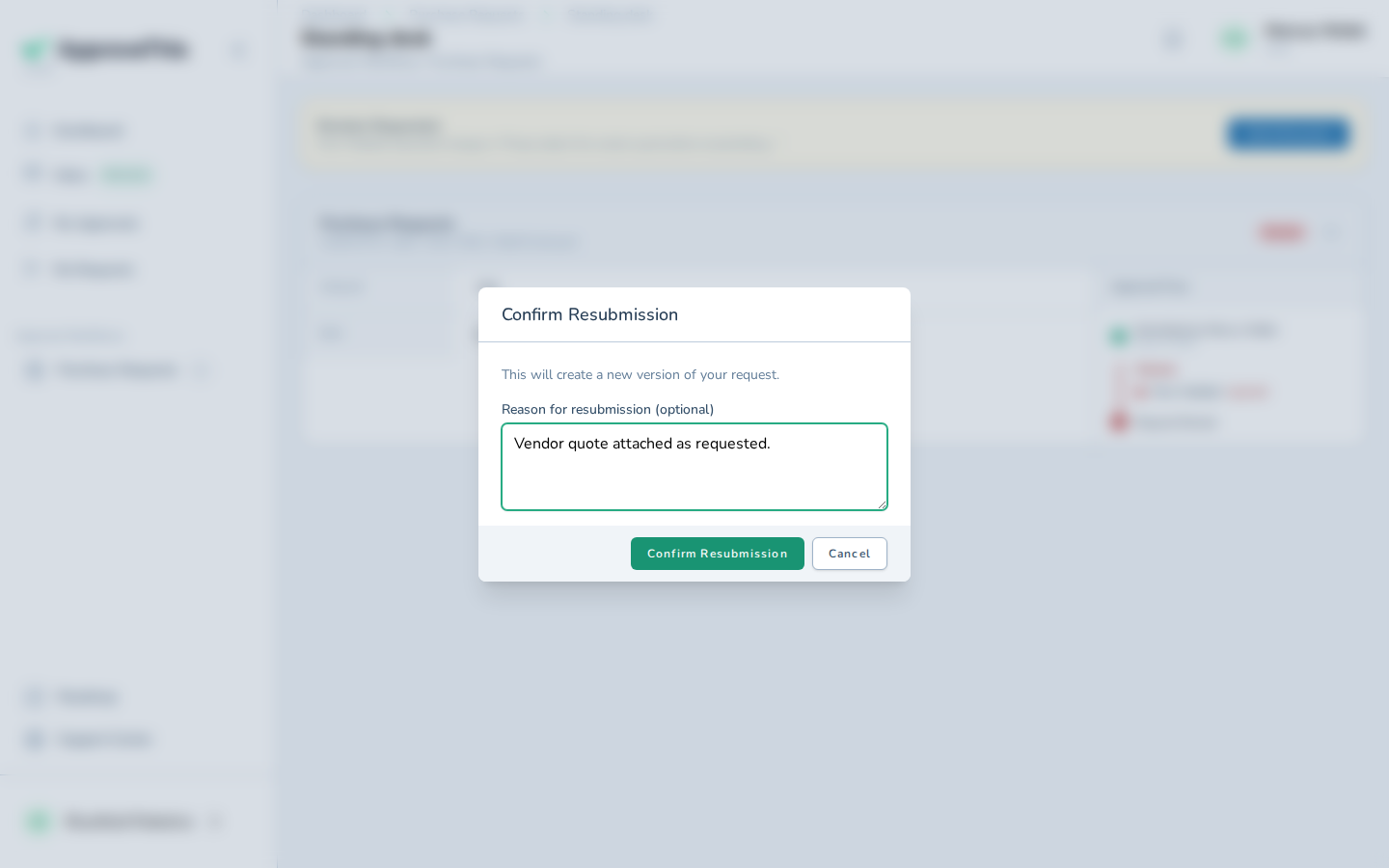
In Reason for resubmission (optional), note what changed since the last version, such as Vendor quote attached as requested. -
Click Confirm Resubmission.
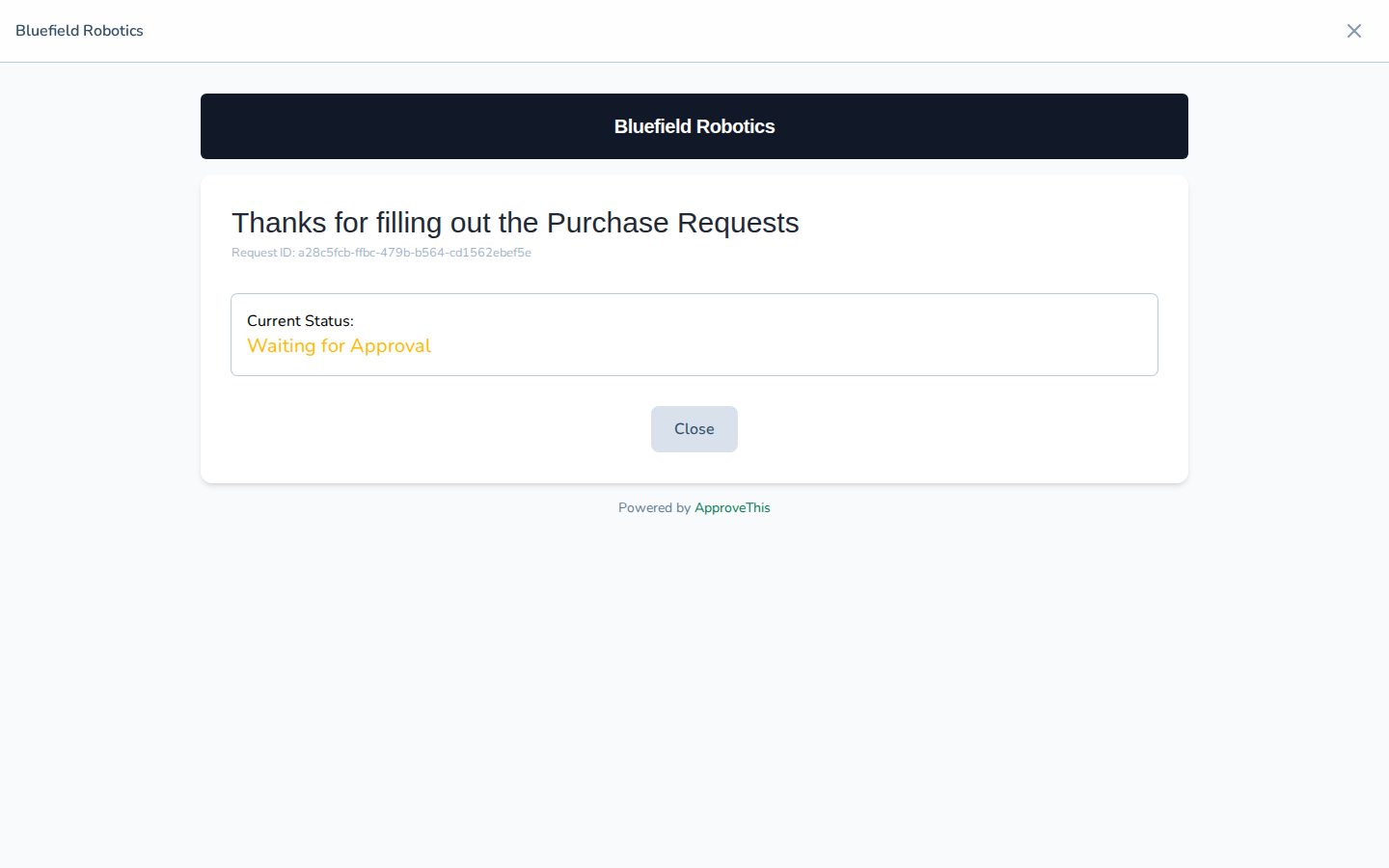
Click Confirm Resubmission. -
Click Close to dismiss the confirmation.
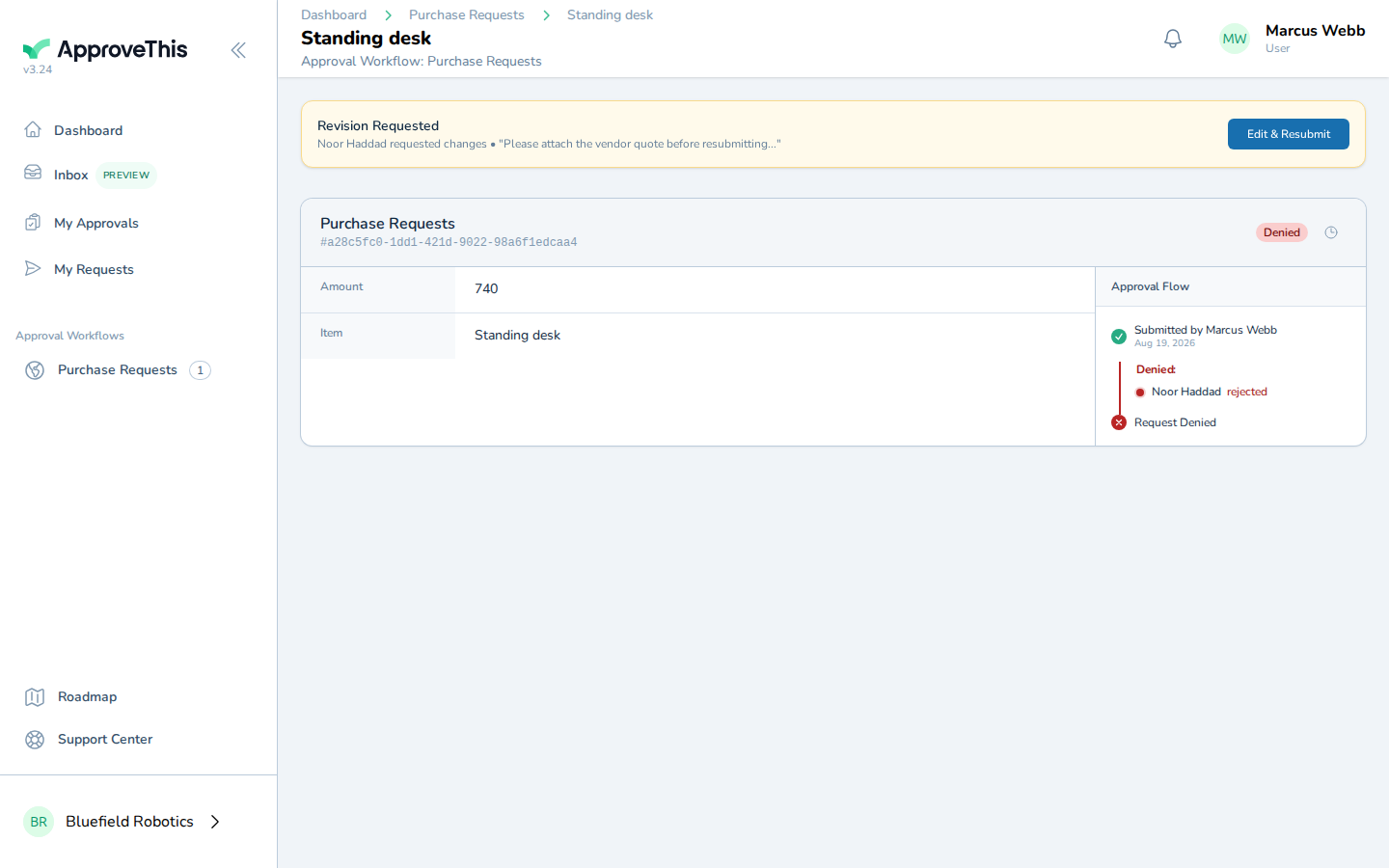
Click Close to dismiss the confirmation. -
Click My Requests.
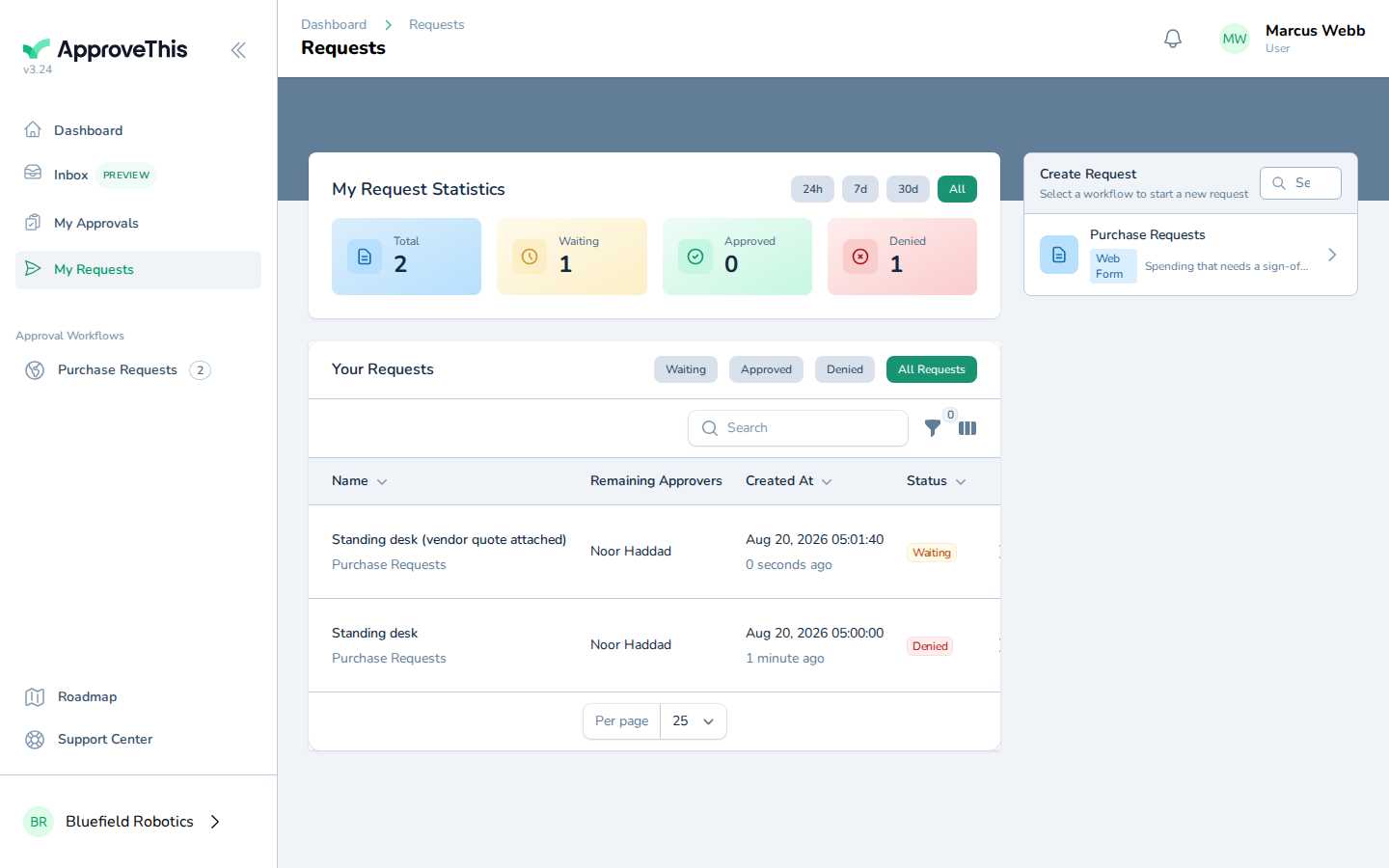
Click My Requests. -
Open the resubmitted request from the list by clicking its title —
Standing desk (vendor quote attached)in the example screenshots.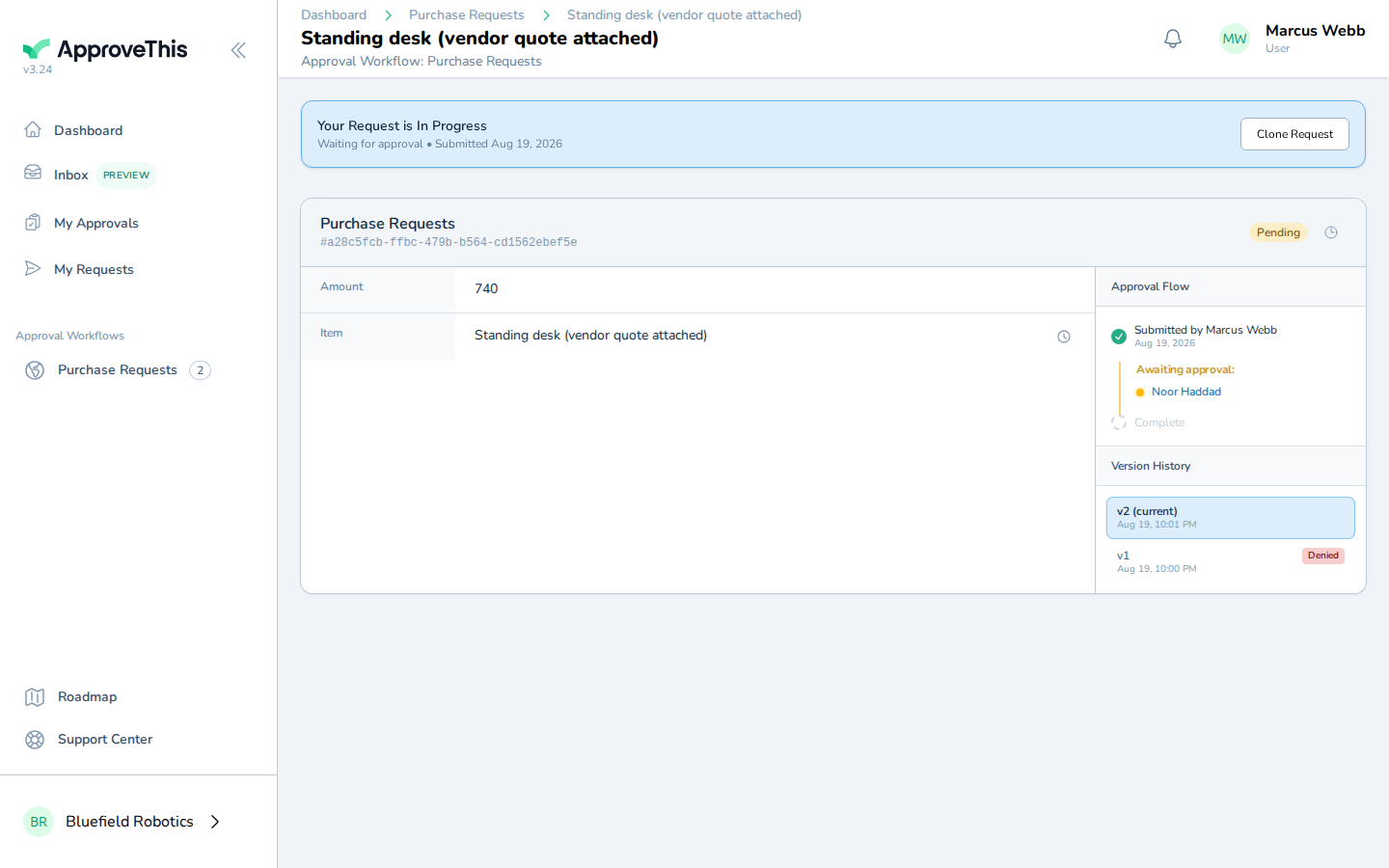
Open the resubmitted request from the list by clicking its title — Standing desk (vendor quote attached) in the example screenshots.