Public Forms
Open a flow's form to the public — anyone with the link can submit a request without signing in, and every submission still routes through the flow's approval steps.
Updated
A vendor needs to send an invoice, a contractor needs to file onboarding paperwork, or staff without ApproveThis seats need to raise IT tickets — and none of them should have to sign in first. Public Forms publishes a workflow's form as a page anyone with the link can submit to, and each submission still travels through that workflow's approval steps. This guide is for Administrators working in an existing published, active workflow's settings.
Who this is for: an Administrator.
Turn on public submissions
Until public submissions are on, only signed-in workspace members can file against the workflow, which means someone internal re-keys everything that arrives by email. Turning the setting on makes the workflow's page reachable to anyone holding the link. One limit to know before you start: if the form contains User Selection fields, the toggle refuses until those fields are removed on the workflow's Form tab.
-
Sign in with an Administrator account for the workspace that owns the workflow.
-
Open the Requesters tab in the workflow's settings, where the controls governing who can submit live.
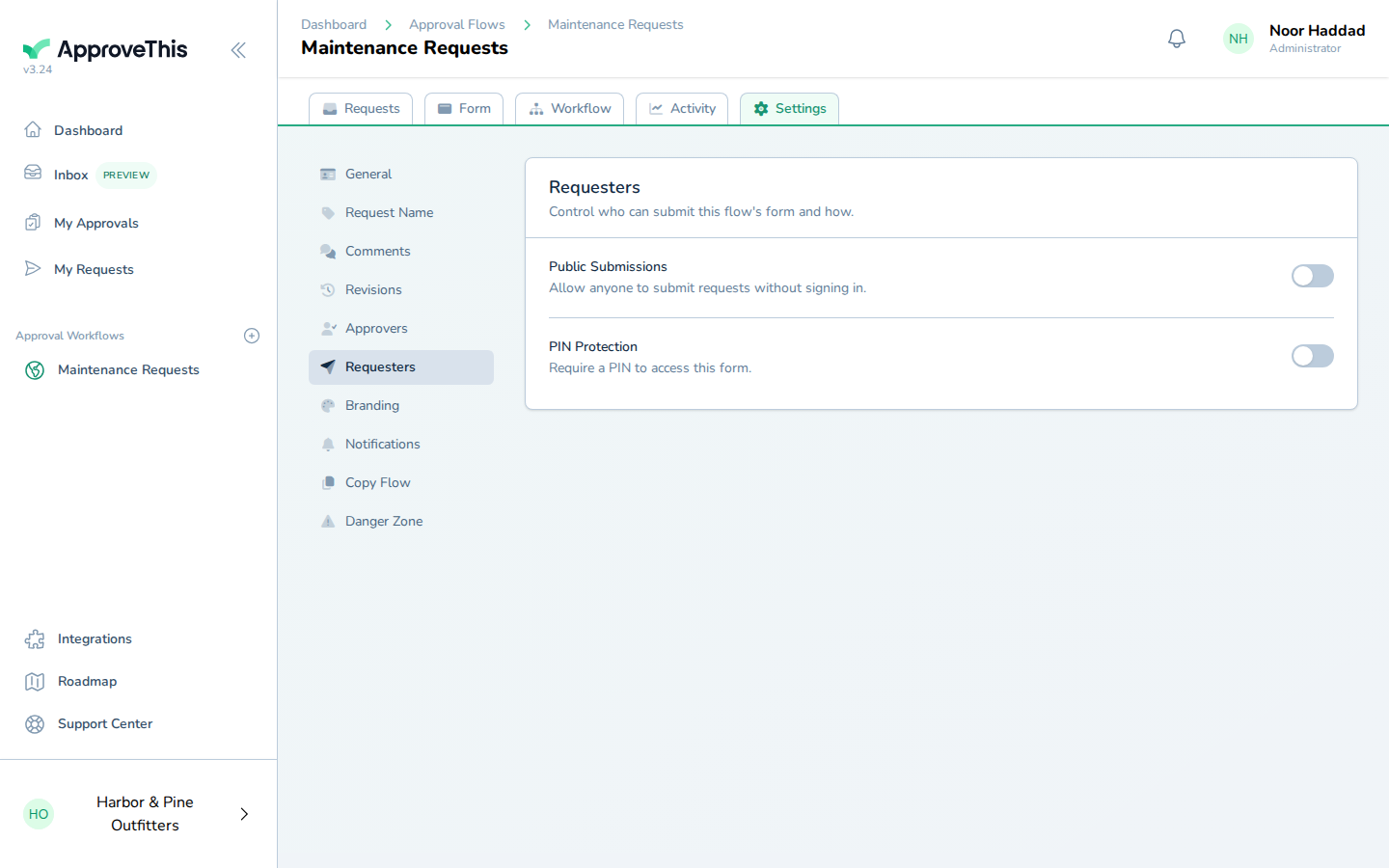
Open the Requesters tab in the workflow's settings, where the controls governing who can submit live. -
Switch on Public Submissions to let anyone with the page link submit without an ApproveThis account.
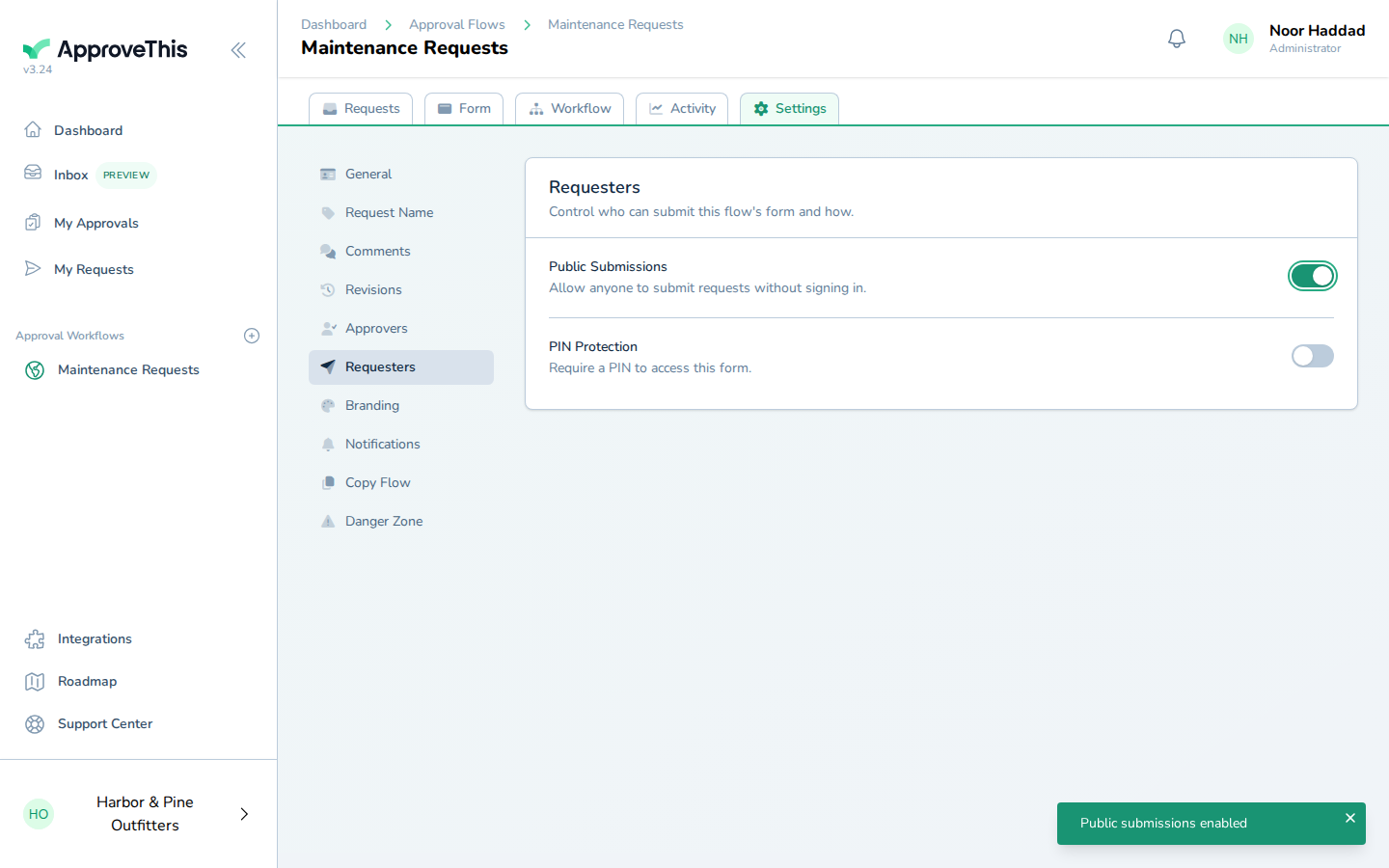
Switch on Public Submissions to let anyone with the page link submit without an ApproveThis account.