Request & Activity Export (CSV / Excel)
Download a workflow's full request data or audit activity as a CSV or Excel file, with every form field flattened into its own spreadsheet column.
Updated
Spreadsheet analysis of approval history starts with getting the data out of ApproveThis. A workflow's Activity tab carries two exportable tables — the Requests sub-tab, which produces one row per request with Status, Requester, and Submitted columns followed by a column for each visible form field, and the Activity Log sub-tab, which produces the audit trail as Event, Description, User, Subject Type, Subject ID, Properties, and Date columns. Both offer CSV and Excel downloads on every tier, and both include every matching row rather than just the page on screen. This guide is for Administrators working in a published workflow that already has requests submitted through it.
Who this is for: an Administrator.
Export the Requests table as CSV, then open the 'Activity Log' sub-tab, sort it newest-first by clicking 'Date' twice, and find the export recorded at the top of the log
Pulling a workflow's request history into a spreadsheet is the fastest way to report on volume, turnaround, or a specific form field across many submissions. Two limits are worth knowing before you download: the Status and Created From / Created Until dropdown filters are ignored by the export (only the search text and sort order carry over), and once the workflow is published its test requests are excluded from both the table and the file.
-
Sign in as an Administrator. The Activity tab is only visible to users who can edit the workflow.
-
Click Requests to open the sub-tab listing every request submitted through this workflow.
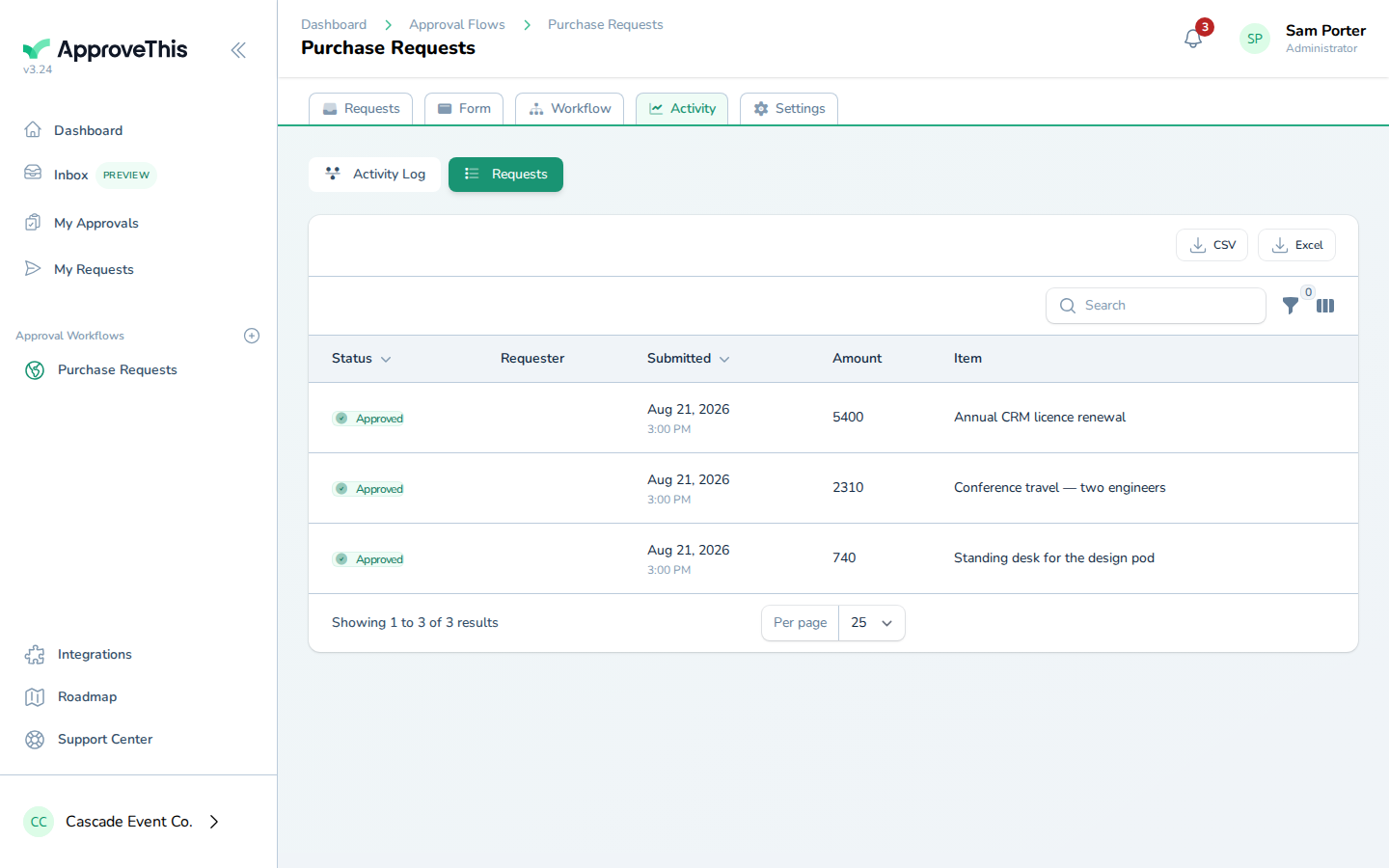
Click Requests to open the sub-tab listing every request submitted through this workflow. -
Click CSV in the table header. The file downloads immediately in the browser, with one row per request and one column per visible form field — fields marked hidden are never included, and the on-screen column show/hide toggles do not change what lands in the file.
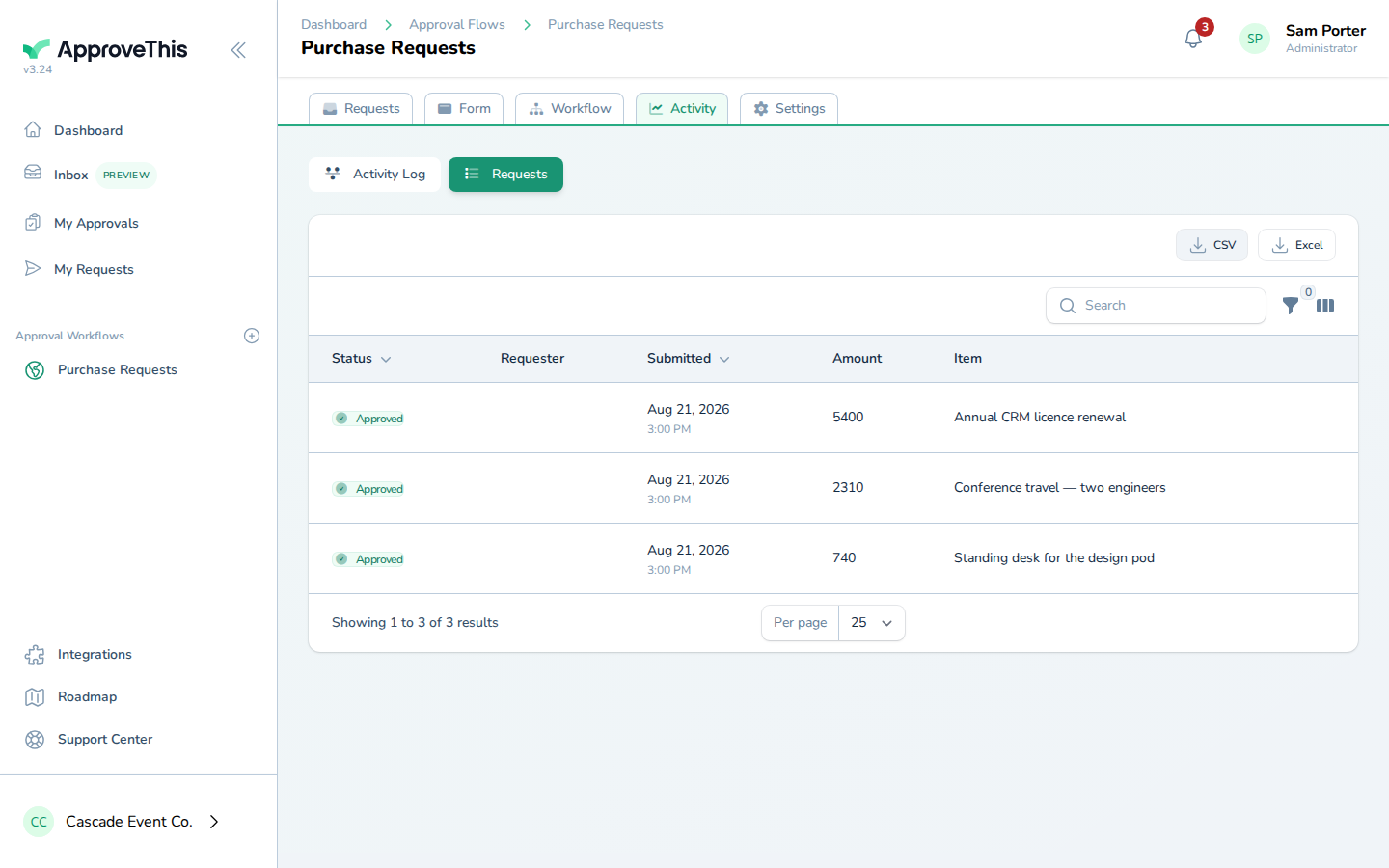
Click CSV in the table header. The file downloads immediately in the browser, with one row per request and one column per visible form field — fields marked… -
Click Activity Log to switch to the audit trail for this workflow.
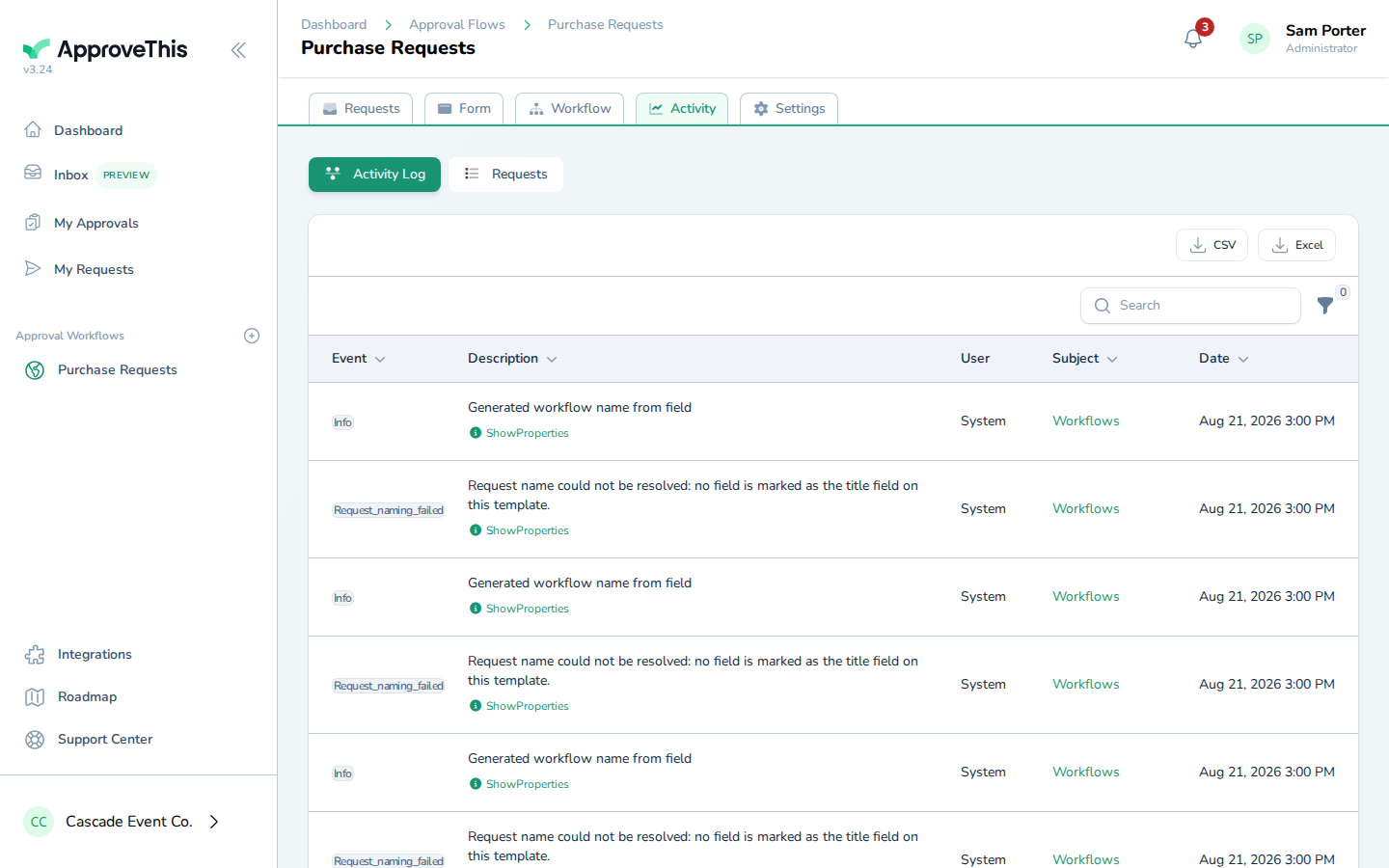
Click Activity Log to switch to the audit trail for this workflow. -
Click Date to sort by date, then click it again to reverse the order so the newest entries sit at the top; the example does this 2 times.
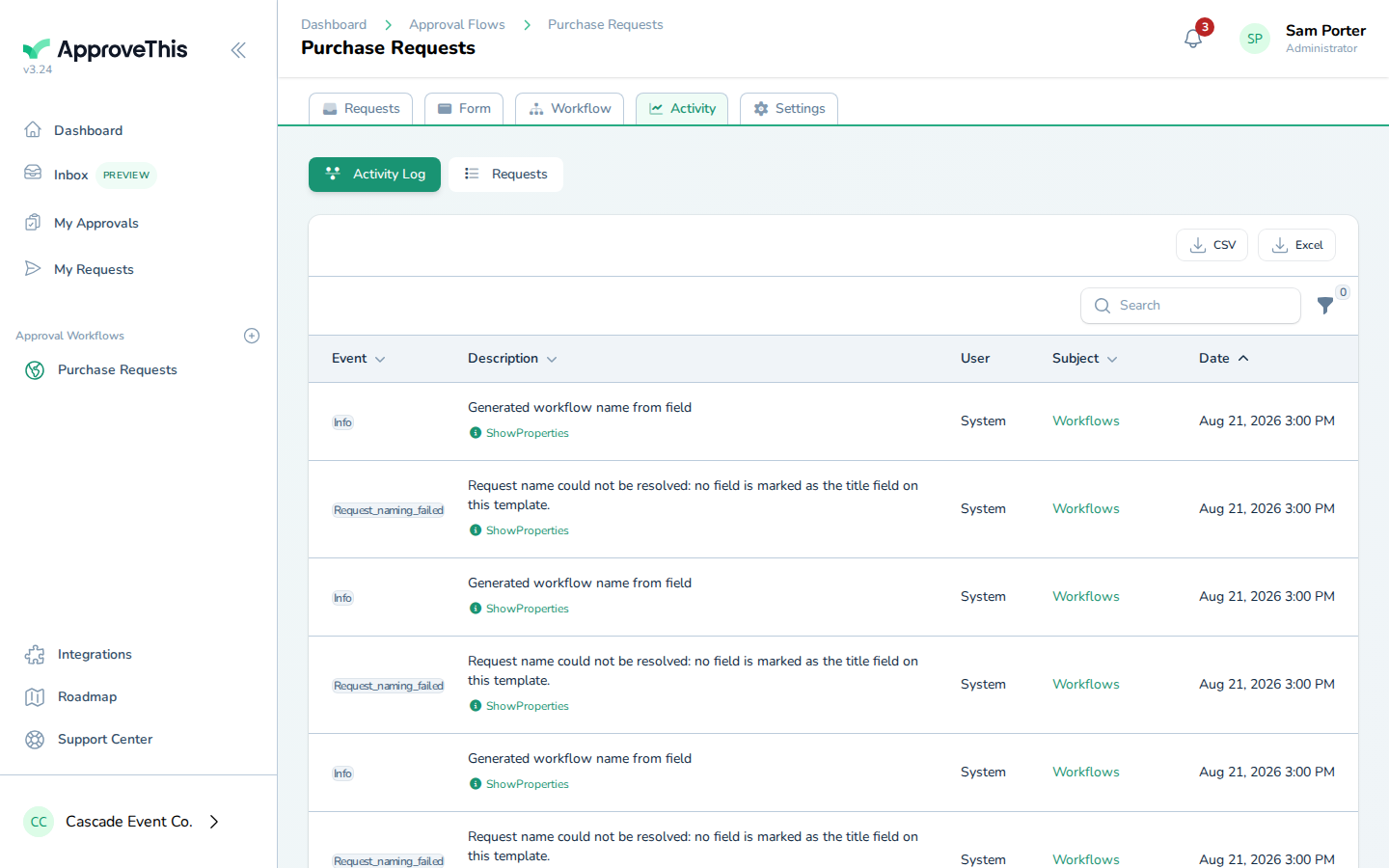
Click Date to sort by date, then click it again to reverse the order so the newest entries sit at the top; the example does this 2 times.